Attractive Arrows PowerPoint and Google Slides for Planning
Nodes
Colors






Arrows PowerPoint Theme
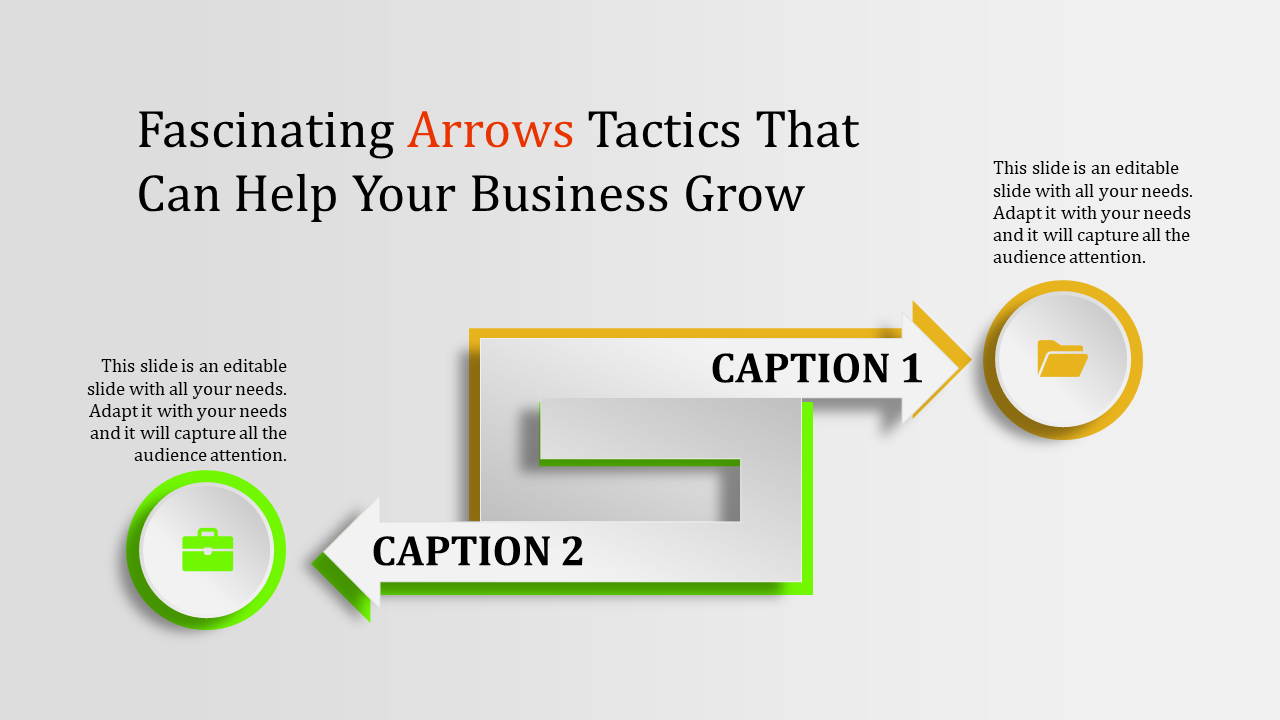
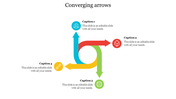
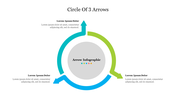
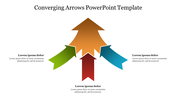
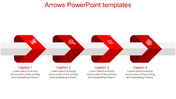
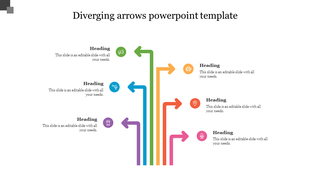
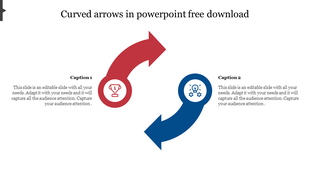
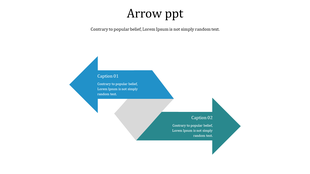
The "Arrows PowerPoint Template and Google Slides" is a dynamic presentation tool featuring two arrows pointing in opposite directions. Each arrow is distinctively colored and adorned with different icons and captions. This template is designed to visually represent contrasting concepts, ideas, or directions clearly and engagingly.
This template is ideal for various presentation scenarios where the contrast between two opposing concepts or directions needs to be highlighted. It can be used in business meetings, educational seminars, project discussions, and more. Whether you're comparing different strategies, analyzing pros and cons, or exploring alternative solutions, the visual representation provided by the arrows facilitates comprehension and stimulates discussion.
Compatibility with PowerPoint and Google Slides. Available in 16:9 and 4:3 aspect ratios, catering to different screen sizes and presentation preferences. Provided in ZIP format for easy sharing and distribution. 100% customizable features. Download now.
More Collections for Attractive Arrows PowerPoint and Google Slides
Recommended based on this template.









Similar Templates to Attractive Arrows PowerPoint and Google Slides











Showing20 of69,218 templates