Arrows PowerPoint Templates For Directional Slides
Free
Nodes

Colors

Arrows PowerPoint Templates and Google Slides
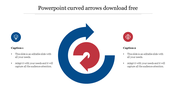
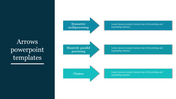
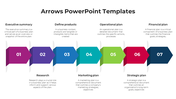
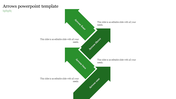
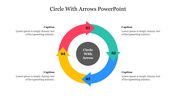
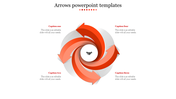
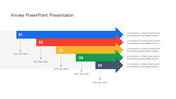
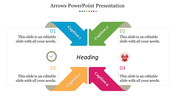
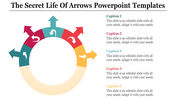
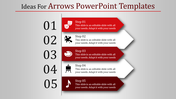
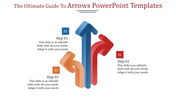
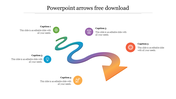
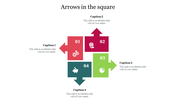
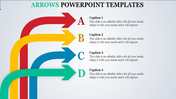
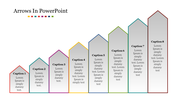
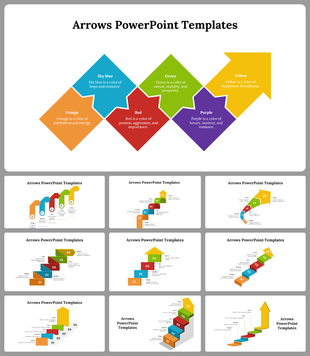
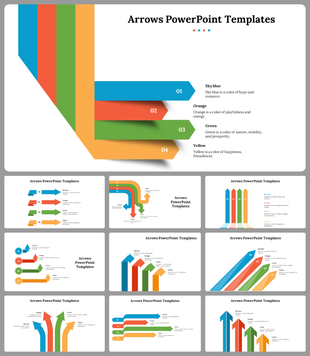
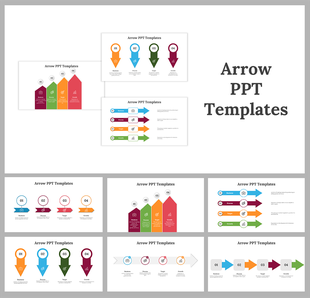
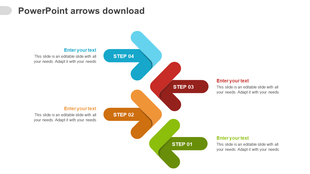
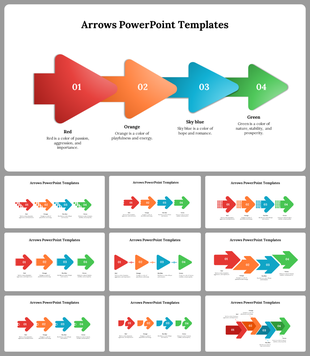
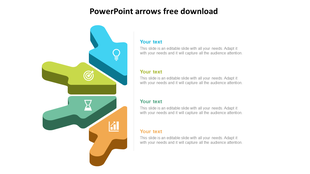
The "Arrows PowerPoint Templates and Google Slides" offers a visually engaging way to present information, utilizing colorful arrows to guide the audience's attention. The slide features a large, multi-colored arrow arranged in a cross shape, with each section containing a number and a caption.
This template is perfect for conveying step-by-step processes, sequential instructions, or chronological timelines. It can be used in various contexts such as project management, instructional guides, workflow diagrams, or strategic planning presentations. Designed for professionals, educators, trainers, and presenters who need to communicate complex information in a clear and visually appealing manner.
Compatible with PowerPoint and Google Slides, ensuring seamless integration and accessibility across different platforms. Available in "16:9" and "4:3" formats, as well as zip files, providing flexibility to adapt to different presentation preferences and screen resolutions. Fully customizable, allowing users to personalize the template to suit their specific presentation needs, including colors, fonts, and content. Download this free and customizable template today.
More Collections for Arrows PowerPoint Templates
Recommended based on this template.
Similar Templates to Arrows PowerPoint Templates


Showing20 of69,218 templates