Comprehensive Arrows PowerPoint And Google Slides For Teams
Free
Nodes

Colors
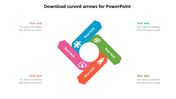


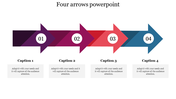
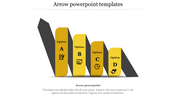
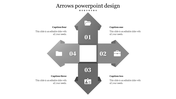



Arrows Presentation Template
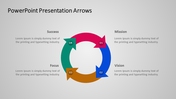
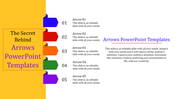
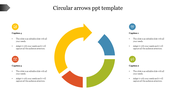
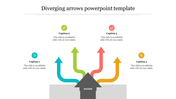
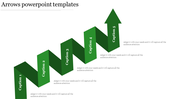
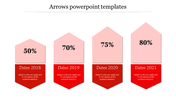
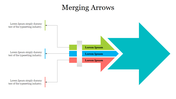
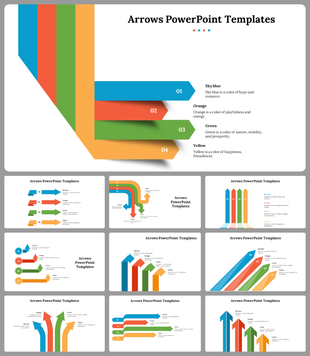
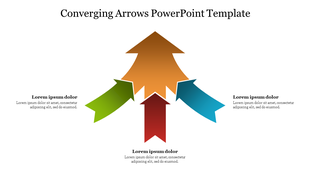
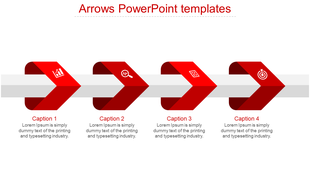
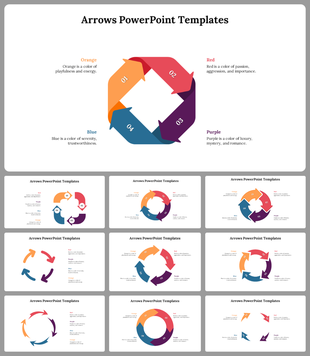
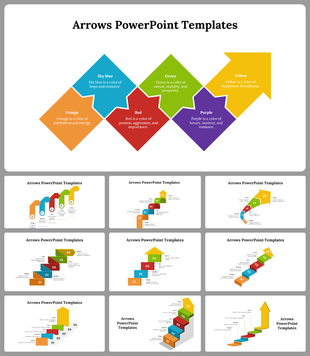
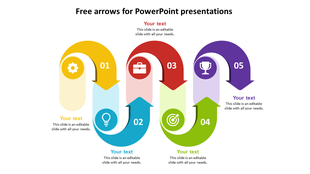
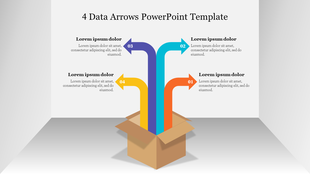
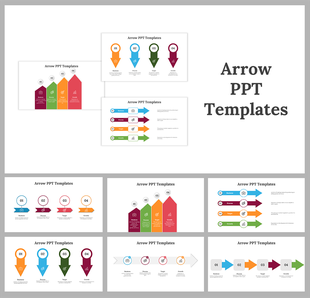
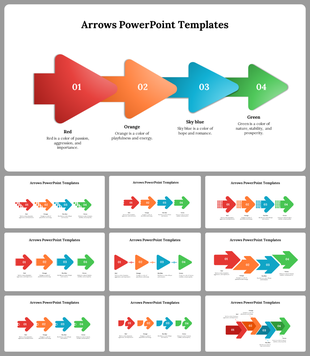
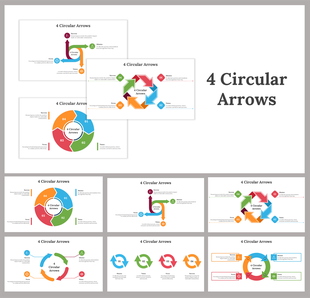
Our Arrows PowerPoint Template helps you make presentations that not only share information but also make your ideas clear and strong. Imagine easily capturing your audience's attention with vibrant diagrams shaped like arrows, guiding their understanding smoothly. This amazing template has four editable horizontal arrows in bright orange, set against a plain white background. Each arrow seamlessly flows into the next, creating an interesting effect. You can adjust the arrow's size, shape, and colors to match your message perfectly.
Whether you're a professional, student, or teacher, our Arrows PowerPoint Template is perfect for making your presentations stand out. It's simple design lets you customize and share your materials quickly, great for various audiences. With these templates, you can captivate your audience, keep their attention, and make a lasting impression on them. Get or check out our creative Arrows design template today and see how dynamic visuals can enhance your presentations.
Features of the template:
- Slides are available in different nodes & colors.
- Easy to change the slide colors.
- Well-crafted template with instant download.
More Collections for Comprehensive Arrows PowerPoint And Google Slides
Recommended based on this template.
Similar Templates to Comprehensive Arrows PowerPoint And Google Slides



Showing20 of69,218 templates