Best Arrows PowerPoint Presentation Template
Free
Nodes
Colors



Arrows Presentation Template
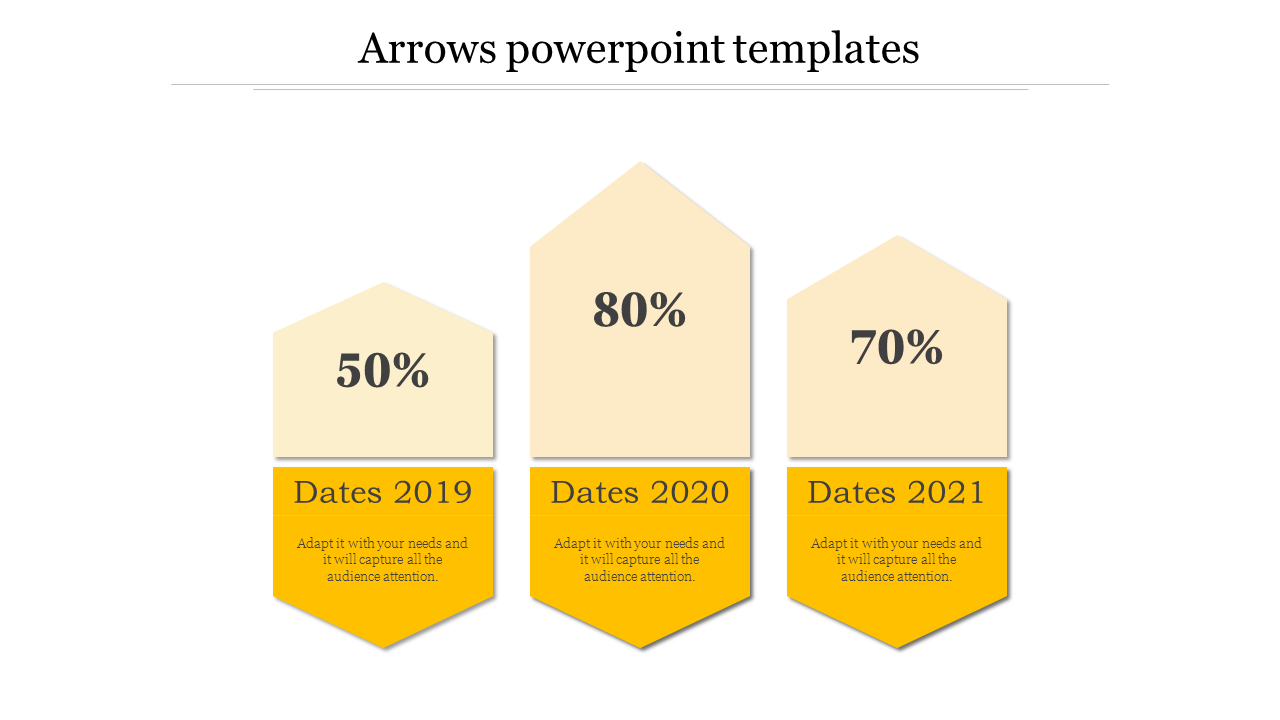
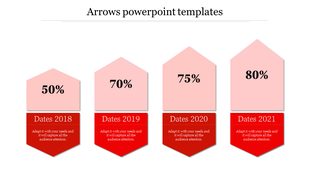
Capture your audience's attention and direct their focus with our Arrows PowerPoint Templates. Our slide features three hexagonal shapes arranged horizontally. Each hexagon contains an upward-pointing arrow. The left hexagon is labeled “50% Dates 2019,” the middle one is labeled “80% Dates 2020,” and the right one is labeled “70% Dates 2021.” Below each percentage, there is a Placeholder text. You can Customize this template according to your needs.
Purpose of this slide:
To visually represent data progression or comparison across three years (2019, 2020, and 2021). The upward arrows suggest positive trends or increases in whatever metric these percentages represent. It’s designed to showcase important data points concisely and engagingly during presentations.
Who can benefit?
Business professionals: Use it for quarterly or annual performance reports, Educators: Present student performance metrics over multiple years, and Students: Display research findings or project progress.
Enhance your next presentation with our templates. Download now!
Features of the template:
- Slides are available in 4:3 & 16:9
- Get slides that are 100% customizable and easy to download
- Highly compatible with PowerPoint and Google Slides
More Collections for Best Arrows PowerPoint Presentation Template
Recommended based on this template.









Similar Templates to Best Arrows PowerPoint Presentation Template











Showing20 of69,218 templates