Creative Arrows PowerPoint Templates for Visual Impact

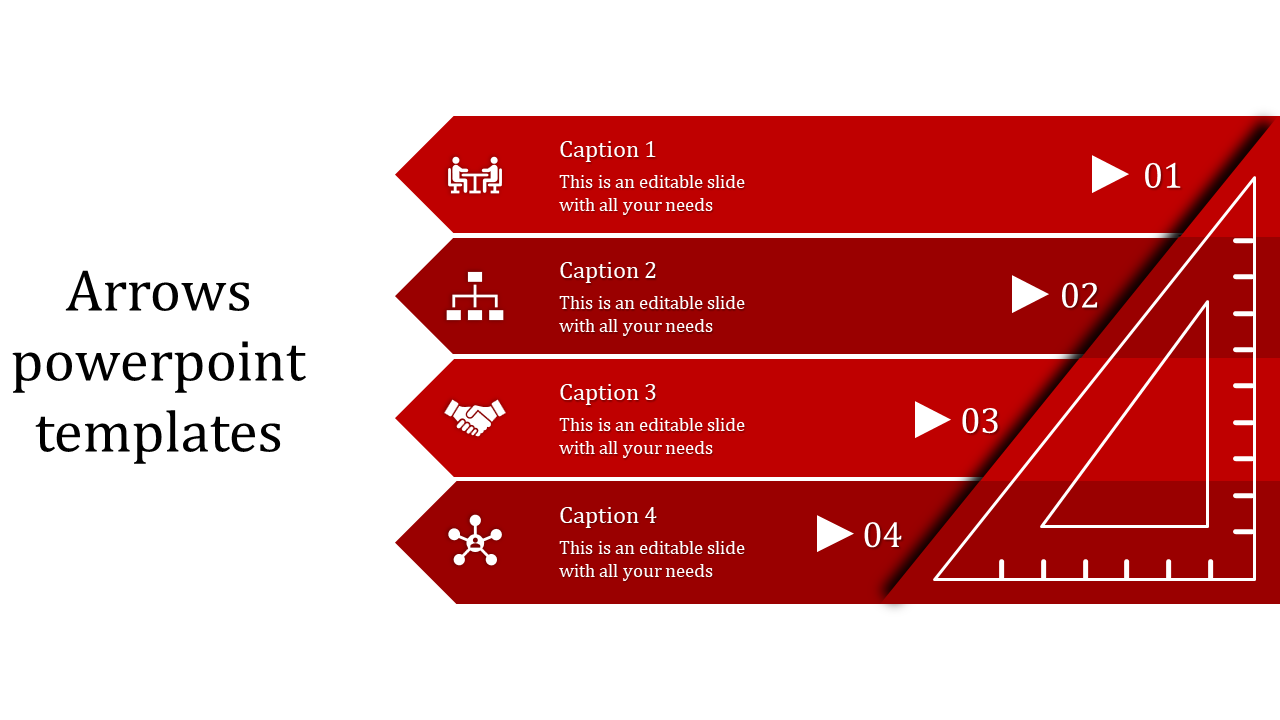
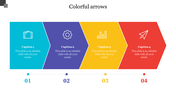
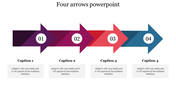
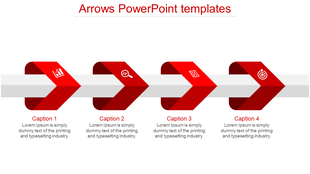
Four horizontal red arrows with icons and captions, pointing to numbers 01 to 04, alongside a triangular ruler design.
P.ID : 21290
    170 views
    1 Downloads
    Designer
    Kavitha
    Get Custom Slides by Experts
    Enhance Your Presentations with Add-ins
    Google Slides Add-in
    Access templates directly in Google Slides
    Microsoft PowerPoint Add-in
    Access templates directly in PowerPoint
    GPT Add-on
    AI-powered presentation assistance

    Red Set Square Inserted Template

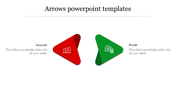
    Build your efficient presentation with our arrows and set square inserted templates. The bold red color, which is filled all over the diagram, is this template's eye-catchy element. The nodes are composed of icons and other elements that make your work more informative. The editable feature of this template is highly adored by many. Through this, you can build your template according to your preferences. So, don't waste your time and experience laurels using our set square inserted template. 

    Features Of the template

    • 100% customizable slides and easy to download
    • Slides are available in different nodes & colors.
    • The slides contained 16:9 and 4:3 formats.
    • Easy to change the slide colors quickly.
    • Well-crafted template with instant download facility.
    • Affordable template with many designs
    • Four nodes are given to you.
    Advertisement

    You May Also Like These PowerPoint Templates
    Free
    Add to Wishlist
    Download
    Edit
    Business strategy infographic with a rising arrow and four horizontal purple blocks, each numbered 01 to 04.
    Free
    Add to Wishlist
    Download
    Edit
    Template with four vertical gray arrows, featuring icons and text placeholders aligned on the right.
    Free
    Add to Wishlist
    Download
    Edit
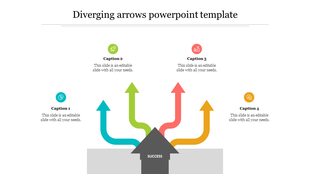
    Slide featuring a gold shopping cart on the right and four directional arrows in blue, orange, red, and green with captions.
    Free
    Add to Wishlist
    Download
    Edit
    Row of four yellow arrows pointing to the right on a gray line, with corresponding captions beneath.