Arrows PowerPoint Templates For Directional Guidance
Free
Nodes
Colors

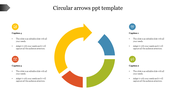
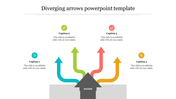
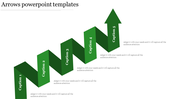
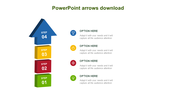
Arrow Presentation Template and Google Slides Themes
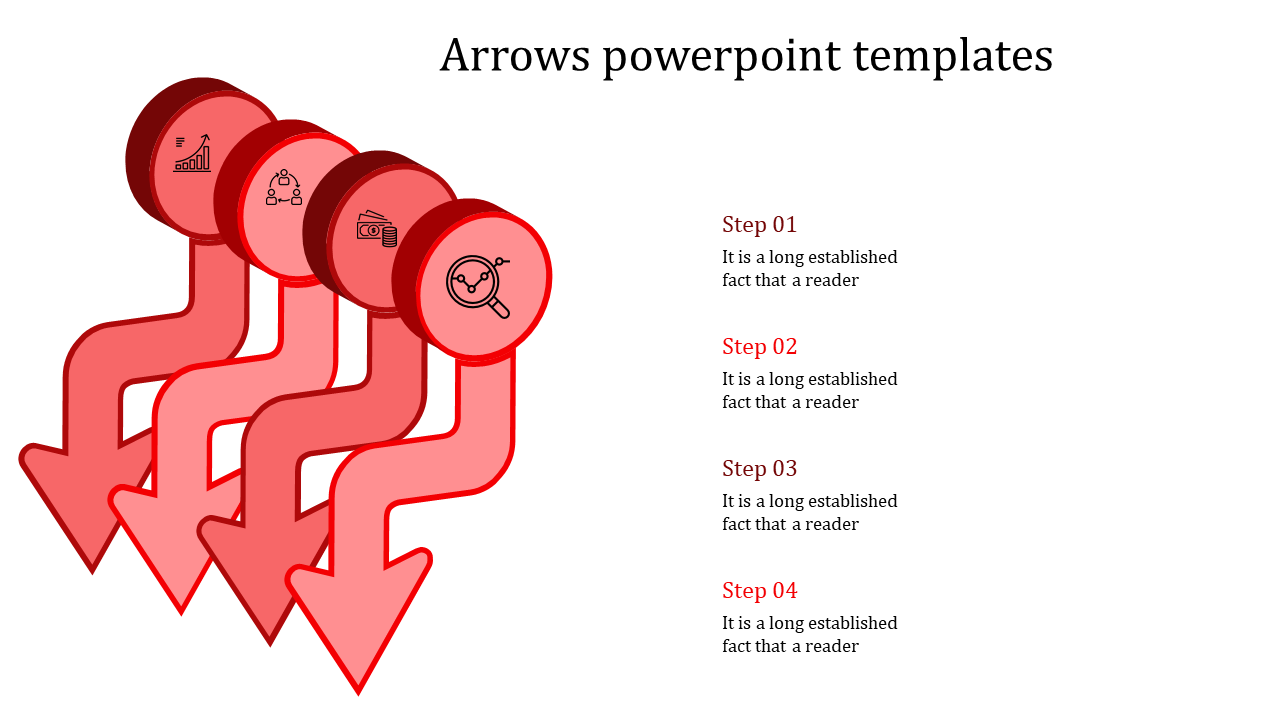
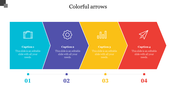
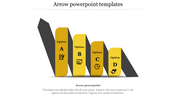
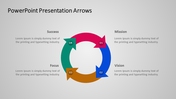
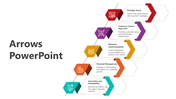
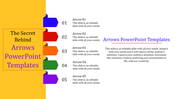
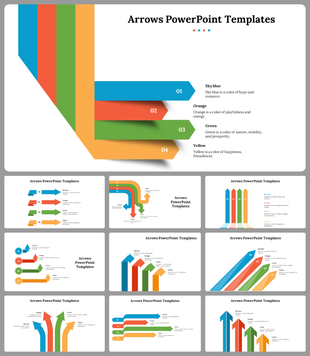
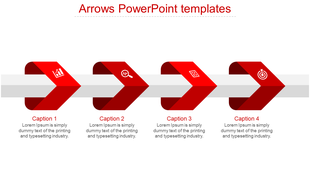
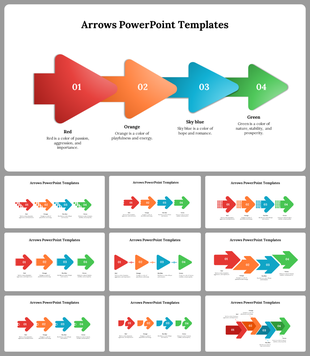
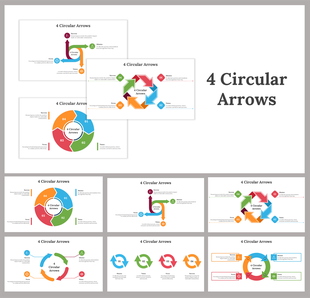
Visualize your goals and map your path to success with our dynamic arrows PowerPoint templates! Featuring four downward arrows with eye-catching icons, this four-step slide design is perfect for showcasing progress, strategies, and action plans.
Who can use these slides?
Business professionals, project managers, educators, and anyone looking to present information in a clear, step-by-step format will find these templates invaluable.
Where can it be used?
From business presentations and project proposals to educational lectures and training materials, the possibilities are endless!
Purpose of the slide:
Effectively illustrate processes, timelines, and goal-oriented strategies in a visually engaging manner. Download our arrows templates today and take your presentations to the next level!
Features of the template
- 100% customizable slides and easy to download.
- Slides are available in different nodes & colors.
- The slide contains 16:9 and 4:3 formats.
- It is easy to change the colors of the slide quickly.
- Well-crafted template with an instant download facility.
More Collections for Arrows PowerPoint Templates
Recommended based on this template.
Similar Templates to Arrows PowerPoint Templates
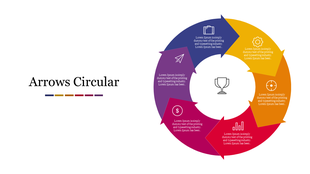
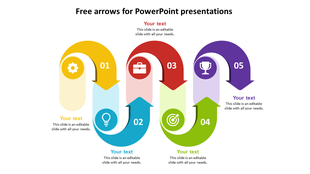
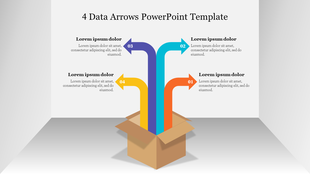
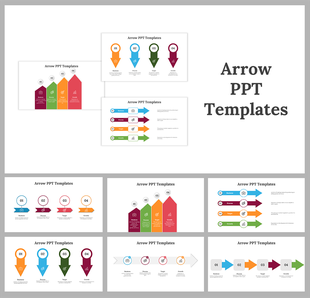
Showing20 of74,521 templates