Innovative Arrows PowerPoint and Google Slides for Growth
Free
Nodes
Colors



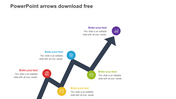

Customizable Arrow Presentation Template
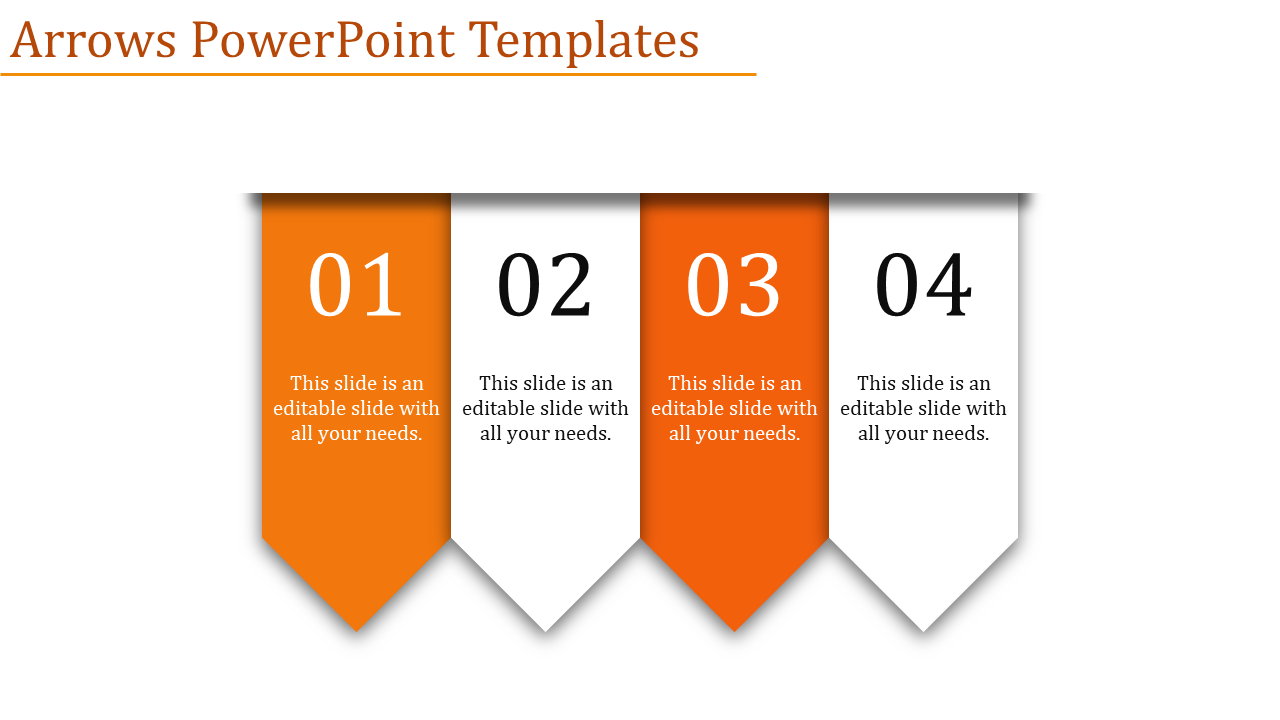
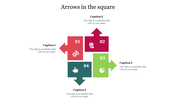
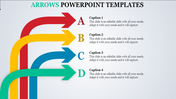
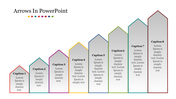
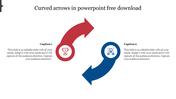
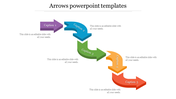
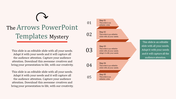
Presentations are super important for sharing ideas and getting people excited. That's where the Arrows PowerPoint template and Google Slides come in handy. It's got cool arrows in white and orange that help guide your audience through your info. Each arrow represents a different part of your topic, making it easy for everyone to follow along. Its versatile design and customizable features make it suitable for a wide range of uses.
Plus, there are numbered points to keep things organized. You can change the colors, fonts, and style to match your vibe! Whether you're a pro, a teacher, or just want to impress, this template is perfect. You can use it for all sorts of stuff like showing timelines, explaining processes, or sharing achievements. So why wait? Grab the template now and make your presentations awesome!
Features of the template:
- Slides are available in different nodes & colors.
- Easy to change the slide colors.
- Well-crafted template with instant download.
More Collections for Innovative Arrows PowerPoint and Google Slides
Recommended based on this template.









Similar Templates to Innovative Arrows PowerPoint and Google Slides

















Showing20 of69,218 templates