Engaging Arrows PowerPoint And Google Slides For Strategy
Free
Nodes

Colors
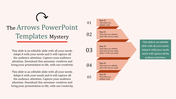
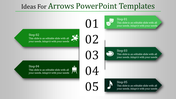
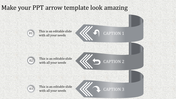
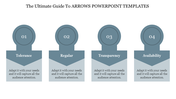
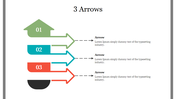
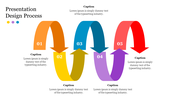
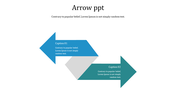

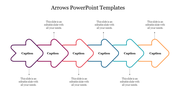
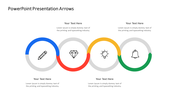
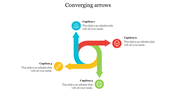
Arrow Themed Presentation Template
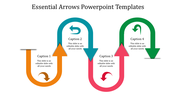
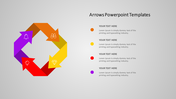
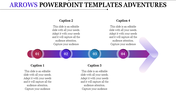
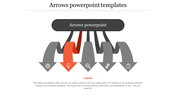
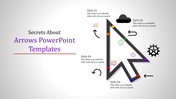
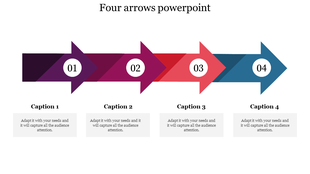
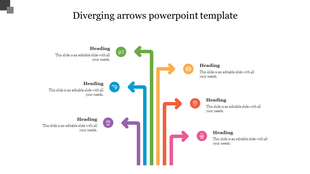
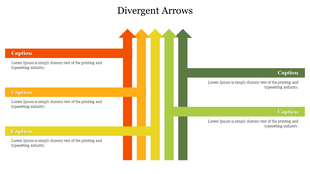
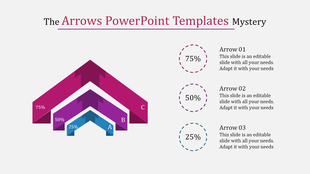
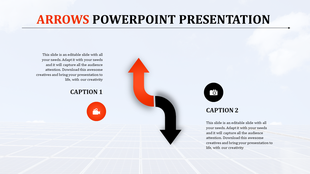
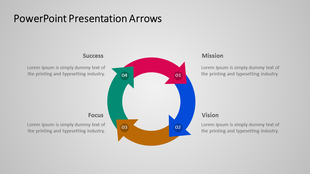
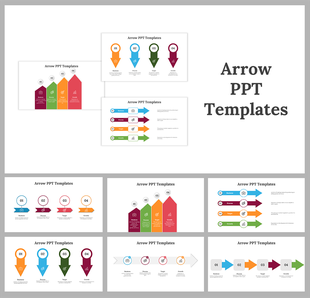
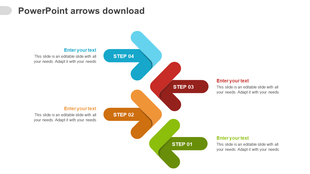
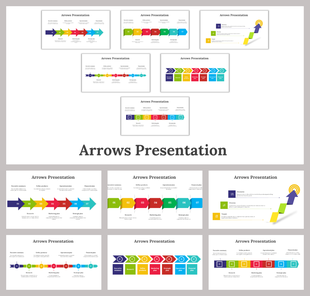
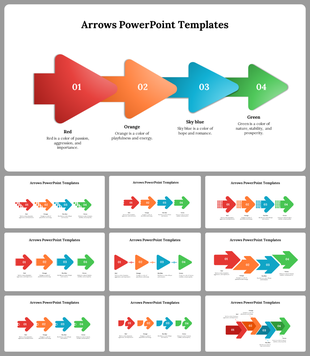
Upgrade your presentations with our Arrows PowerPoint Template and Google Slides transforming dull bullet points into engaging visual stories. Make your presentations better with the template. It makes boring lists more interesting by using pictures. This template helps your audience understand your ideas easily. You can show processes, progress, or connections with cool arrow graphics. One slide has a big orange arrow that looks like the letter "S."
There are also smaller arrows showing which way to go. This slide looks clean and simple. You can change the colors and fonts to match your style. It's great for teachers, managers, and business people who want better presentations. The template is easy to use, so you can make awesome presentations without a lot of work. Get the Template now and make your presentations awesome!
Features of the template:
- Slides are available in different nodes & colors.
- Easy to change the slide colors.
- Well-crafted template with instant download.
More Collections for Engaging Arrows PowerPoint And Google Slides
Recommended based on this template.
Similar Templates to Engaging Arrows PowerPoint And Google Slides

Showing20 of69,218 templates