Editable Arrows PowerPoint Design With Five Nodes Slide
Free
Nodes

Colors


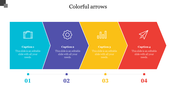
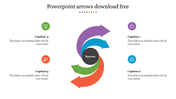
Practical Arrows PowerPoint Template With Four Nodes
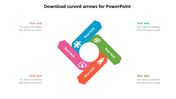
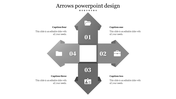
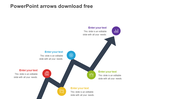
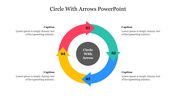
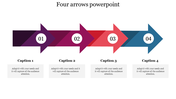
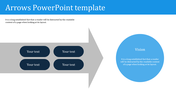
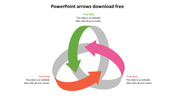
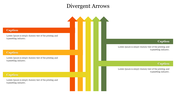
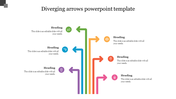
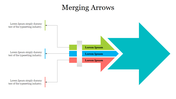
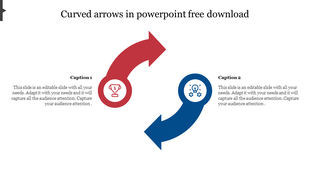
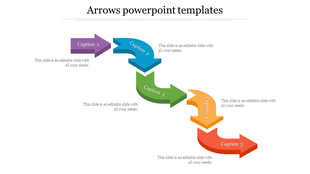
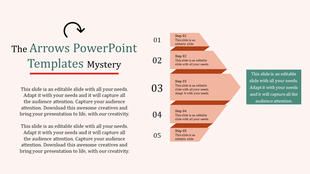
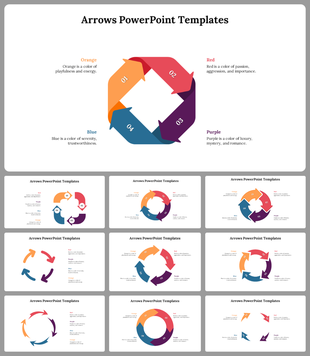
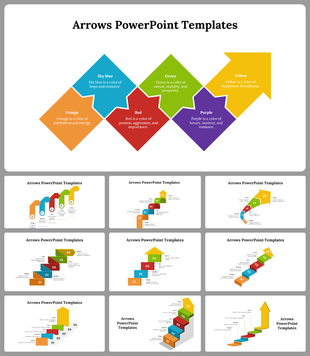
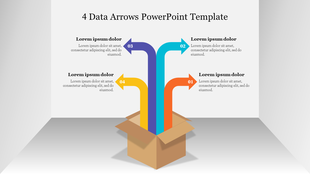
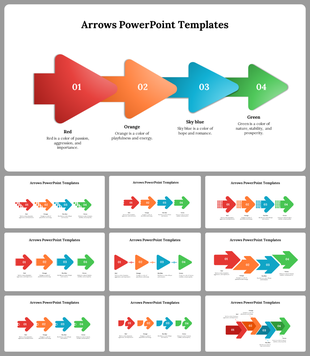
A business strategy requires a series of steps need to achieve the goal. Do you want to share your step-by-step plan or process with the investor or client? Download our arrows PowerPoint design. With its minimalist design and four icons with text areas, you can highlight key points and make your content more memorable. Also, the arrows add a unique touch and can be used to draw attention from your audience. Finally, get the PowerPoint and customize it as per your concepts.
Features of the Template
- 100 % customizable slides and easy-to-download
- Slides are available in different nodes & colors.
- This PowerPoint has a blue theme.
- The slide contained 6:9 and 4:3 formats.
- It comes with four nodes.
- Easy to change the slide colors quickly.
- It is a well-crafted template with an instant download facility.
- It is designed with a stunning design.
More Collections for Editable Arrows PowerPoint Design
Recommended based on this template.
Similar Templates to Editable Arrows PowerPoint Design

Showing20 of69,218 templates