Editable Arrows For PowerPoint Presentations Templates
Free
Nodes

Colors
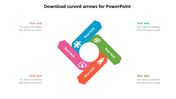
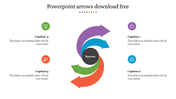


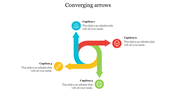

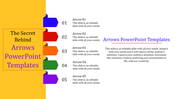

Attractive Arroe Slide In Yellow Color
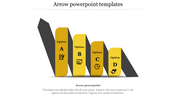
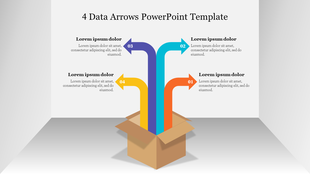
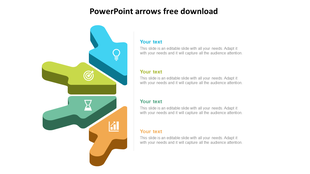
Arrows are powerful infographics for visualizing processes. Get this eye-catching Arrow PowerPoint Template from Slide Egg to make your presentations a great hit. It is a brilliant way of presenting your business plans and strategies, sales and marketing strategies, etc. It has four attractive, vertically placed, yellow-filled arrows of different sizes with business icons and space to add your text. Each arrow also includes an editable text area for your descriptions. The 3D pillar and arrows of this slide will make your presentations outstanding. Try now!
Features of the template
- 100% customizable slides and easy to download.
- Slides are available in different nodes & colors.
- The slide contains 16:9 and 4:3 formats.
- Easy to change the colors of the slide quickly.
- Well-crafted template with an instant download facility.
- It has 3D graphics in bright colors.
More Collections for Editable Arrows
Recommended based on this template.
Similar Templates to Editable Arrows


Showing20 of69,218 templates