Free - Innovative Arrows Design PowerPoint In Red Color Model
Free










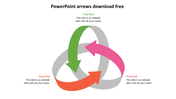
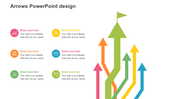
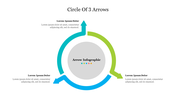
Interesting Arrow Design Template
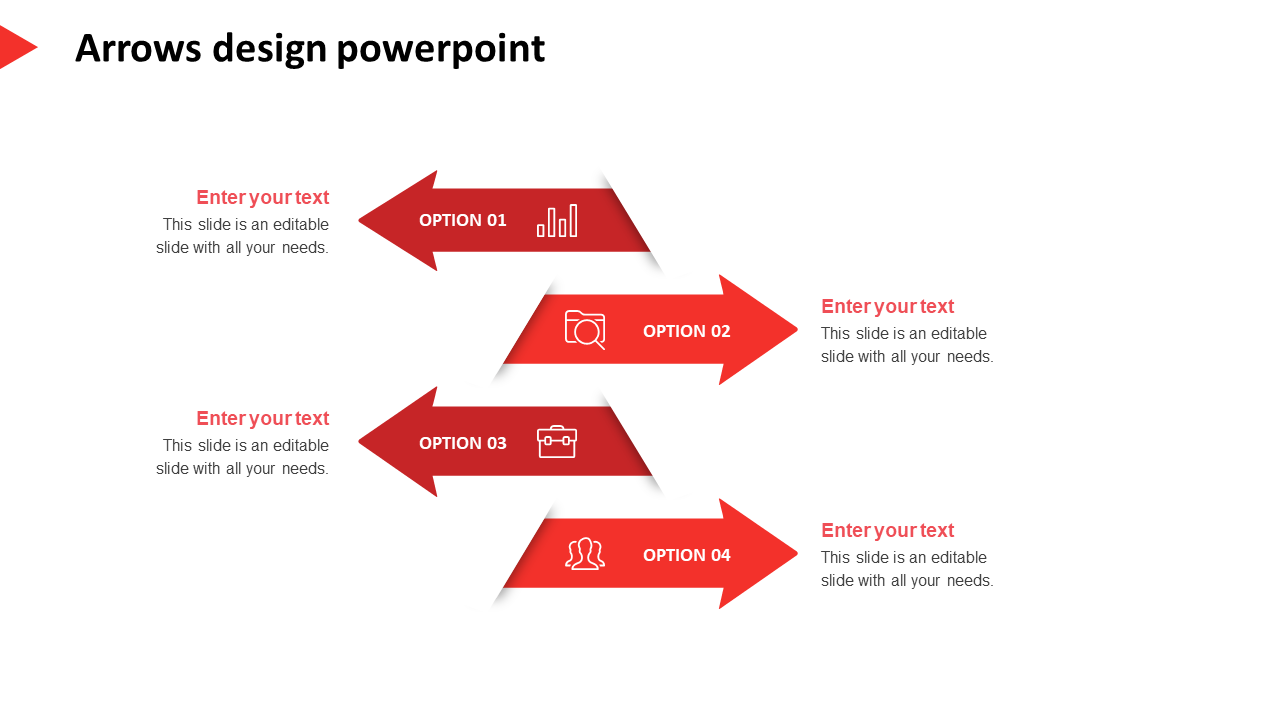
A shade that attracts everyone would be red. And when this color is used in the presentation nodes, the audience will have their heads turned on to the topic presented. The arrows are used to point out topics and bring out the highlighted points from observations. So you can use this accessible template to bring in the essential points for the project presentations and other outcomes. The template is creative, with a spacious text area and customizable features. Try using this template and make your presentation a success.
Features of the Template:
- 100% customizable slides and easy to download.
- The slide contains 16:9 and 4:3 formats.
- Slides are available in different nodes & colors.
- Easy to change the colors of the slide quickly.
- Well-crafted template with an instant download facility.
- Red shade with text area.









You May Also Like These PowerPoint Templates

















Showing20 of69,218 templates