Free - Get the Best Arrow for PowerPoint Presentation Slides
Free
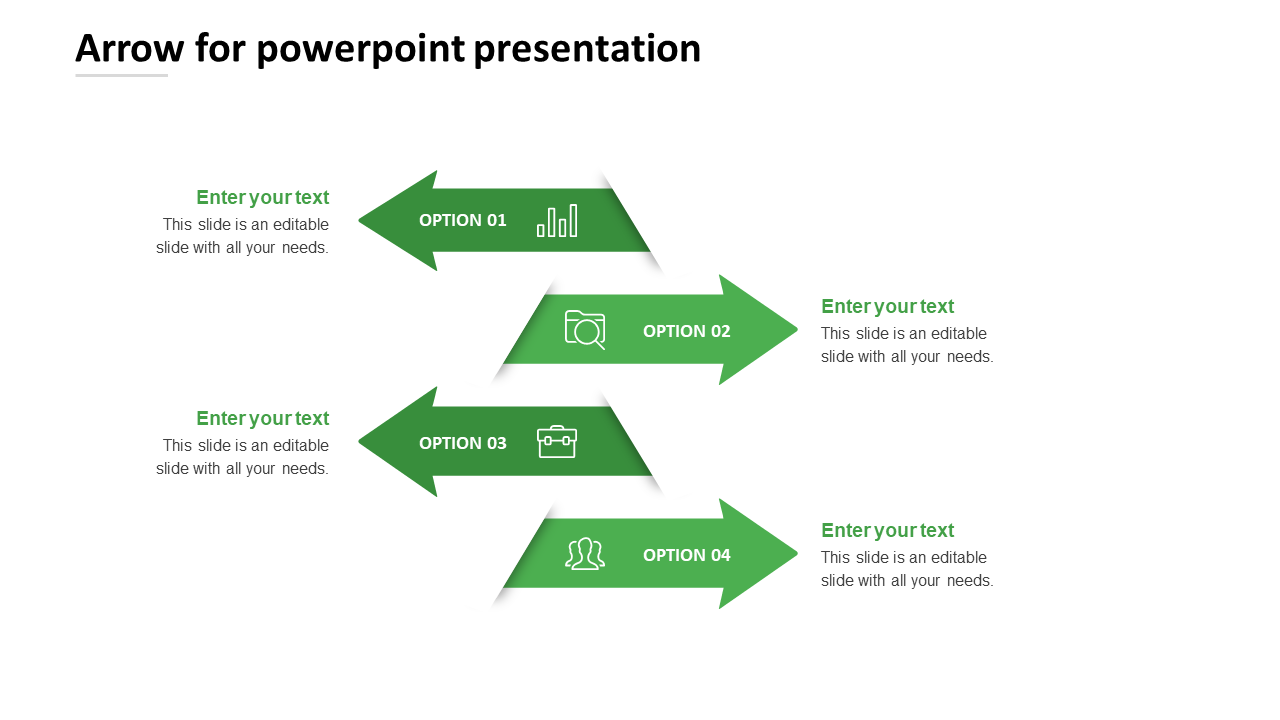








Green Shade Arrow PPT Template
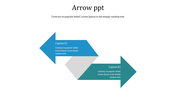
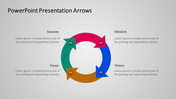
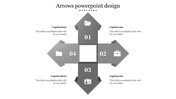
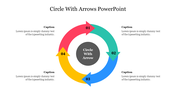
The green nodes with arrow design highlight the overall presentation outlook. The small icons with shades of green bring in a refreshing and mild impression on the audience. The small icons help to describe the topic in detail with this free template. The template can be edited and customized according to the use of the template. You can well present the topic with the text area as you can explain the topic in detail in the given space. Try using this free template and make it a choice to succeed. Download now!
Features of the Template:
- 100% customizable slides and easy to download.
- The slide contains 16:9 and 4:3 formats.
- Slides are available in different nodes & colors.
- Easy to change the colors of the slide quickly.
- Well-crafted template with an instant download facility.
- Green shades with four nodes.









You May Also Like These PowerPoint Templates


















Showing20 of69,218 templates