Impress your Audience with Timeline Template PPT Slides
Free
Nodes
Colors
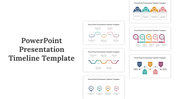
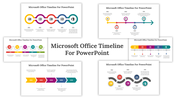
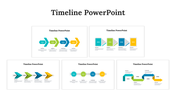
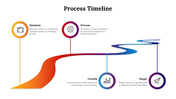
Streamline Your Planning With Timeline Template PPT Presentation
This timeline template PPT template and Google Slides themes are designed to present your business plans and with the greatest precision.
Slide Description:
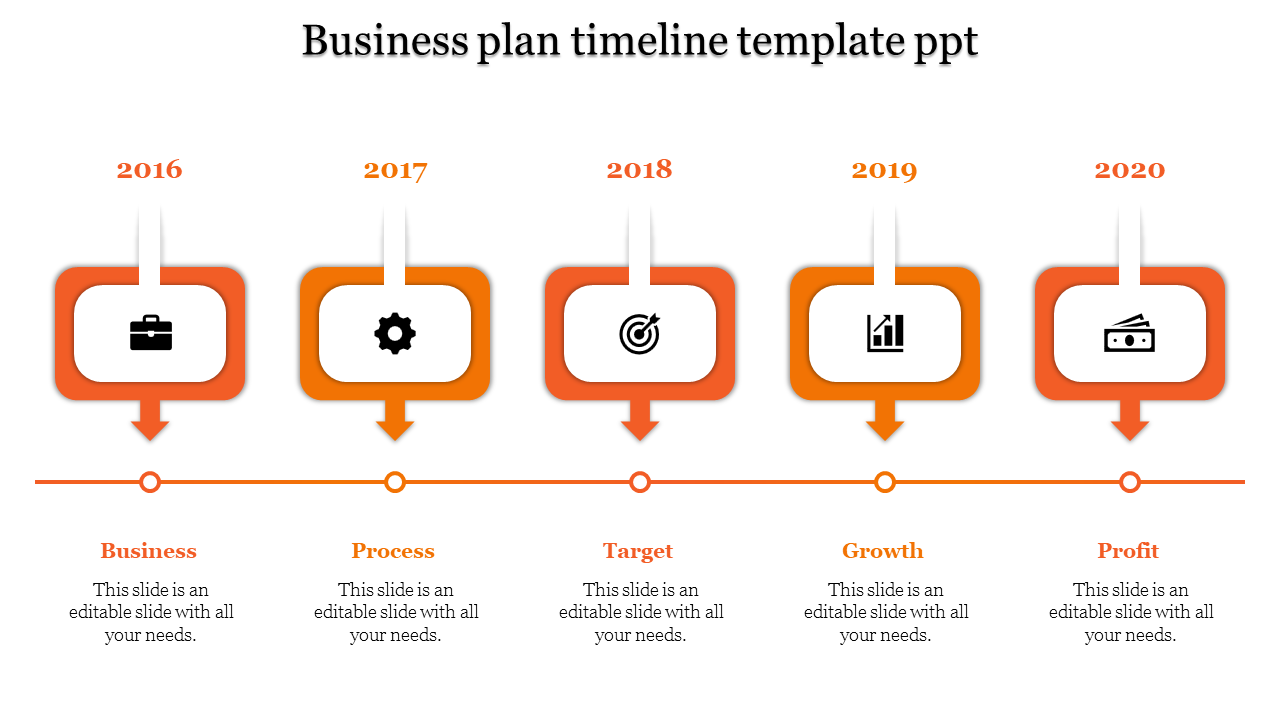
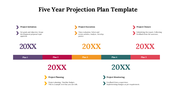
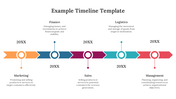
This template design has five orange-colored square boxes in a straight line, each representing the years from 2016 to 2020. Each node is assigned to a particular year and contains an icon and title holder.
- 2016 - Business: Focus on fundamentals
- 2017 - Process: Talk about ways we do things.
- 2018 - Target: Set what we want to reach.
- 2019 - Growth: Plan how to grow bigger.
- 2020 - Profit: Talk about money and what we hope to make.
Who is it for?
- Business Strategists
- Project Managers
- Corporate Planners
- Entrepreneurs
What are the best uses of the timeline template?
This template would be perfect for annual reports, strategic planning sessions, and business proposals
Get this template now to add drama to your presentations while being organized and structured.
Features of the template
- 100% customizable slides and easy to download.
- The slides contain 16:9 and 4:3 formats.
- Easy to change the colors quickly.
- It is a well-crafted template with an instant download facility.
- It is a 100% pre-designed slide.
- The slide holds vibrant colors.
Explore Related Collections
Recommended based on this template.









You May Also Like These PowerPoint Templates




Showing20 of69,218 templates