Inspire everyone with Timeline Example Themes Presentation
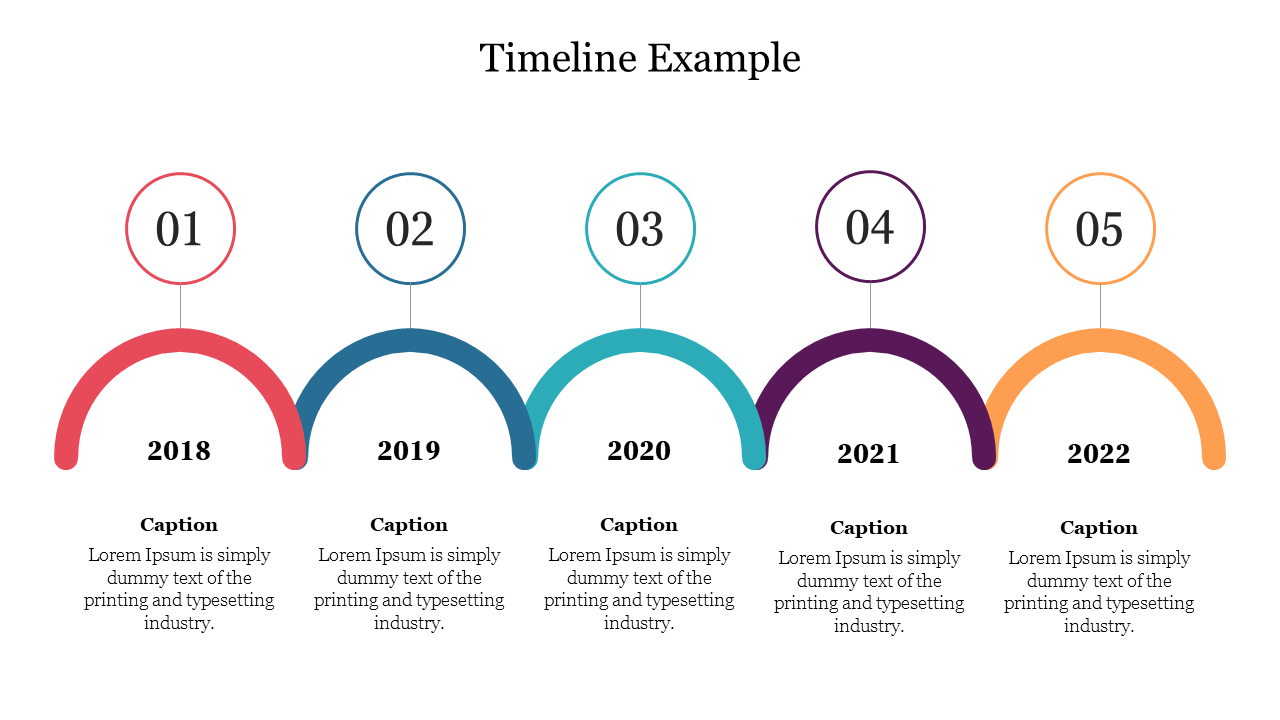
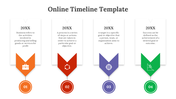
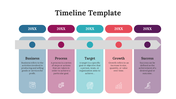
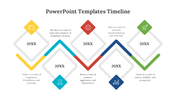
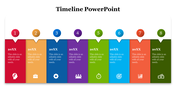
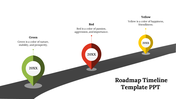
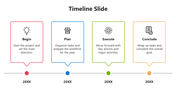
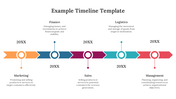
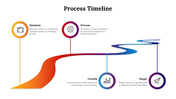
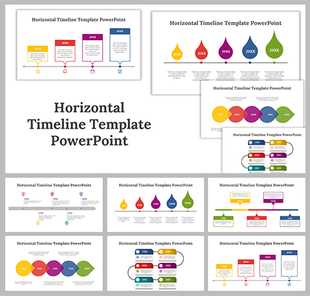
Multicolor Arc Design Timeline PPT Slide
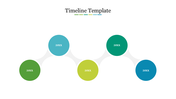
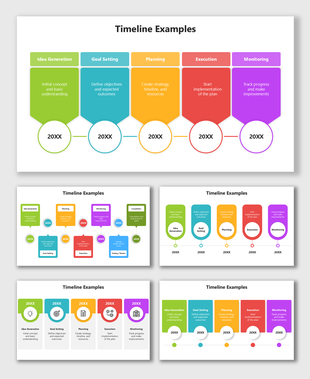
How do you make timelines fast? Where can we learn to do timeline presentations faster? For these questions, here are the answers: Choosing an appropriate timeline slide is the first thing to make a presentation faster. There is no need to spend extended time on making timelines. We SlideEgg has thousands of timeline slides; add them or download them. Then we can customize it based on our choice or need. These slides are user-friendly so that you can edit freely. This slide has five modes with five continuous arc design circles, and it has years at the bottom of the five colorful arcs. Download now!!
Features of this template:
- Innovative slide background designs
- 100% easy to edit and customize slides
- The slide contained 16:9 and 4:3 formats.
- Easy to change the slide colors quickly.
- The elegant look of this template will give life to your process presentation.
- Take less time to edit.









You May Also Like These PowerPoint Templates
Showing20 of69,218 templates