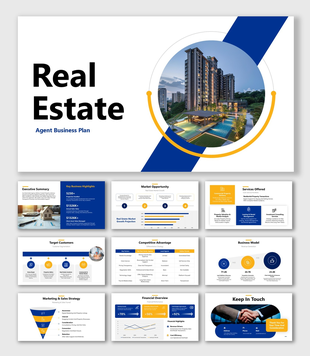
Arrow design strategic framework presentation download
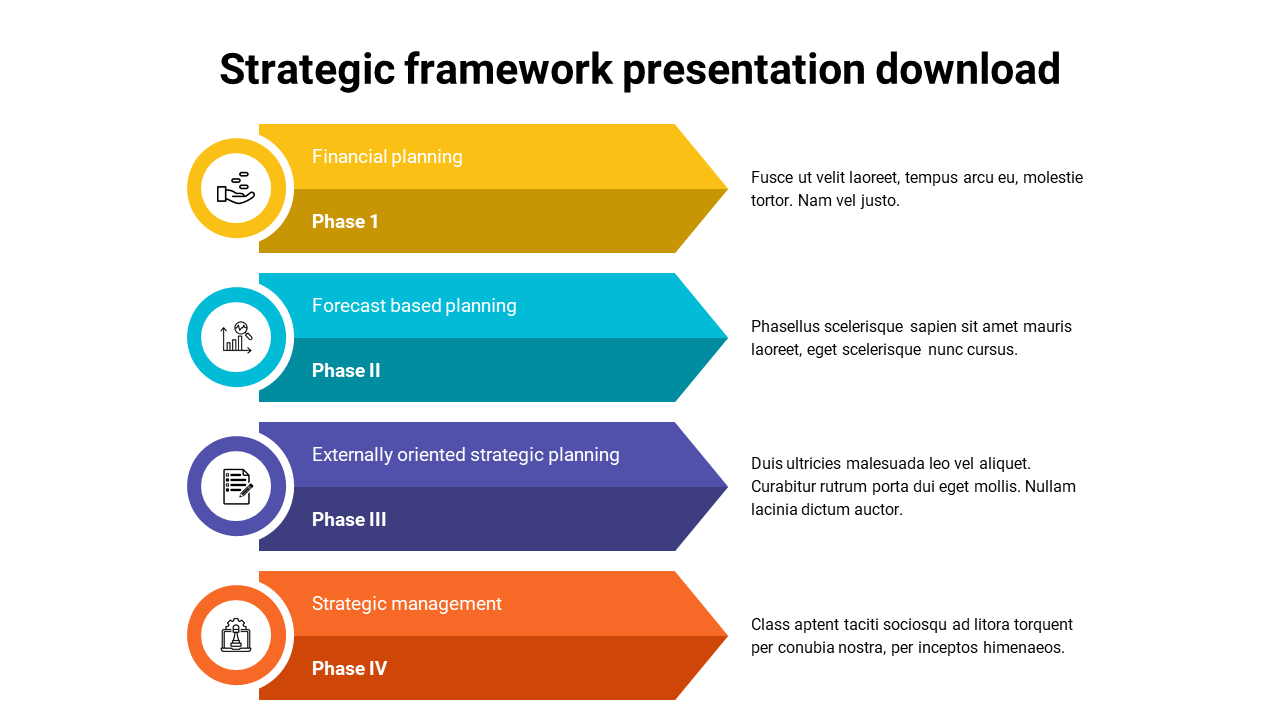
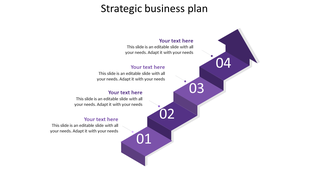
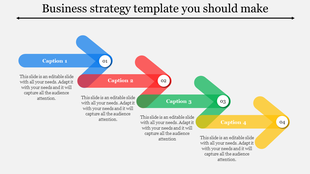
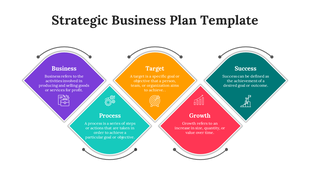
A PPT slide for a strategic framework presentation, showing four colored phases with corresponding icons and descriptions.
P.ID : 54737
    772 views
    91 Downloads
    Designer
    Kavitha
    Get Custom Slides by Experts
    Enhance Your Presentations with Add-ins
    Google Slides Add-in
    Access templates directly in Google Slides
    Microsoft PowerPoint Add-in
    Access templates directly in PowerPoint
    GPT Add-on
    AI-powered presentation assistance

    Neat Arrow Design Framework Template

    Try this strategic framework template for your business presentation. The template is effective with four nodes that can be used for explaining the points for the business. The arrow design gives a detailed explanation of the project. This fully customized template can be edited and can bring more details into the same template. Try this helpful template and gain the effect.

    Feature of the Template

    • 100% customizable slides
    • Easy to change the slide colors quickly.
    • It is easy to download.
    • Slides are available in different nodes & colors.
    • The slide contained 16:9 and 4:3 formats.
    • Well-crafted template with instant download facility.
    • Creative design with text area.

    Advertisement

    You May Also Like These PowerPoint Templates
    Add to Wishlist
    Download
    Edit
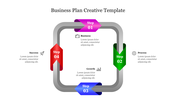
    Slide with a colorful 3D tube structure in blue, green, and red circular endpoint, featuring text placeholders.
    Free
    Add to Wishlist
    Download
    Edit
    Four connected squares with orange accents, showing business terms like target, process, and growth with icons.
    Free
    Add to Wishlist
    Download
    Edit
    Business ideas slide with images of a woman and man thinking while working on laptops on a white backdrop.
    Free
    Add to Wishlist
    Download
    Edit
    Business strategy PPT model slide with grey icons representing profit, business, growth, target, and process with text.
    Add to Wishlist
    Download
    Edit
    Business process flow with six purple steps paired with yellow numbered blocks, connected by arrows with a central blue icon.