Simple PowerPoint Diagrams For Presentations
Nodes
Colors





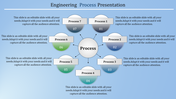
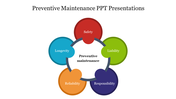
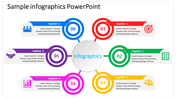
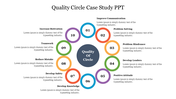

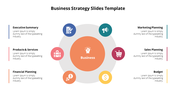
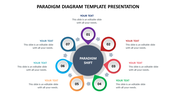

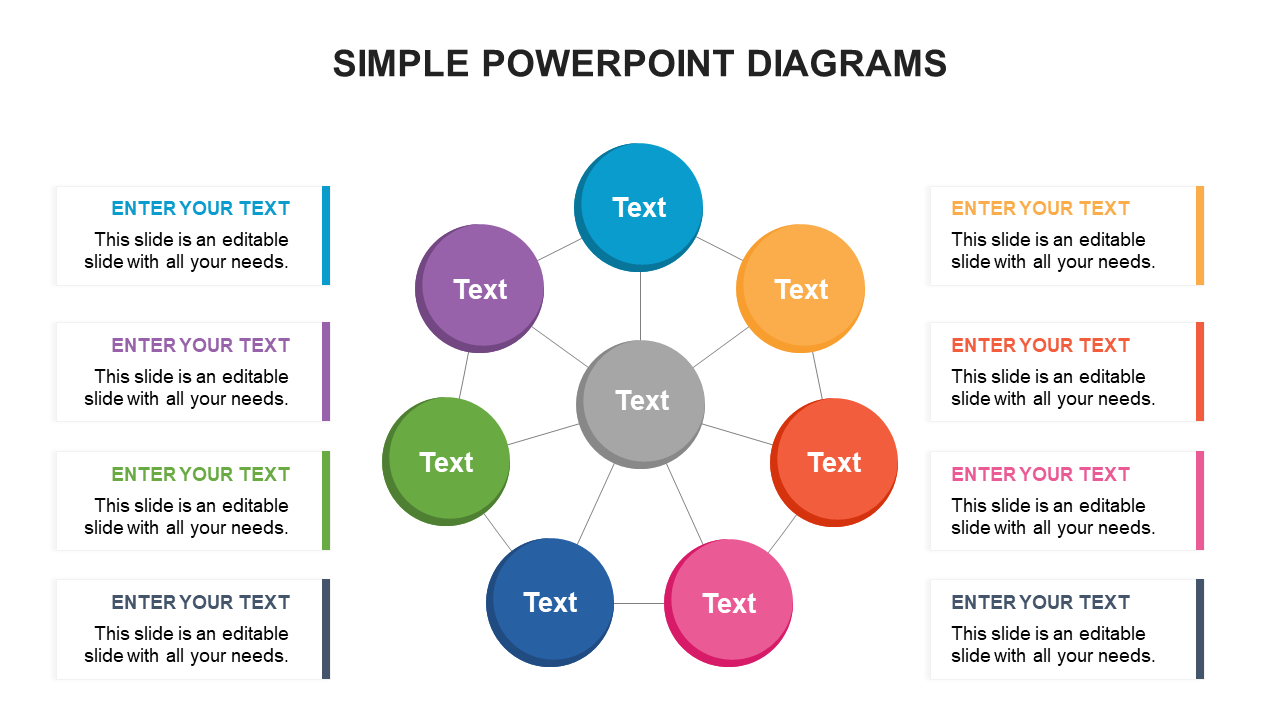
Elegant and Simple PowerPoint Slide With Eight Nodes
Try our Simple PowerPoint diagrams if you want to share any complex plans or ideas with your students or clients. The web-like structure with eight text holders helps you explain complicated ideas. Also, we provide eight text areas to add project schedules, status, and upcoming reports. Each text area has different shades to create visual clarification. You can add information about your practical plans and strategies. The design of this template is entirely editable so that you can make it per your idea.
Features of the Template
- 100 % customizable slides and easy to download
- Slides are available in different nodes & colors.
- This PowerPoint has eight nodes.
- The slide contained 16:9 and 4:3 formats.
- It comes with a web theme.
- Easy to change the slide colors quickly.
- It is a well-crafted template with an instant download facility.
- It is designed with a stunning theme design.
- Highly compatible with PowerPoint, Google Slides and Canva templates
More Collections for Simple PowerPoint Diagrams For Presentations
Recommended based on this template.









Similar Templates to Simple PowerPoint Diagrams For Presentations







Showing20 of69,218 templates