2090+ Arrows Presentation Templates

Your audience hears the concept but can't see the flow. Without arrows showing direction, flow, and connections, complex ideas stay abstract. Arrows transform invisible thinking into visible clarity.
Free
Add to Wishlist Download Edit
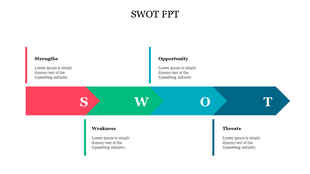
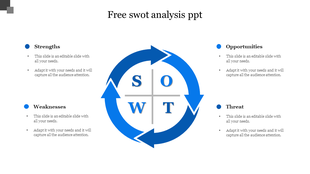
Slide featuring a SWOT analysis template with sections for strengths, weaknesses, opportunities, threats, and text area.
Free
Add to Wishlist Download Edit
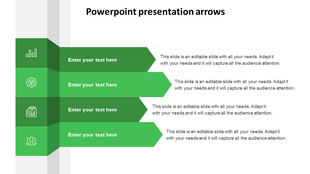
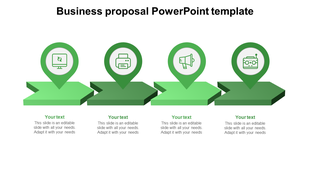
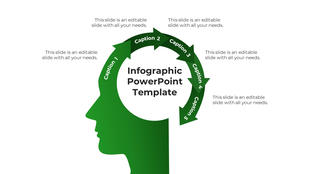
Slide with four green arrows, each featuring icons, arranged vertically with text placeholders, on a white backdrop.
Free
Add to Wishlist Download Edit
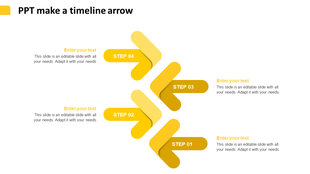
Slide with four yellow arrows forming a timeline, each labeled with a step number and space for text.
Free
Add to Wishlist Download Edit
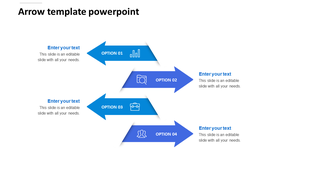
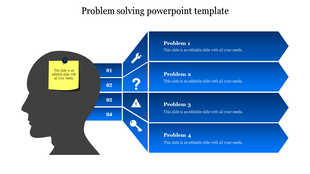
An arrow PPT template with four blue arrows labeled as options, each featuring icons and text areas on a white background.
Free
Add to Wishlist Download Edit
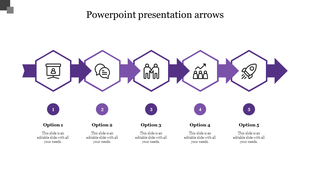
Five step process flow diagram slide with purple arrows and hexagonal icons for structured presentations with options.
Free
Add to Wishlist Download Edit
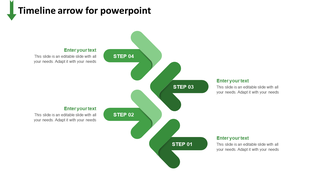
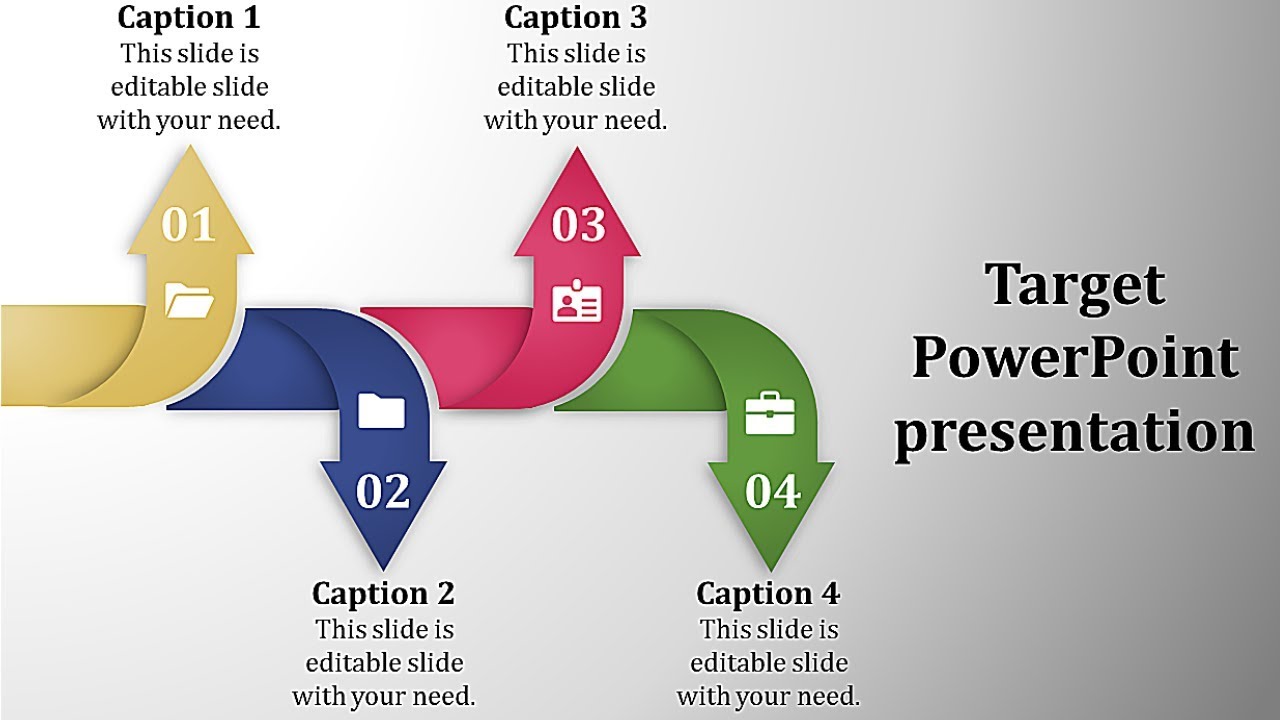
Timeline with green arrows arranged in a zigzag pattern, representing four steps, with  placeholders text for each step.
Free
Add to Wishlist Download Edit
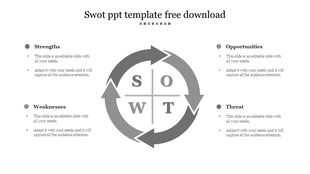
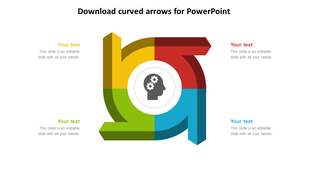
SWOT analysis slide with gray circular arrows linking the four sections, each with text areas.
Free
Add to Wishlist Download Edit
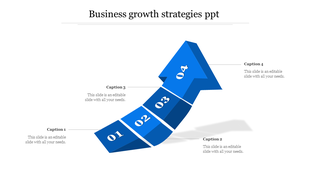
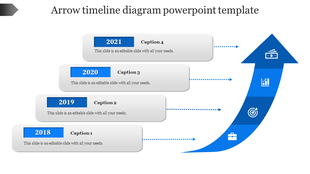
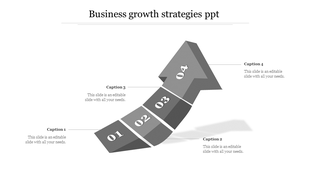
Business growth strategy infographic with a rising blue segmented arrow, numbered 01 to 04, linked to captions.
Free
Add to Wishlist Download Edit
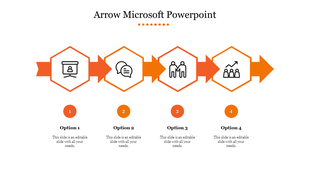
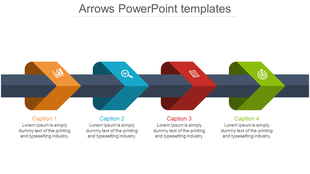
Orange arrow sequence with four hexagons containing icons, each with numbers and descriptions below.
Free
Add to Wishlist Download Edit
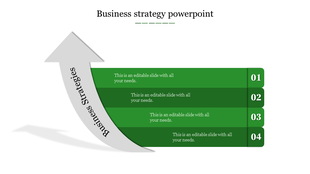
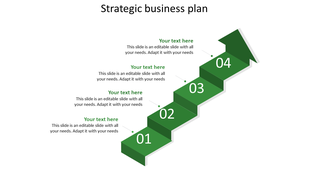
Business strategy PPT slide with grey arrow, showing four green steps and with placeholder text.
Free
Add to Wishlist Download Edit
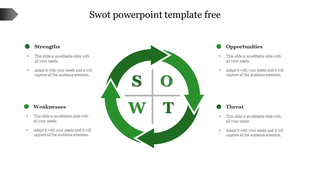
SWOT analysis slide displaying the four quadrants with a circular arrow design for visual appeal and placeholder text.
Free
Add to Wishlist Download Edit
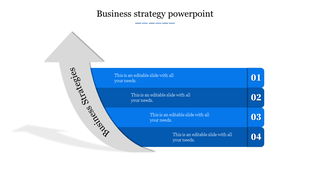
A blue stepwise business strategy infographic with four numbered sections and a large curved gray arrow.
Free
Add to Wishlist Download Edit
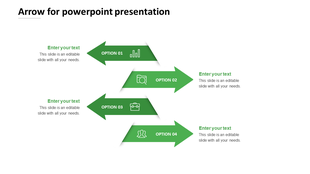
Four green arrows aligned diagonally, each labeled with an option number, an icon, and linked to placeholder text areas.
Free
Add to Wishlist Download Edit
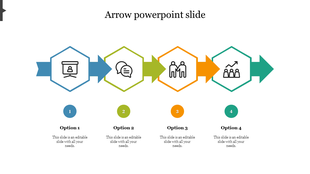
Arrow PPT slide with four colored hexagonal icons, each representing different stages of a process with placeholder text.
Free
Add to Wishlist Download Edit
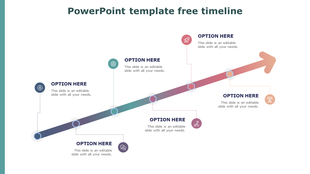
Ascending diagonal arrow diagram with five connected orange arrows, labeled sequentially, each linked to a text placeholder.
Free
Add to Wishlist Download Edit
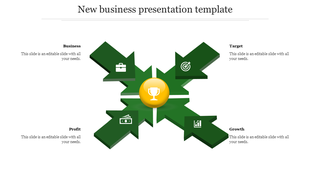
Infographic layout featuring four green arrows with circular icons, each representing different business aspects.
Free
Add to Wishlist Download Edit
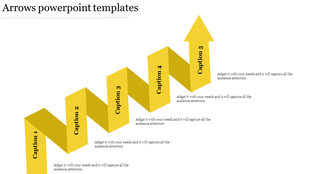
Ascending 3D yellow arrow diagram with five labeled sections, forming a zigzag pattern, with captions along the path.
Free
Add to Wishlist Download Edit
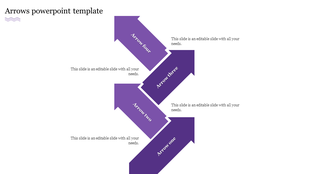
Four purple arrows arranged in a descending pattern, each labeled with numbers and descriptions.
Free
Add to Wishlist Download Edit
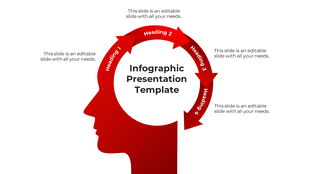
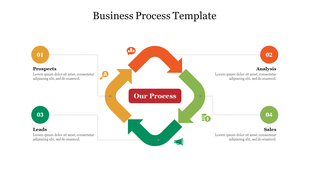
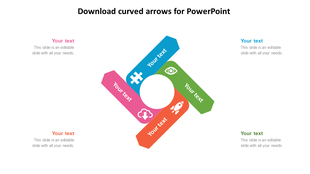
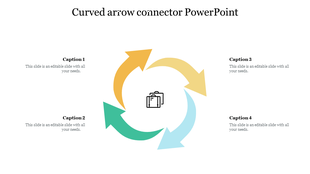
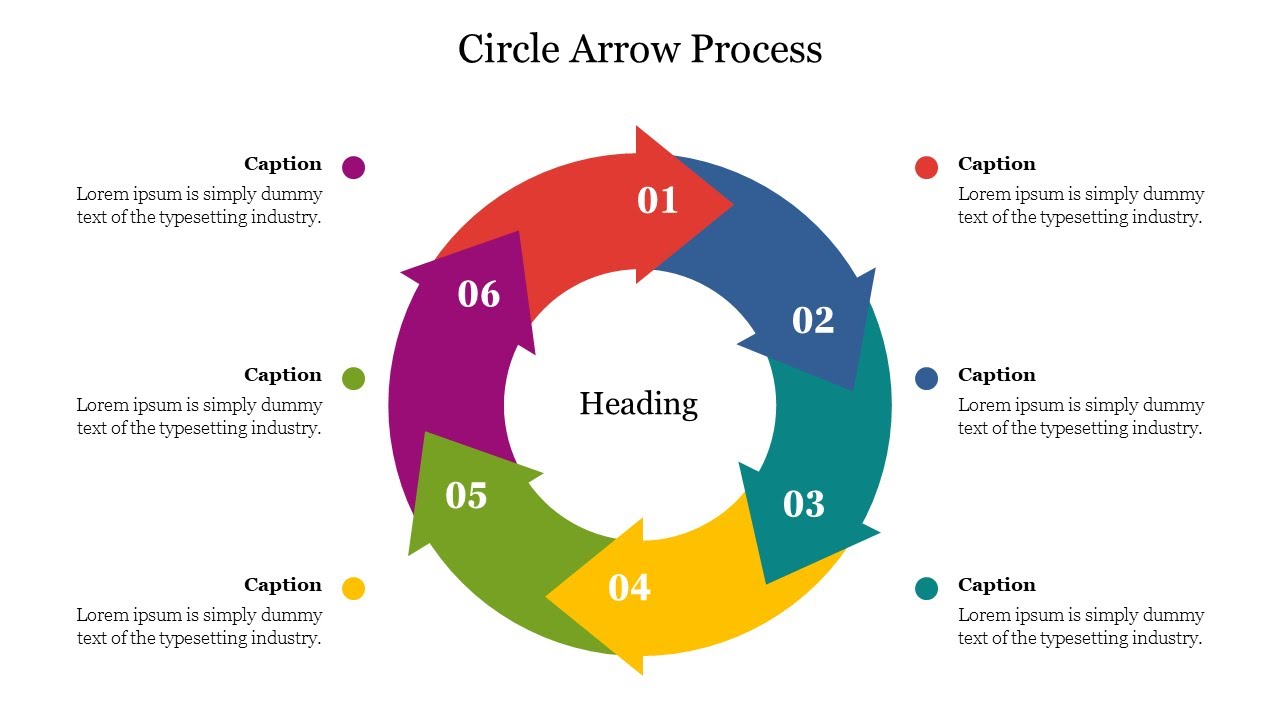
Slide showing a business process flow with circular arrows in red, green, blue, and orange, each containing an icon and text.
Free
Add to Wishlist Download Edit
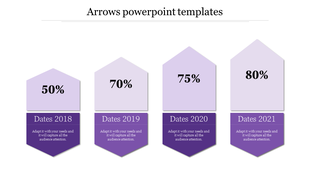
Red arrow timeline diagram PowerPoint template with four milestones from 2018 to 2021, each containing an icon.
Free
Add to Wishlist Download Edit
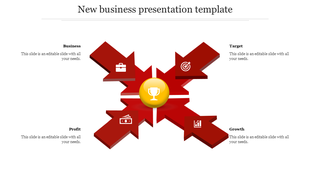
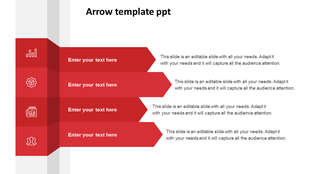
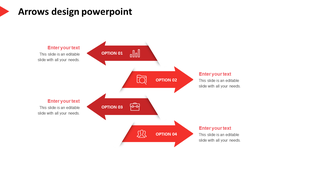
Slide featuring a red arrow layout with text sections and icons.
Free
Add to Wishlist Download Edit
SWOT PPT slide featuring Strengths, Weaknesses, Opportunities, and Threats with colorful arrows.
Got a Unique Idea? Craft with AI
Credits left : 0

Promote Your Ideas with Free Arrows PowerPoint Templates and Google Slides Themes!


Arrows are more than just simple shapes. They are powerful tools that can guide your audience’s eyes and thoughts. Our arrows presentation templates category offers a wide range of slides that can help you create impactful presentations.

What is an Arrow Diagram Used For?

Arrow diagrams are used to show flow or direction. They can represent steps in a process, points along a timeline, or ideas in a concept map. They are a simple yet effective way to visualize information. They have many benefits. They can simplify complex ideas, making them easier to understand. They can also highlight important points, guiding your audience’s focus. Plus, they can show relationships between different parts of a presentation.

Why Choose Our Slides?

Our arrow templates are designed with care. They feature multicolor infographic slides, multiple node selections, editable graphics, and text placeholders. This means you can customize them to match your style and message. Plus, they are available in multiple formats (4:3 & 16:9) and orientations (portrait & landscape), giving you even more options. We offer various types of arrow diagrams. You can find straight arrows, curved arrows, circular arrows, zigzag arrows, 3D arrows, and more. Each type can be used for a different purpose, giving you the flexibility to choose the one that best fits your needs.

Features and Benefits of Our Slides:

Our arrow PPT templates are royalty-free and 100% editable. This means you can use them as much as you want without worrying about extra costs. Plus, you can change them to fit your needs. We even offer free slides so you can try them out before you buy.
Who Can Use Our Slides?

Anyone who needs to make a presentation can use our slides. They are perfect for presentations on finance, timelines, SWOT analysis, business processes, online marketing strategies, growth strategies, USP, and more.
So why wait? Check out our arrows presentation templates today and create presentations that stand out!

Explore Similar Collections

Become an expert with SlideEgg

Watch quick, practical walkthroughs and level up your presentation design skills in minutes.
Frequently Asked Questions

1. Why does my team ask "what's next?" when I explain the timeline verbally?

Because words describe sequentially. They forget earlier steps by the time you finish. Arrow templates show the entire timeline at once—the sequence becomes instantly clear without confusion.

2. How do arrows help stakeholders understand strategy connections?

Words explain steps one by one. Arrows show ALL steps connected visually. Stakeholders see how Step 1 leads to Step 2, which enables Step 3. They grasp relationships, not just individual steps.

3. Why do employees skip steps or do them out of order?

Hearing instructions once isn't enough under pressure. Arrow templates make the exact sequence visible. Mistakes drop because the process structure is right there, not just remembered.

4. How do I show customers moving through my sales funnel?

Arrow templates visualize the journey. Your team sees which stage people drop off at, why transitions matter, and where to focus energy. The flow becomes obvious.

5. How do I explain complex strategy without overwhelming executives?

Arrow templates break strategy into visual phases showing progression from current state to vision. Executives see the roadmap, not the overwhelming details. Complexity becomes clear.

6. Why does my workflow get interpreted differently by different people?

Words are ambiguous. Arrow templates are not. Everyone sees the same clear direction, connections, and sequence. No more "I thought you meant..." misunderstandings.

7. How do I explain a process with loops and decision points?

Arrow templates handle linear flows, circular loops, branching decisions, and convergence. Complexity stays structured and followable instead of chaotic.