Black FridaySave Up to 50% on Lifetime plan

Triangle Presentation Templates

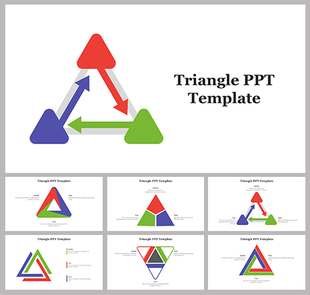
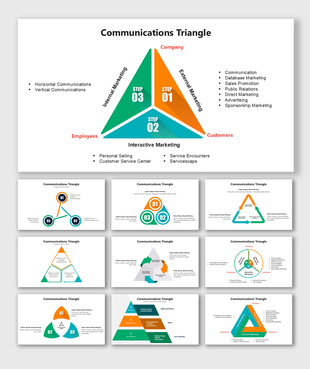
Explore Slide Egg to find a grand collection of Free triangle PowerPoint templates and Google Slides themes with the highest quality 2D and 3D triangle designs in vibrant colors to make stunning presentations. Use these editable slides to give completeness to your presentations.
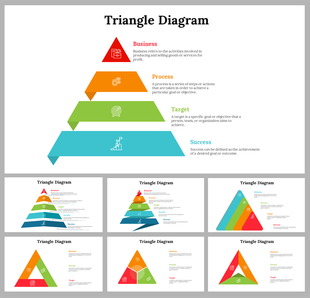
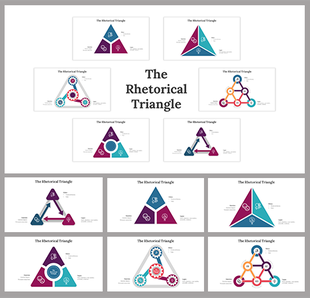
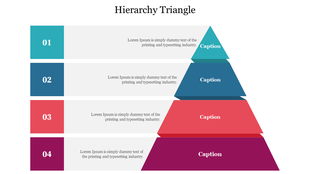
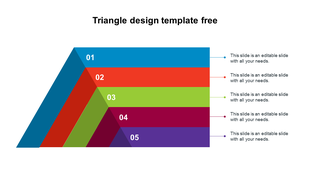
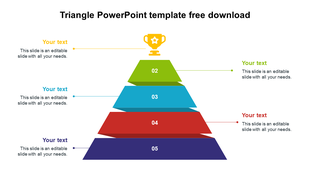
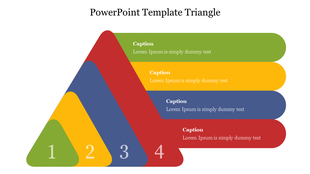
A four level triangle with horizontal sections in teal, blue, red, and purple, each with captions and numbered boxes.
Free
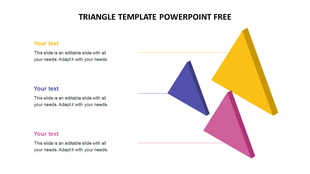
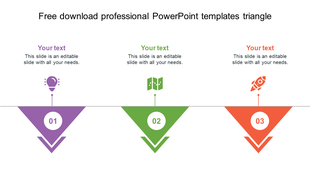
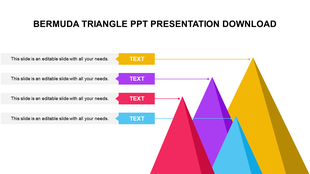
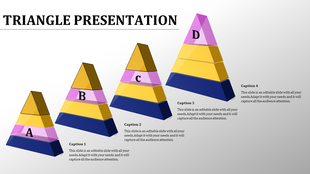
Three 3D triangles in yellow, purple, and pink arranged vertically, each connected to placeholder text areas.
Free
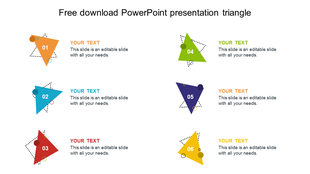
Slide with six colorful numbered triangles in orange, blue, red, green, purple, and yellow, each linked to text sections.
Free
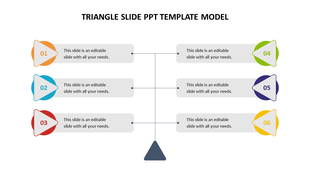
Triangle infographic with three left and three right steps, each numbered and linked to colored icons and gray text boxes.
Free
PPT slide featuring a colorful triangle design with four sections, each with a text area and an icon on a white backdrop.
Free
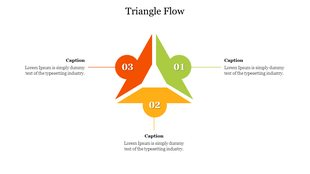
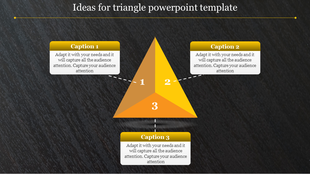
Yellow and orange triangular diagram divided into three numbered segments, with captions above, right, and below.
PPT slide with a triangle design featuring colorful sections and icons from sound to paper plane with placeholder text.
Free
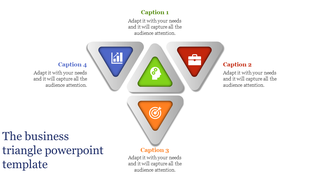
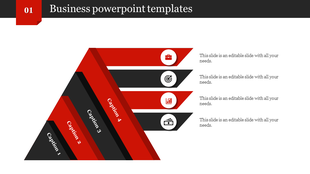
Business PPT slide with four red and black diagonal sections, each with a different icon and labeled caption 1 to 4.
Free
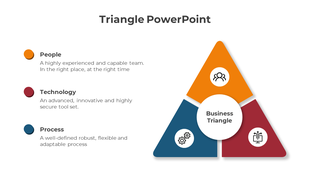
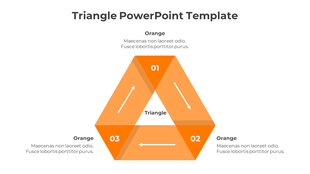
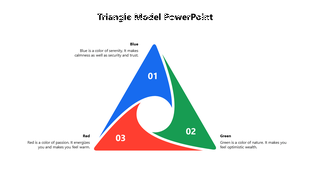
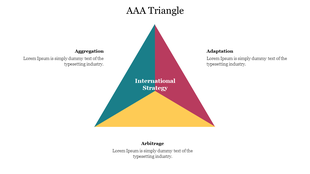
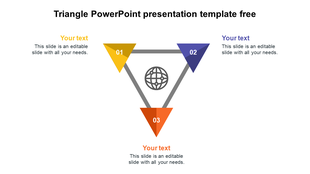
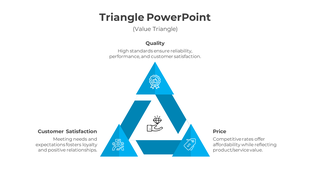
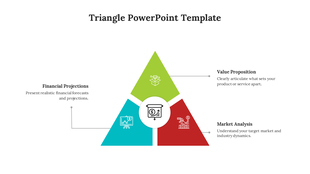
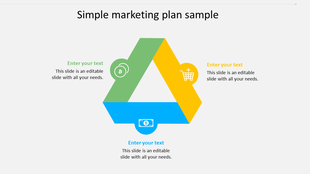
Triangle presentation template with three colored sections, highlighting key elements with placeholder text.
Free
Slide with six colorful 3D triangular shapes in yellow, blue, purple, orange, pink, and red, each linked to text.
Free
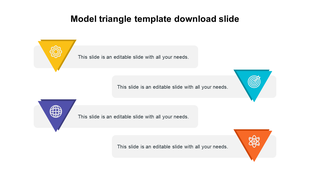
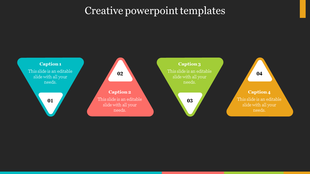
Creative PowerPoint template featuring four colorful triangular icons with captions on a dark backdrop.
Free
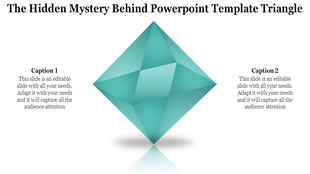
Central teal diamond shape with two captions on either side, styled with shadow and reflection effects.

Showing48 of408

Capture Attention with Our Free Triangle PowerPoint Templates and Google Slides Themes!


Looking for eye-catching slides to jazz up your presentations? Check out our collection of Triangle Presentation Templates! Our slides are designed to make your presentations pop with vibrant colors and dynamic visuals.

Why triangles? 

These simple shapes pack a punch when it comes to conveying information. They're versatile and can be used to represent a variety of concepts, from growth analysis to strategic planning. Plus, they add visual interest to your slides, keeping your audience engaged and focused on your message. Triangles are powerful visual tools because they can represent many things, such as:

  • Steps in a process: Use triangles to show a sequence of events, from start to finish.
  • Relationships: Connect ideas using triangles to show how they are related to each other.
  • Hierarchy: Use triangles to rank items, from most important to least important.
  • Direction: Pointy triangles can guide your audience's eye toward key information.

What do we offer in our gallery?

Our triangle slides are more than just pretty pictures. They're packed with features to make your life easier. Here, you can find a wide variety of triangle templates to choose from 2D and 3D triangles and pyramids in various colors and styles. With these multicolor infographic slides, you can easily illustrate complex ideas in a clear and concise way. Plus, our slides are fully editable, so you can customize them to fit your needs perfectly. Whether you're a business owner, educator, or student, our slides are perfect for you. Use them to showcase market trends, explain geometric concepts, or create stunning presentations for your class or clients. And the best part? Our triangle diagram templates are royalty-free and available in multiple formats and orientations, so you can use them however you like without worrying about copyright issues. Plus, we offer free slides to get you started right away.

So why wait? Elevate your presentations with our triangle Google Slides and PPT templates today!

Triangle Video Tutorials

Watch quick, practical walkthroughs and level up your presentation design skills in minutes.
Triangle Templates: FAQs

What are Triangle PowerPoint Templates?

Triangle PowerPoint Templates is an excellent presentation tool that helps to communicate the different process stages, represent hierarchy, teach triangle shapes to the kids, and more.

Where can we use these Triangle PPT Slides?

We can use Triangle PPT Slides in schools, houses, playschools, colleges, companies, business presentations, and anywhere we need triangle diagrams.

How can I make Triangle Slides in a presentation?

It is simple to make Triangle Slides in a presentation using basic shapes available in PowerPoint. If you are looking for creative, colorful triangles, you can also use images from the internet. Our tips and tricks pages will help you learn the steps to make slides on your own.

Who can use the Triangle PPT Templates?

Businesspeople, sales and marketing managers, executives, teachers, and students can use the Triangle PPT Templates.

Why do we need Triangle PowerPoint Slides?

Triangle PowerPoint Slides is a simple and powerful way of presenting hierarchy, process stages, and interesting ideas in a visually appealing manner.

Where can I find Free Triangle PPT templates?

Slide Egg is one of the finest platforms for finding professional PowerPoint templates. Here you can discover 575+ Triangle PPT Templates with a professional look and feel.