1100+ Agenda Presentation Templates | Page 6
Meetings feel disorganized when people don't see the flow. The presenter knows what's coming. The audience doesn't. You're thinking about pacing. They're confused about direction. You're out of sync from the start.
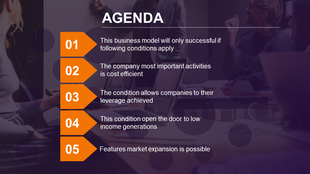
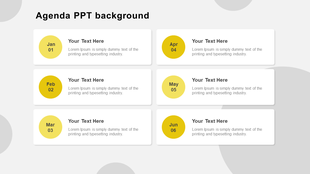
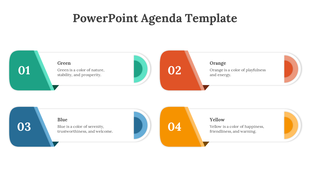
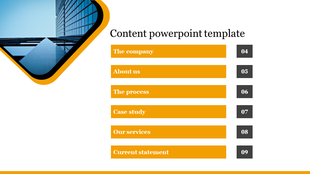
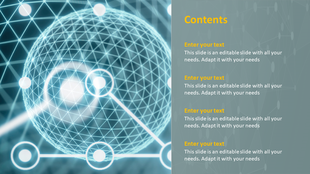
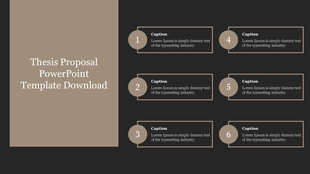
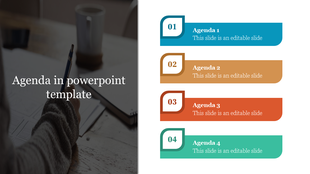
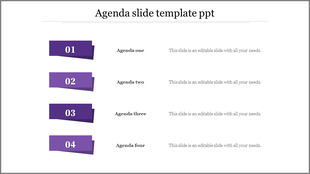
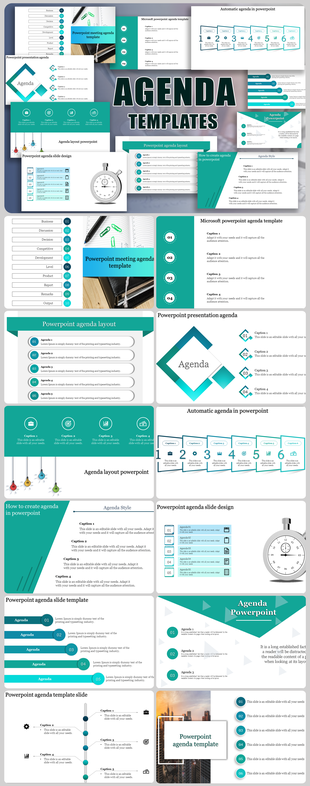
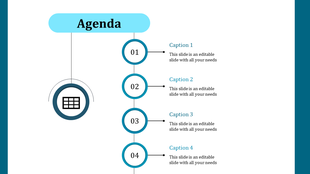
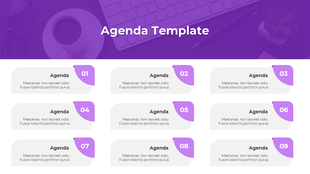
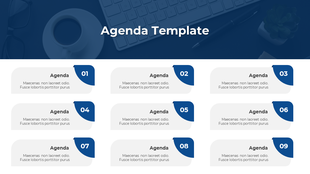
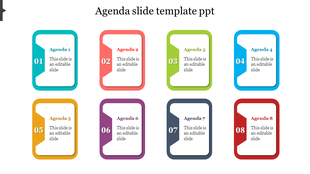
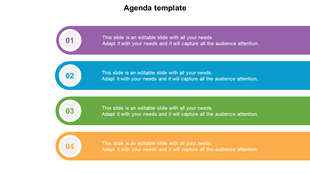
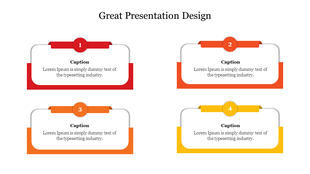
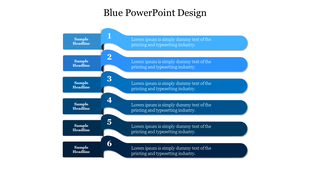
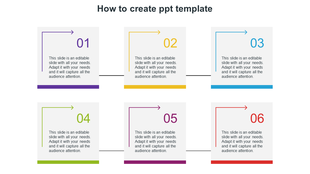
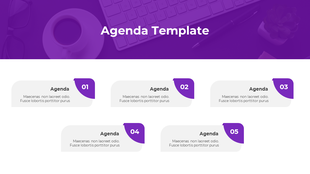
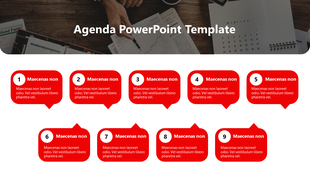
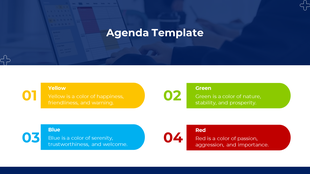
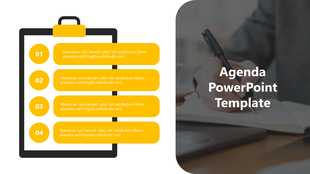
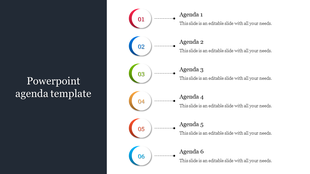
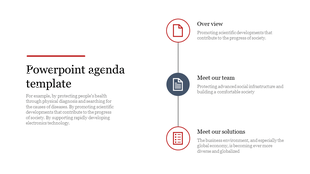
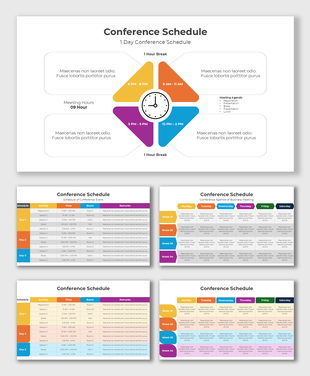
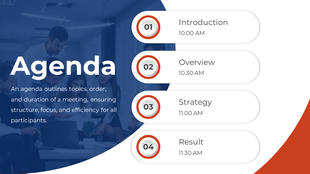
Showing288 of1,105


- Organization: A well-structured agenda means an organized presentation. It sets the tone, making sure you’re on track and your audience knows where the journey is heading.
- Engagement: By providing a clear overview, an agenda lets your audience mentally prepare for each segment, maintaining interest and engagement.
- Time Management: An agenda is like a timekeeper. It ensures you spend the right amount of time on each topic, preventing overruns and rushed endings.
Explore Similar Collections
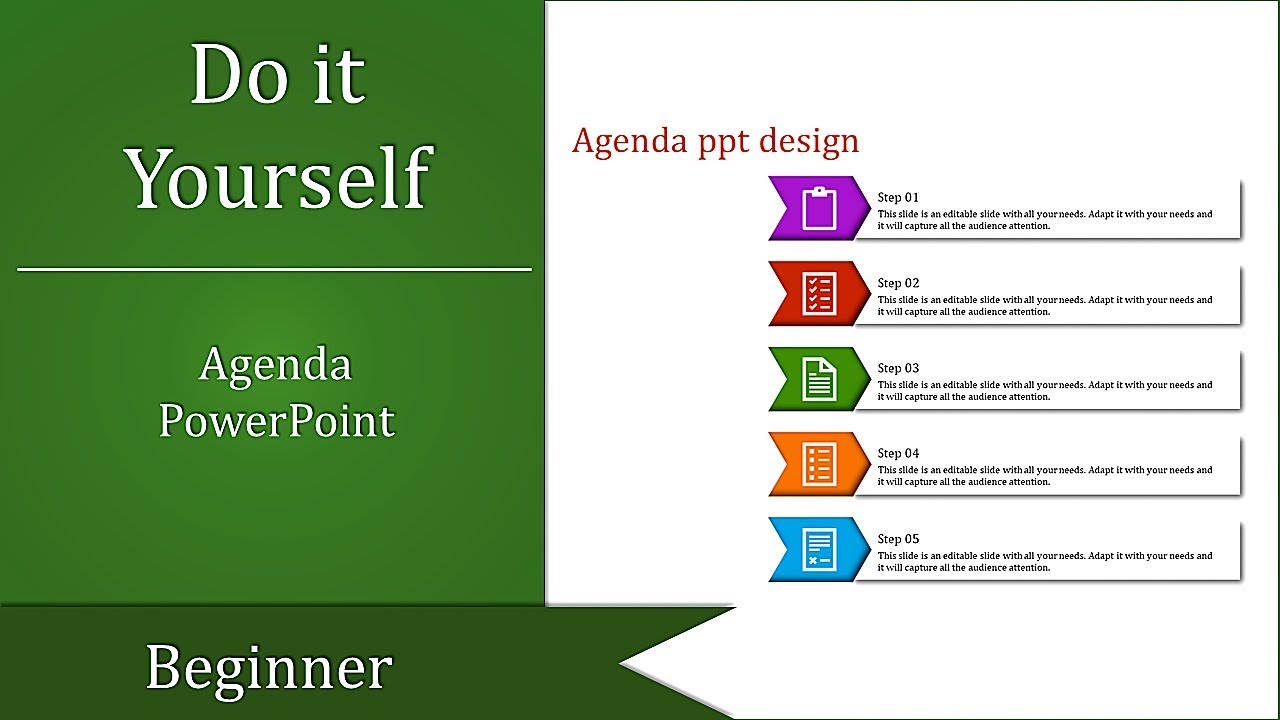
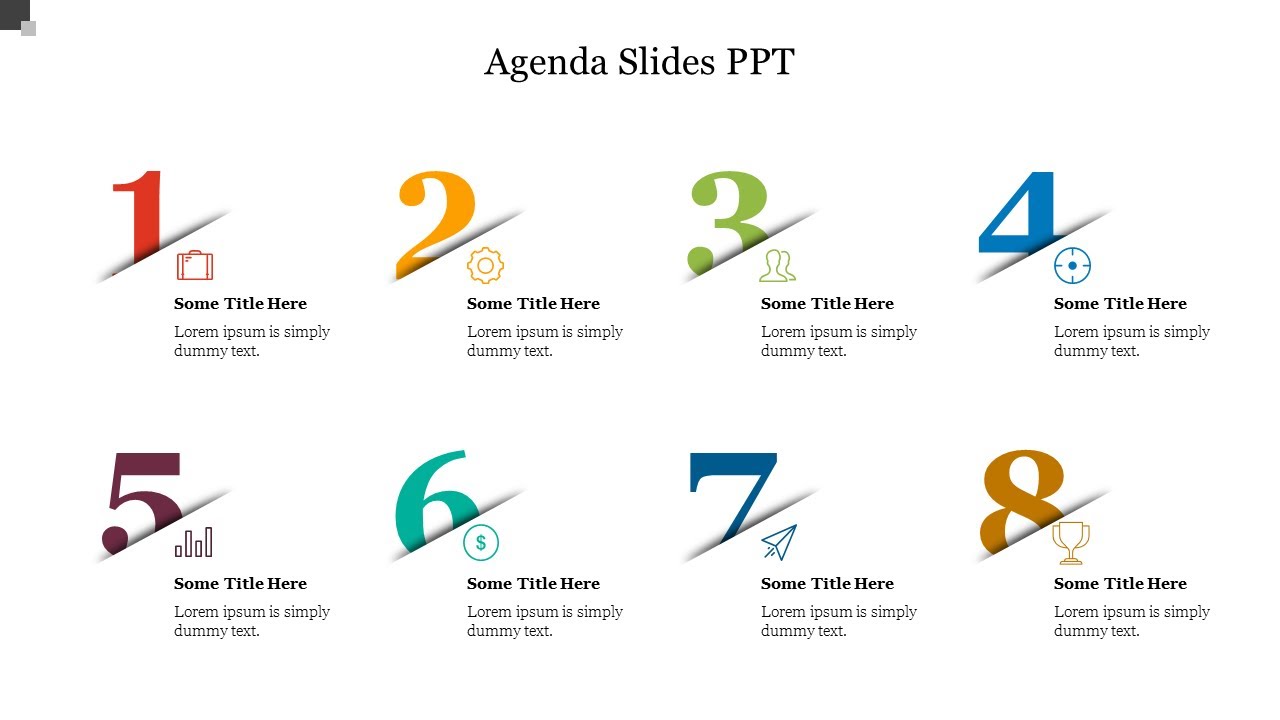
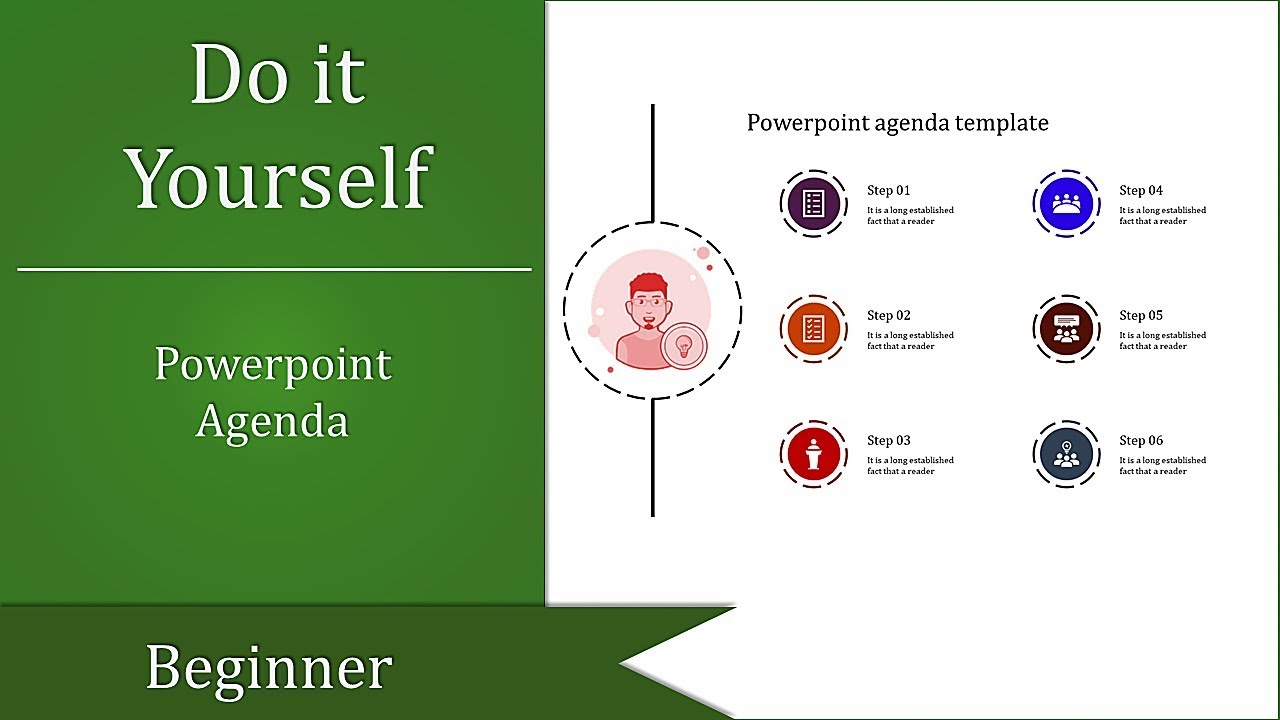
Agenda DIY Videos
Watch quick, practical walkthroughs and level up your presentation design skills in minutes.

Frequently Asked Questions
1. How many agenda items should I include?
4-8 items work best. Fewer than 4 feels too simple. More than 8 overwhelms people. People remember 5-7 items easily. Match your time — if you have 60 minutes, 5 items gives 12 minutes each. If you have 90 minutes, 6-7 items works. Keep it proportional.
2. Should I show timing for each agenda item?
Yes, especially for longer meetings. Show start time or duration. People use timing to understand pacing and prepare mentally. Without timing, they don't know if something takes 5 minutes or 30 minutes. Timing creates alignment between what you plan and what they expect.
3. Should the agenda be the first slide after the title?
Yes. Show it immediately. That's when people need alignment most — at the beginning. They form expectations from the agenda. If you wait until mid-presentation to show it, people have already made wrong assumptions about where you're going.
4. What if my presentation changes mid-way?
Acknowledge the change. Say "We're adjusting the agenda because..." Then show the new order. Don't pretend nothing changed. People notice. When you acknowledge adjustments, you stay aligned with your audience even though the plan shifted.
5. Do I need to reference the agenda during the presentation?
Yes. As you move between topics, say "Next on the agenda..." or "We're now at item 3." This keeps the audience anchored. They remember seeing it on the first slide and now they know exactly where you are. It maintains alignment throughout.
6. Should different audiences see different agendas?
Maybe. Board meetings need different agendas than team meetings. Client presentations need different agendas than internal meetings. Think about what each audience needs to know about the structure. Alignment depends on showing them what matters to THEM.
7. What if my presentation is short — do I still need an agenda?
Yes, but simpler. Even a 15-minute presentation benefits from showing 3-4 agenda items. People want to know the structure immediately. It takes 10 seconds to show but saves confusion for 15 minutes. Short presentations still need alignment between presenter and audience.