Sleek PowerPoint Timeline Template for Dynamic Presentations
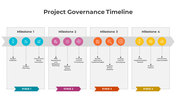
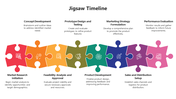
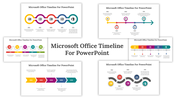
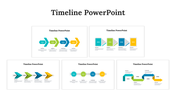
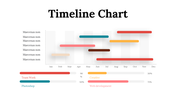
Timeline PowerPoint Template and Google Slides
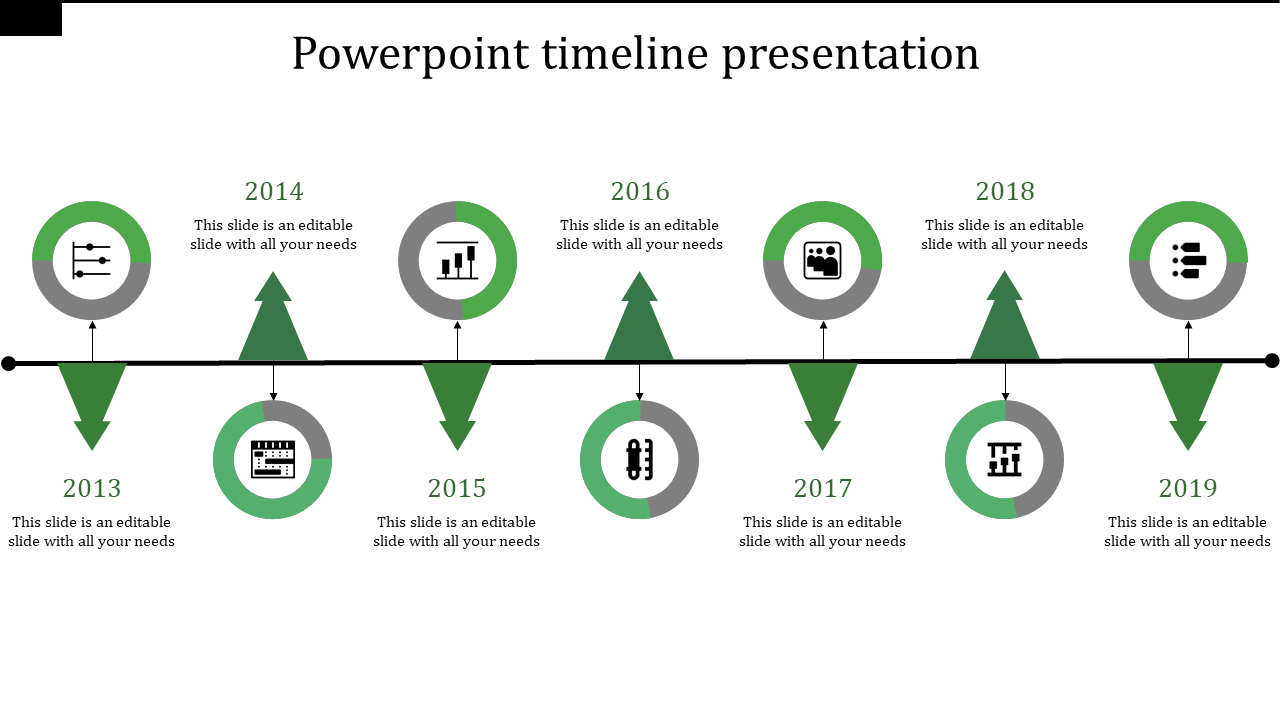
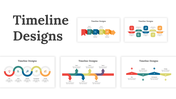
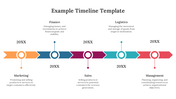
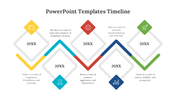
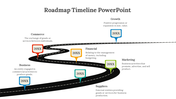
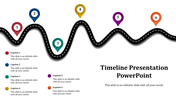
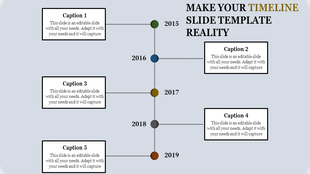
The "Timeline PowerPoint Template and Google Slides" is a visual tool designed to illustrate chronological events effectively. It features a timeline presentation showcasing the years 2013 to 2019, represented by green circles connected by a green line. Each circle corresponds to a specific year and includes a brief description below it. Users can modify the years according to their requirements, ensuring customization for various projects and timelines.
This template is suitable for a wide range of purposes and audiences. It can be utilized by educators, historians, project managers, business professionals, and researchers to present historical timelines, project milestones, or any sequence of events in a clear and organized manner.
Compatibility with PowerPoint and Google Slides. Available in 16:9 and 4:3 aspect ratios, catering to different screen sizes and presentation preferences. Provided in ZIP format for easy sharing and distribution. Free template with 100% customizable features. Download now.









You May Also Like These PowerPoint Templates
Showing20 of69,218 templates