Atractiva Plantillas Para Trabajar En Power Point


Make Unique Presentation With This Connective Template:
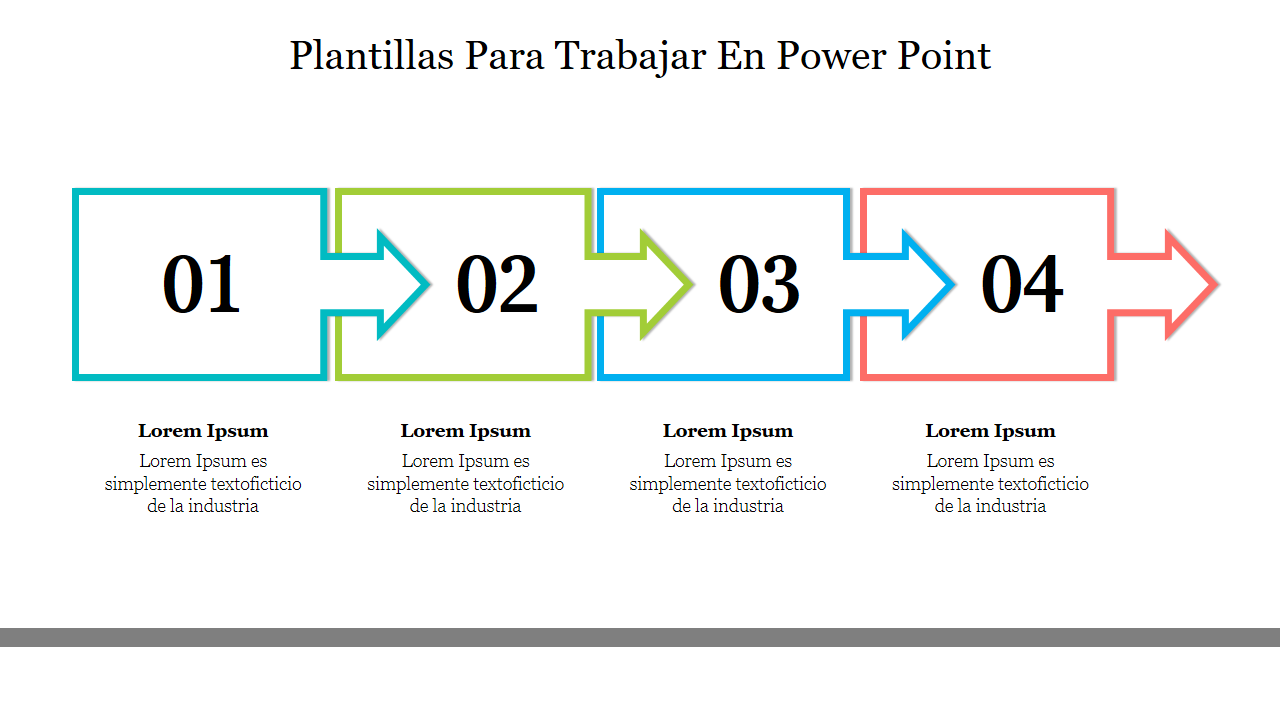
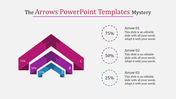
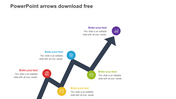
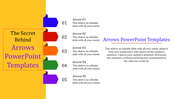
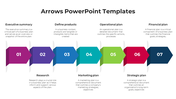
Use this connective node inserted template to enter your facts more outstandingly. The square-shaped boxes like nodes with arrow marks form a relationship with one another. The numbers inside the nodes denote the order of your points. Below the nodes, you can find the space given to enter the discussed topics.
You can also use this Plantillas Para Trabajar En PowerPoint template in any themed presentation slides, so when you download this for once, you can use it as many times you want in different themed slides. There are unique colors added in each node to add brightness to your slides. So make use of this potential Plantillas Para Trabajar En PowerPoint template at the earliest.
Features Of This Template:
- 100% customizable slides and easy to download.
- Slides are available in different nodes & colors.
- The slides contained 16:9 and 4:3 format.
- Easy to change the slide colors quickly.
- Well-crafted template with instant download facility.
- One of the best templates from SlideEgg.
- Crisp and clear font styles.









You May Also Like These PowerPoint Templates







Showing20 of69,218 templates