Make PowerPoint Template Presentation-Six Node
Nodes
Colors



Fabulous Circular PowerPoint Presentation
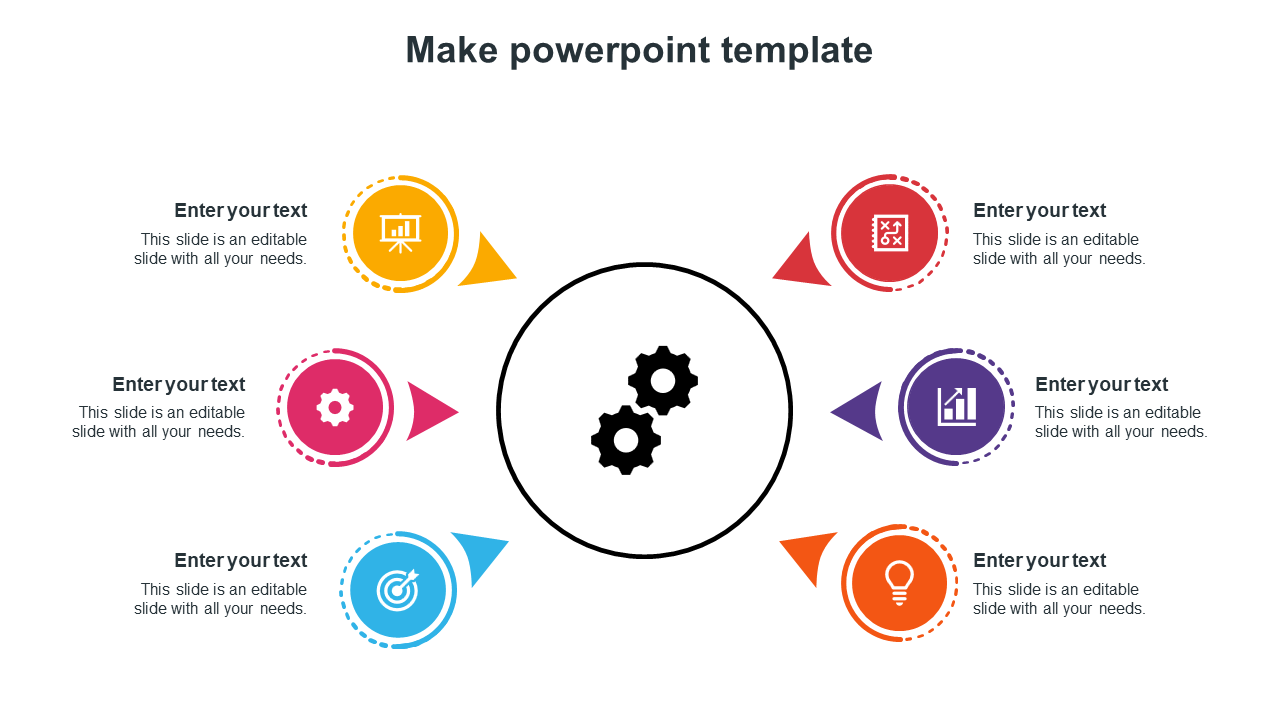
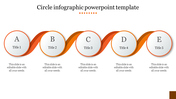
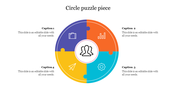
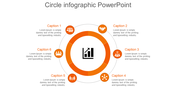
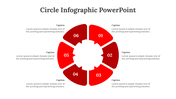
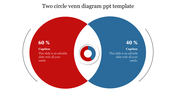
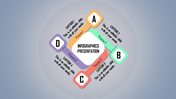
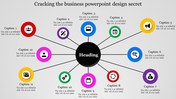
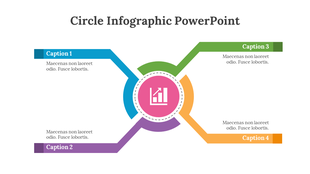
Don't step over when a start needs to be made! Commence where you are. Create more unique presentations that efficiently attract audiences! This fantastic template was created to explain your thoughts and viewpoints concisely. Use the six nodes to expand people's perspectives on any process steps and give your presentation a detailed definition. Use the embedded icons to draw attention to the points and make them simple for your audience to understand. Take this template and turn it into an instant winner!
Features of the template
- 100 % customizable slides and easy to download.
- Slides are available in different colors
- The slide has 4:3 and 16:9 formats.
- Easy to change the slide colors quickly.
- Appealing presentation to impress an audience.
- Create feature-rich slide presentations.
- An eye-pleasing color slide helps to give a catchy presentation.
- Crisp and clear font styles.
- Seven circular nodes layout.
More Collections for Make PowerPoint Template Presentation-Six Node
Recommended based on this template.









Similar Templates to Make PowerPoint Template Presentation-Six Node



Showing20 of69,218 templates