Make A Star Diagram For PPT Presentation
Nodes
Colors


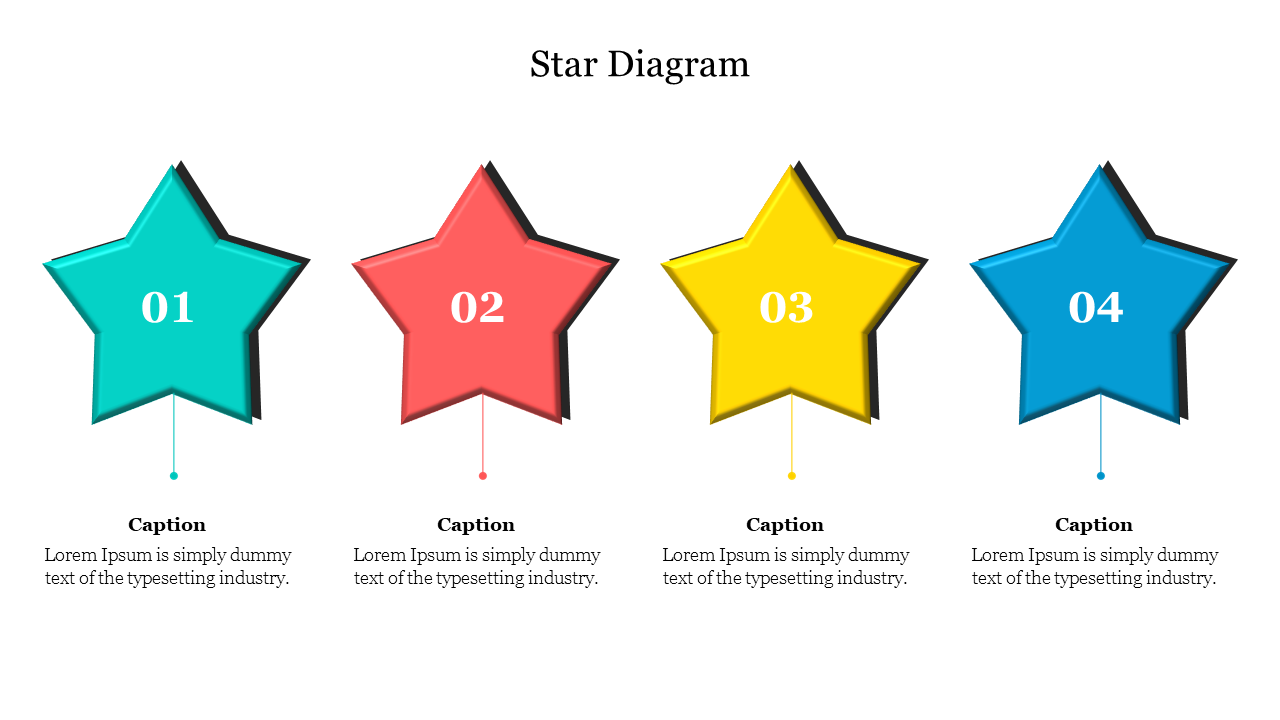
Four Noded Beautiful Stars Presentation Slide
Download this Make A Star Diagram PowerPoint Template for designing a stunning star presentation. Using this template, you can make your presentation a visual treat for your audience. If you're planning to give your presentation to a large audience, you can use this star template to give your presentation a personalized touch. Hurry to grab!
The Make A Star Diagram PowerPoint Template has four eye-catching, bright stars with bevel and shadow effects. The attractive colors and designs of this slide will make your presentation visually appealing. You can also use this slide to teach star methods to your audience. It is a 100% editable slide so that you can edit the effects, colors, shapes, or background.
Features of this template:
1. 100% customizable slides and easy to download.
2. Slides available in different nodes & colors.
3. The slide contained 16:9 and 4:3 format.
4. Easy to change the slide colors quickly.
5. Well-crafted template with instant download facility.
6. It has captivating star images.
More Collections for Make A Star Diagram For PPT Presentation
Recommended based on this template.

Similar Templates to Make A Star Diagram For PPT Presentation


Showing20 of69,218 templates