Creative Internship PPT Presentation Slide
 Canva
Canva









Creative Internship PPT Presentation Slide
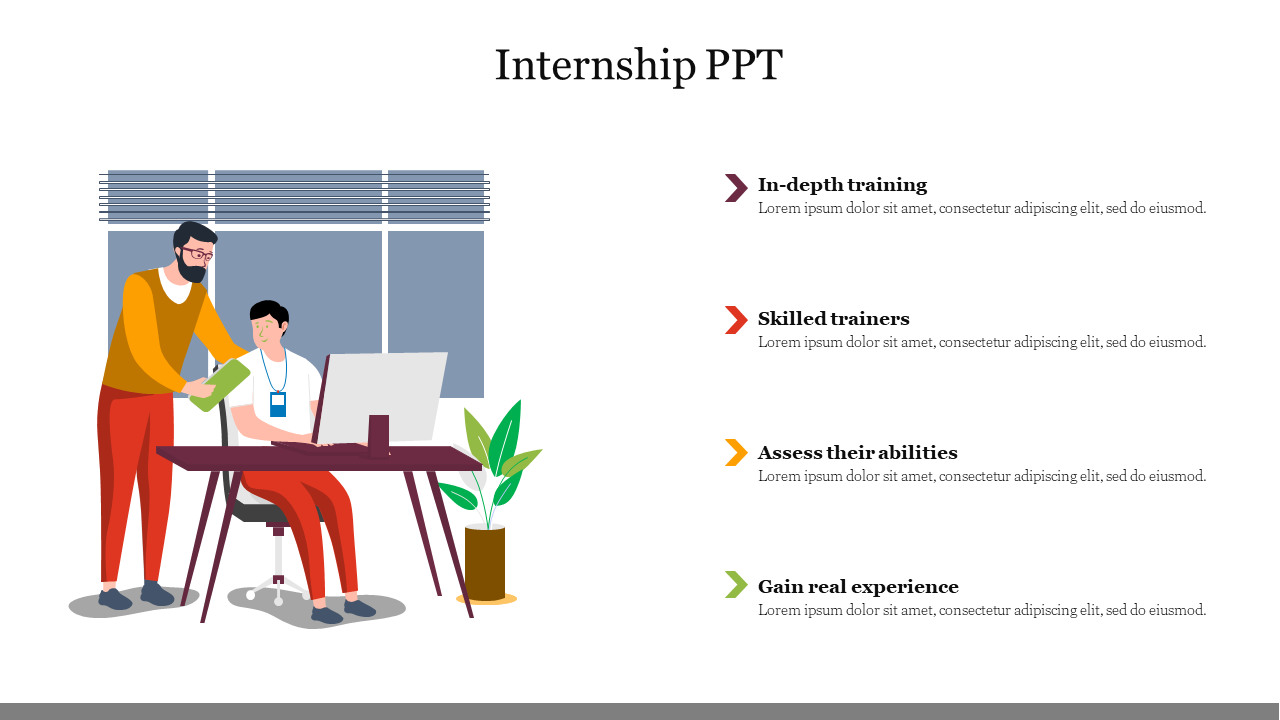
Make Your Internship Presentation Unforgettable. Share your professional journey with confidence using this Creative Internship PPT Presentation Slide. This premium template helps you organize your thoughts into a clear, easy-to-read format that keeps your audience engaged. The design features a friendly illustration of a mentor assisting a student, setting a positive and educational tone right from the start. Whether you are explaining a training program or showcasing your achievements, this slide provides the perfect backdrop for your story.
Template Breakdown
This layout is designed to balance visuals with key information. On the left, a detailed office graphic highlights the importance of teamwork and guidance in the workplace. The right side offers four distinct sections with arrow indicators, giving you plenty of room to list goals, daily tasks, or skills learned. The clean white background ensures your text stays sharp and legible, making it suitable for both projection screens and printed reports.
Technical Specifications
- 4-Step Content List: A structured layout ideal for breaking down complex topics into four manageable points.
- Scalable Vector Graphics: The illustrations are high-quality vectors, meaning you can resize them without them becoming blurry.
- 100% Customizable: You have full control to change the text, fonts, and colors to match your school or company branding.
- Universal Compatibility: Works seamlessly with PowerPoint, Google Slides, and Canva.
Ideal Application Scenarios
- Onboarding Sessions: Show new interns what they can expect during their time at the company.
- Final Project Reviews: Summarize the key projects completed and skills acquired during the internship.
- Mentorship Programs: Illustrate the relationship between mentors and mentees in a corporate setting.
FAQs
- Can I change the colors of the illustration? Yes, because the artwork is vector-based, you can ungroup the image and change the colors of the clothes or furniture to fit your brand.
- What is the best use for the 4-step list? This list is perfect for outlining the four phases of an internship, such as Orientation, Training, Execution, and Review.
- Can I move the office image? Absolutely. The background illustration is a separate object, so you can move it, resize it, or delete it if you need more room for text.










You May Also Like These PowerPoint Templates




Showing20 of69,218 templates