Gap Analysis Definition PowerPoint Template & Google Slides
Practical Gap Analysis Definition Template
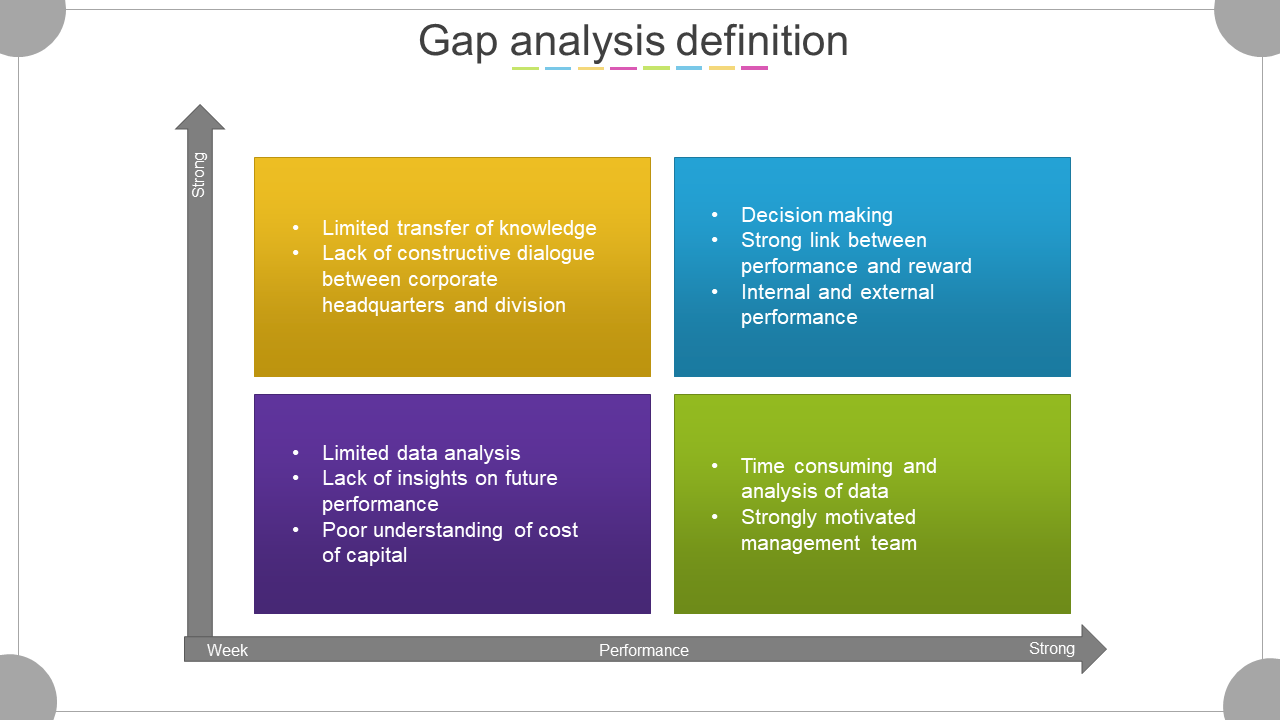
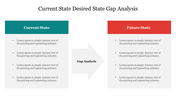
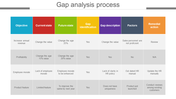
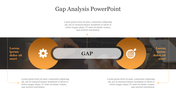
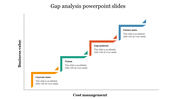
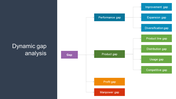
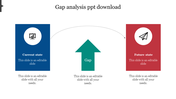
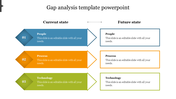
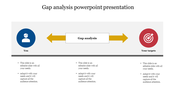
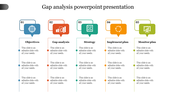
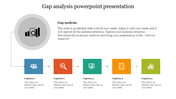
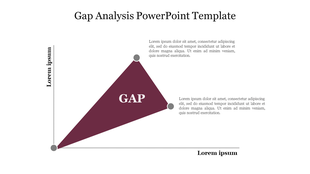
A Gap Analysis Definition PPT template shows the relations among variables measured over time and within a particular data set. This template will help you present important information about Gap Analysis. The graph on the slide will help the audience to get an idea about your core content. However, users can include text, color in your PPT to make it look nice. This slide has a beautiful design with creative text boxes and multiple circle nodes. Users can use this template in financial meetings or business meetings.
About this template:
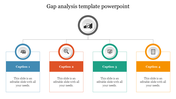
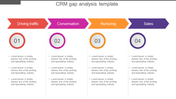
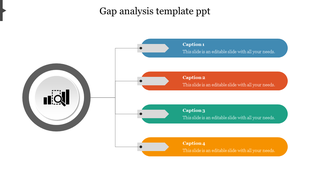
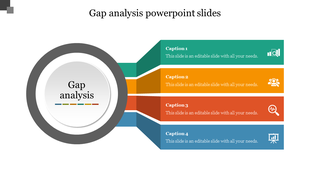
It is a multicolored template with four multicolored boxes. The four boxes help you to present important information to the audience. This template is easily understandable by people who are new to your project. However, users can add more rows and columns and text boxes to improve the presentation's look and feel. In addition, We also have a wide range of Gap analysis presentation slides.
Benefits you get from this template:
- This template is 100% editable and free to download.
- For example, you can change the icon colors in this PowerPoint slide.
- This template reports in less time so that viewers understand its purpose.
- In addition, the template helps to show the regular timeline.
- Easy to change the slide colors quickly.
Feature of this template
- Fully Customizable (shape color, size & text)
- This template has a Multicolor theme, and you can also choose the color
- Drag and drop image placeholder
- Huge Collections of slides to impress your audience
- It supports an aspect ratio of 16:9.

You May Also Like These PowerPoint Templates
Showing20 of69,218 templates