Curved Arrow on PowerPoint Template and Google Slides Themes





Curved Arrow Presentation Template
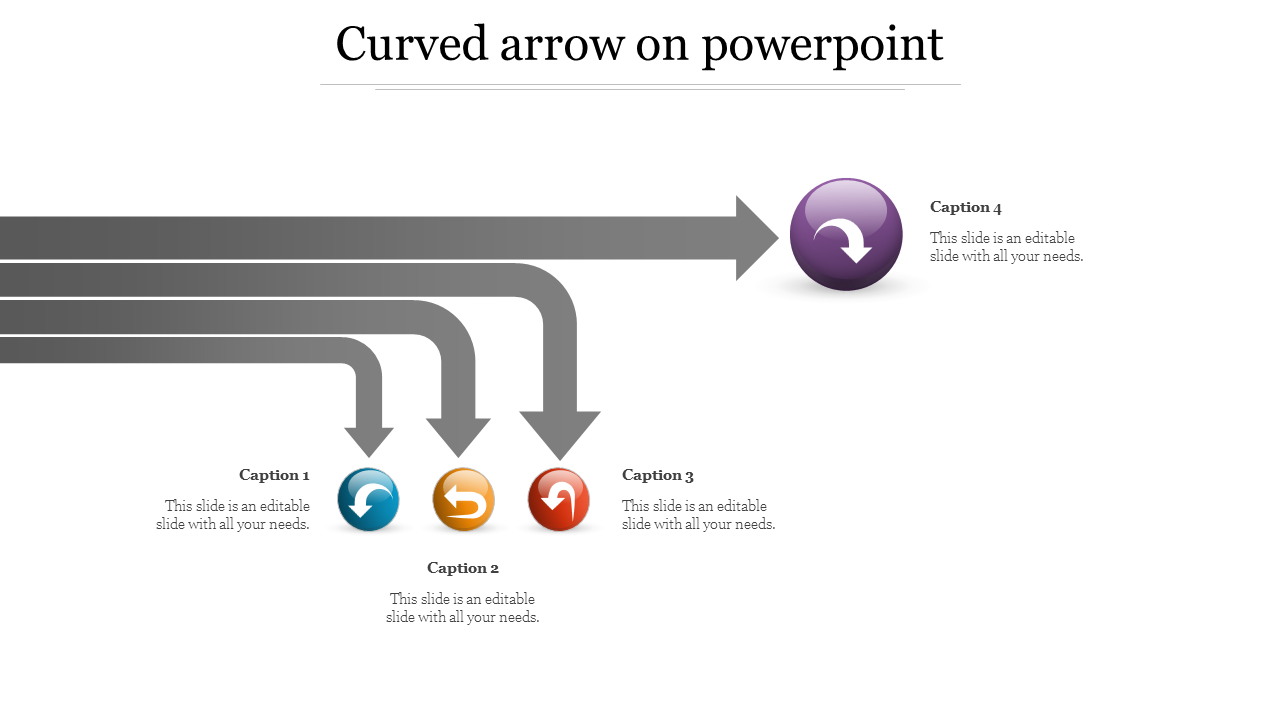
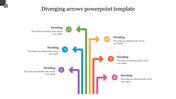
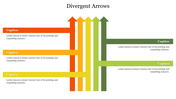
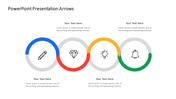
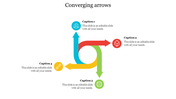
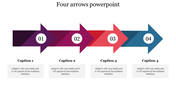
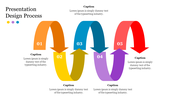
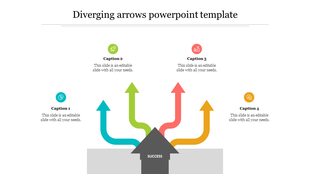
Are your presentations feeling dull and unexciting? Our Curved Arrow PowerPoint Template is here to change that. It features four curved grey arrows, each with a small arrowhead in a circle. This design isn't just eye-catching; it guides your audience through your ideas effortlessly. Each arrow has space for captions that you can customize to highlight key points or steps in your presentation. The curved arrows symbolize progress and dynamic movement, making your content more memorable and impactful.
Whether you're a student, a professional, or a business leader, this template is perfect for showcasing processes, timelines, or project flows. Just add your own text and visuals to customize it. With this template, your presentations will stand out with a unique and visually compelling design that captures attention and keeps your audience engaged. Download the template today and take your presentations to the next level!
Features of the template:
- Slides are available in different nodes & colors.
- Easy to change the slide colors.
- Well-crafted template with instant download.
- Highly compatible with PowerPoint and Google Slides.









You May Also Like These PowerPoint Templates













Showing20 of69,218 templates