Cool Arrow Designs PowerPoint Presentation Slide
Nodes

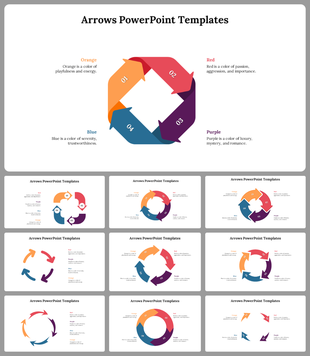
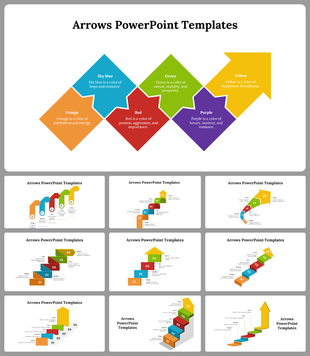
Colors
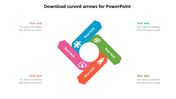
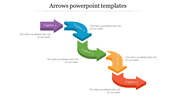

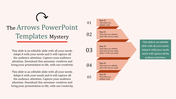
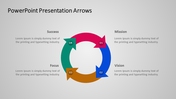
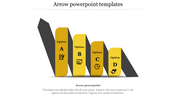
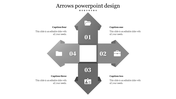

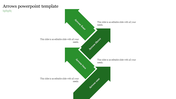
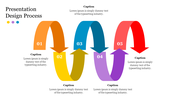
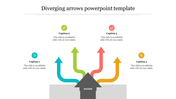
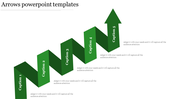



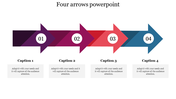
Cool Arrow Designs PowerPoint Presentation Slide
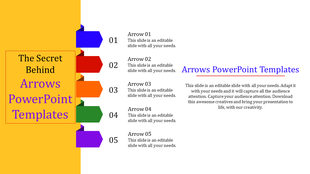
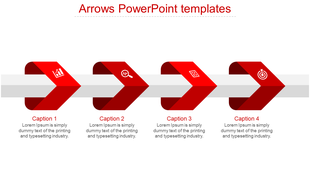
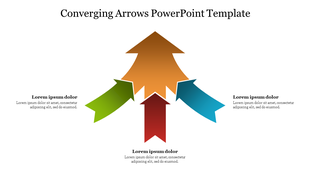
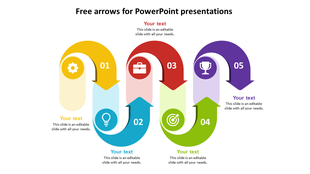
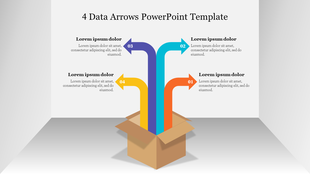
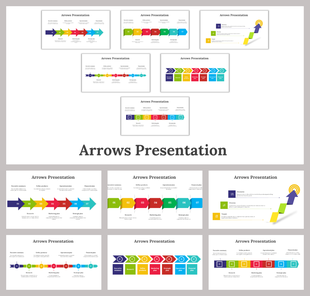
An arrow is a straightforward graphic comprising a line and triangle affixed at one end of the line. An arrow is a PowerPoint infographic or PowerPoint icon that is primarily applied for indicating directions to others. SlideEgg brings premier arrow templates and targets PowerPoint flat designs and PPT slides to power your business.
About the template
The point of the Rectangular box, along with the course of the line, portrays the arrows' direction. Use these exclusive Arrow templates to showcase your targets to your employees or colleagues at the workplace.It is a 100% editable slide. You can choose which fits your ideas and edit a wide range of fonts, colors, and logos and customize them as per your wish.
Features of this slide:
- 100% customizable slides and easy to download.
- Slides available in different nodes & colors.
- The slide contained 16:9 and 4:3 format.
- Easy to change the slide colors quickly.
- Well-crafted template with instant download facility.
- An attractive arrow design template.
More Collections for Cool Arrow Designs PowerPoint Presentation Slide
Recommended based on this template.

Similar Templates to Cool Arrow Designs PowerPoint Presentation Slide





Showing20 of69,218 templates