Amazing Comparison PowerPoint Presentation Template

Amazing Comparison PowerPoint Presentation Template
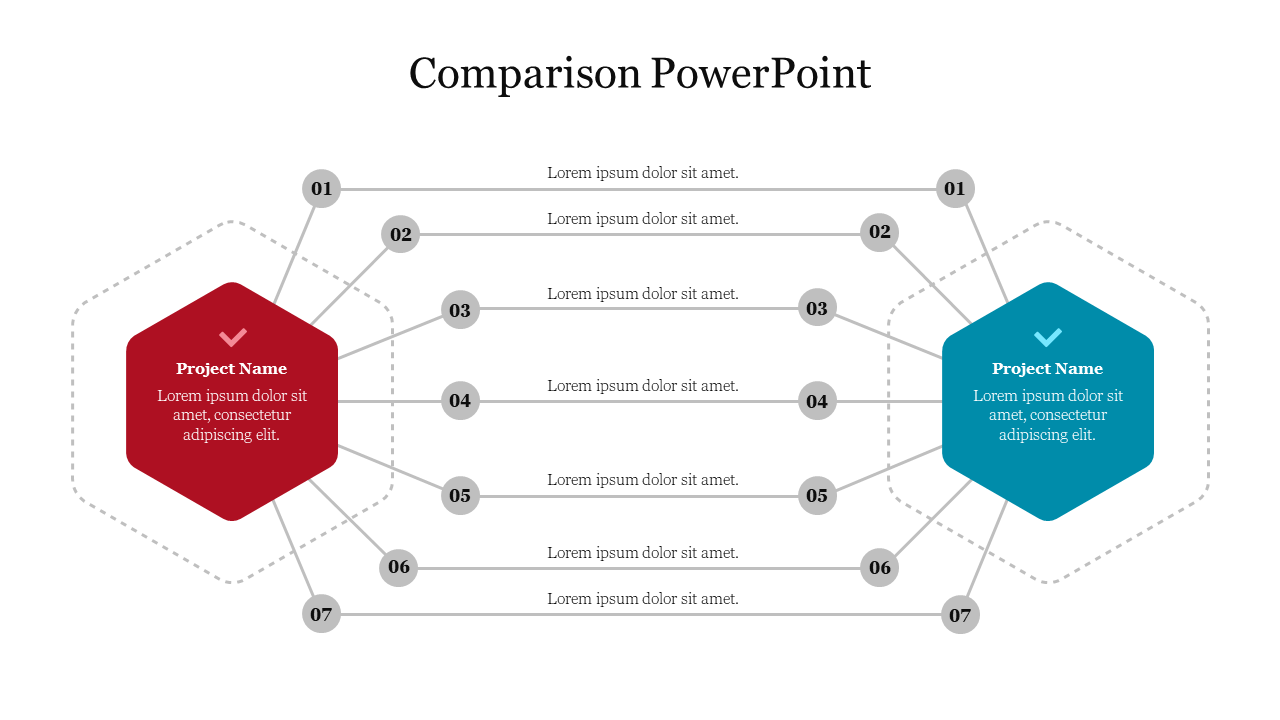
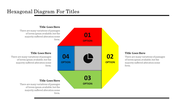
Nothing compares to a clear chart to show your quantitative results to your audience! This Comparison PowerPoint template offers a perfect design to share your numbers and percentages and make comparisons.Use them to share invaluable insights on comparison and impress your audience. This template can be altered and modified as per your expectations. So, grab it now.
About the template
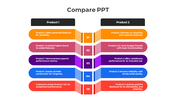
In the middle of this slide stands a white column in which you can write the name of the items you would like to compare. You can indeed include up to seven of them. On both sides stand seven horizontal lines that you can color to show positive and negative results. Finally, you have two hexagons to give spaces to write titles and text in order to describe the two products, services, or items you are comparing.This template is a simple and easy edit option to share and compare quantitative results. A perfect tool for comparing agenda and Data Analysis !
Features of this template:
1. 100 % customizable slides and easy to download.
2. Slides available in different nodes & colors.
3. The slide contained 16:9 and 4:3 format.
4. Easy to change the slide colors quickly.
5. Well-crafted template with instant download facility.
6. Creative, colorful slide.









You May Also Like These PowerPoint Templates
Showing20 of69,218 templates