Free - Business Process PowerPoint Template with Four Nodes
Free



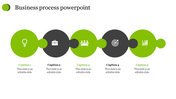
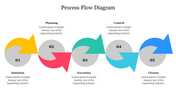

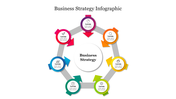
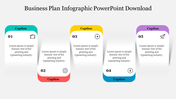
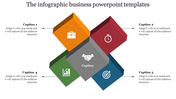
Business Process Presentation Template
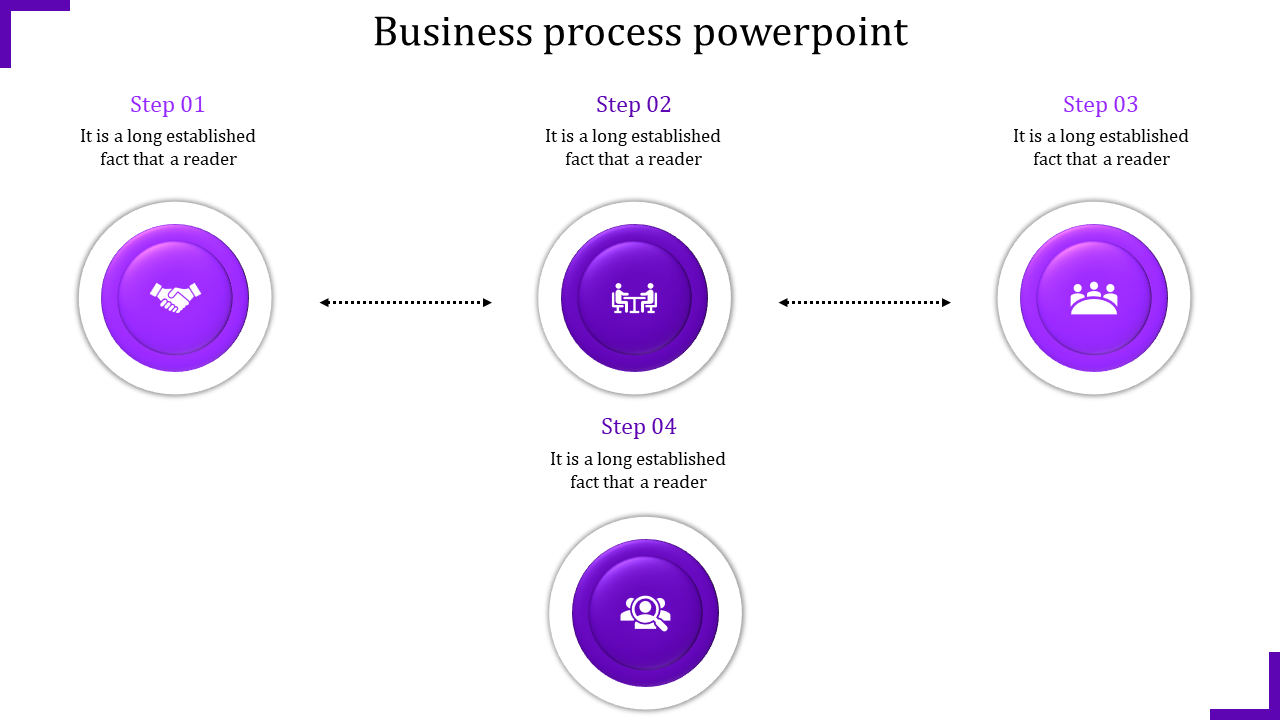
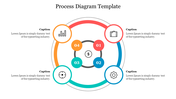
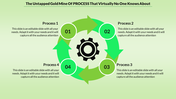
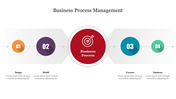
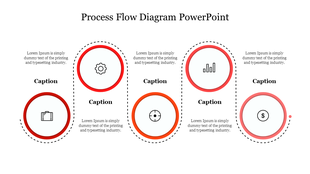
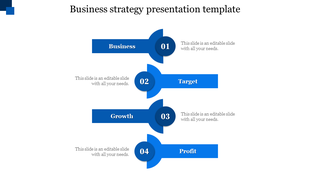
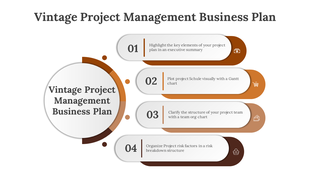
Enhance your presentations seamlessly with our Business Process PowerPoint template. Picture guiding your audience through steps with ease, capturing their focus right from the start. It features four colourful circular loops on a clean white background, each representing a strategic step in your process. With editable captions, you can easily explain each step, making complex ideas crystal clear.
Ideal for professionals, students, or anyone simplifying processes, this template is user-friendly. Just tweak the captions to fit your needs, and watch your presentation shine. Don't settle for average slides—grab the template today now in Google Slides and see the difference. Make your presentations pop with clarity and style because your audience deserves the best.
Features of the template:
- Slides are available in different nodes & colors.
- Easy to change the slide colors.
- Well-crafted template with instant download.









You May Also Like These PowerPoint Templates



Showing20 of69,218 templates