Business Plan PPT And Google Slides Template Designs

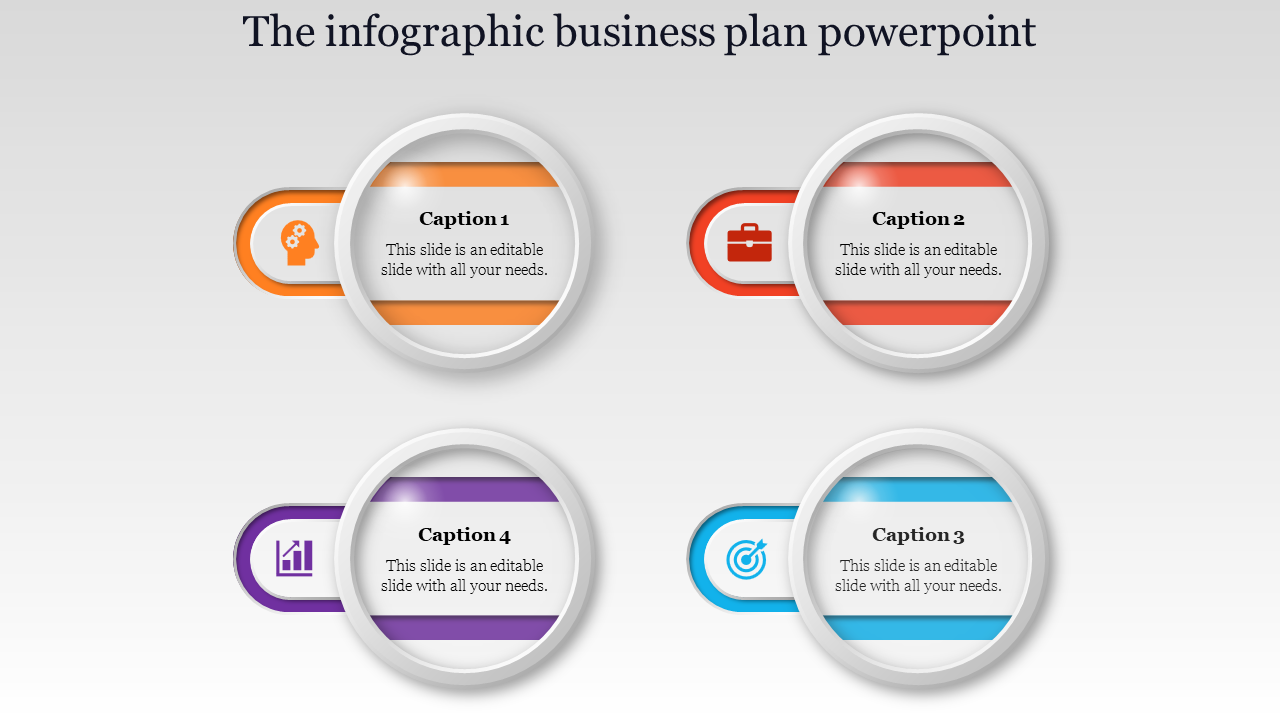
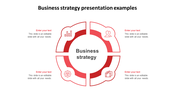
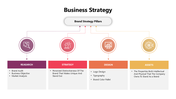
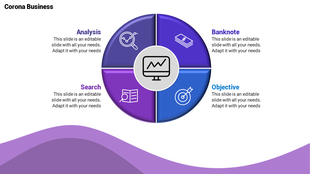
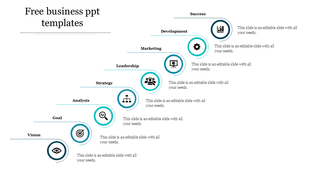
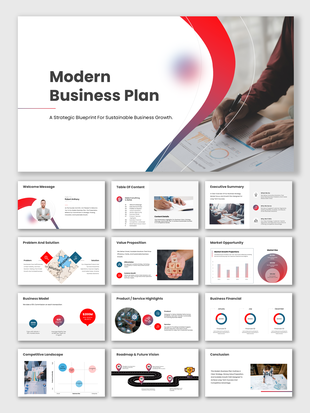
Business plan slide with four circular icons representing key topics each with a corresponding caption.
P.ID : 11908
    131 views
    5 Downloads
    Designer
    Kavitha
    Get Custom Slides by Experts
    Enhance Your Presentations with Add-ins
    Google Slides Add-in
    Access templates directly in Google Slides
    Microsoft PowerPoint Add-in
    Access templates directly in PowerPoint
    GPT Add-on
    AI-powered presentation assistance

    Business Plan PowerPoint Slide


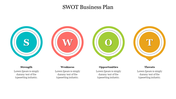
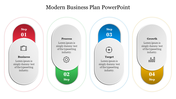
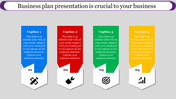
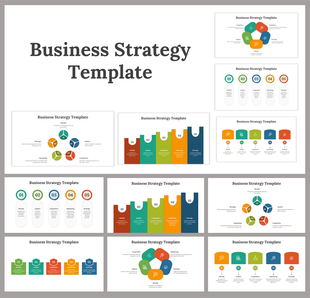
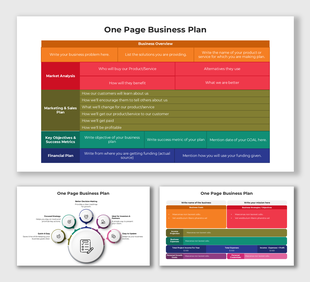
    Set your business on the path to progress by introducing our dynamic Business Plan PPT And Google Slides. The slide has four circular tabs. Each of them comes with icons to represent the key components of business planning. It includes brainstorming, strategies, plans and targets. 

    Apt for investors, business executives or consultants. Suitable for outlining market strategies, setting business goals or defining target audiences. Download now to highlight the key objectives of the business plan. 

    Features of the template

    • The slide contains 16:9 and 4:3 formats.
    • Compatible with Google slide themes and PowerPoint.
    • 100% customizable slides and easy to download.
    • It is easy to change the colors of the slide quickly.
    • Well-crafted template with an instant download facility.

    Advertisement

    You May Also Like These PowerPoint Templates
    Free
    Add to Wishlist
    Download
    Edit
    Life science slide with five elements split into teal and red sections, each containing a black icon and caption below.
    Free
    Add to Wishlist
    Download
    Edit
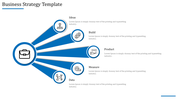
    Best PowerPoint presentation template with a car icon labeled and circular icons each with placeholder text.
    Add to Wishlist
    Download
    Edit
    Technology PPT slide with four stages linked by icons representing mobile devices, phones, sound, and cameras with captions.
    Free
    Add to Wishlist
    Download
    Edit
    Three circle blue Venn diagram with icons for briefcase, target, and chart, and editable caption boxes below each segment.