Latest Google-Slides-Tutorials Articles
 Google Slides Tutorials
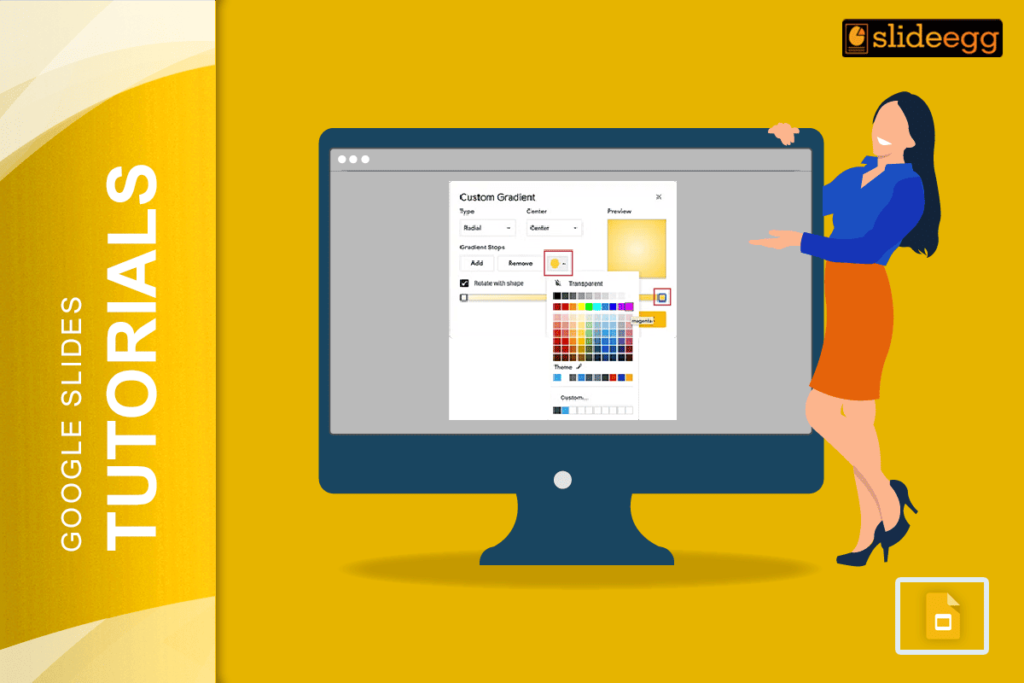
Beginner Tips for Creating Gradients in Google Slides: 🔷Open your Google Slides presentation first.🔷Click on the shape or text box you want to change.🔷Go to...
 Google Slides Tutorials
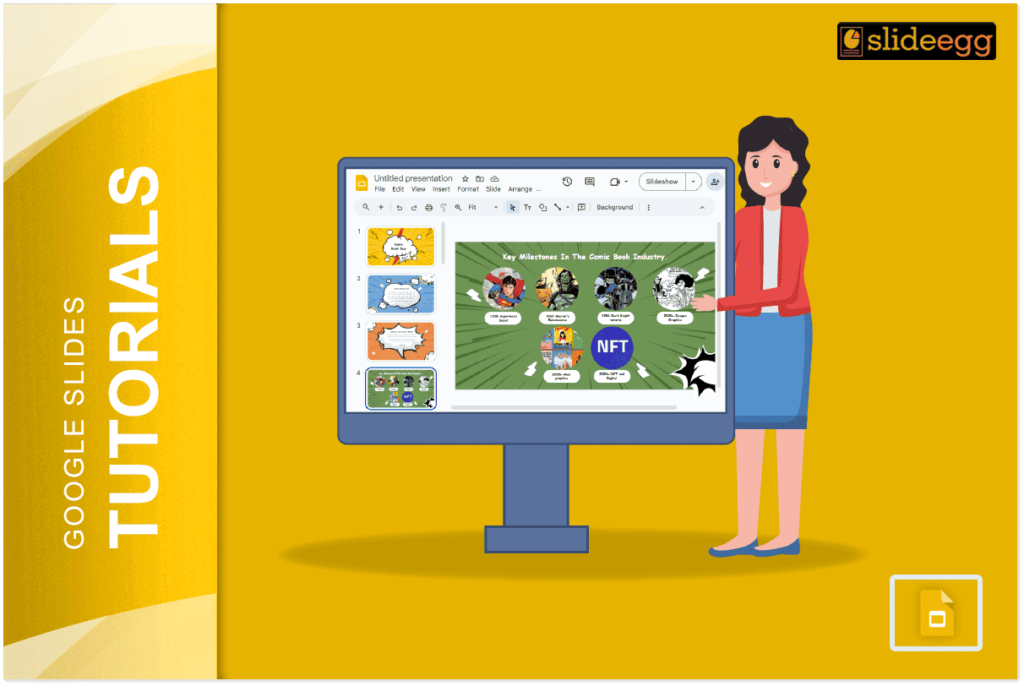
Quick Tips to Create a Comic Strip on Google Slides: 🔹 Open Google Slides and choose a blank presentation.🔹 Use shapes and text boxes for...
 Google Slides Tutorials
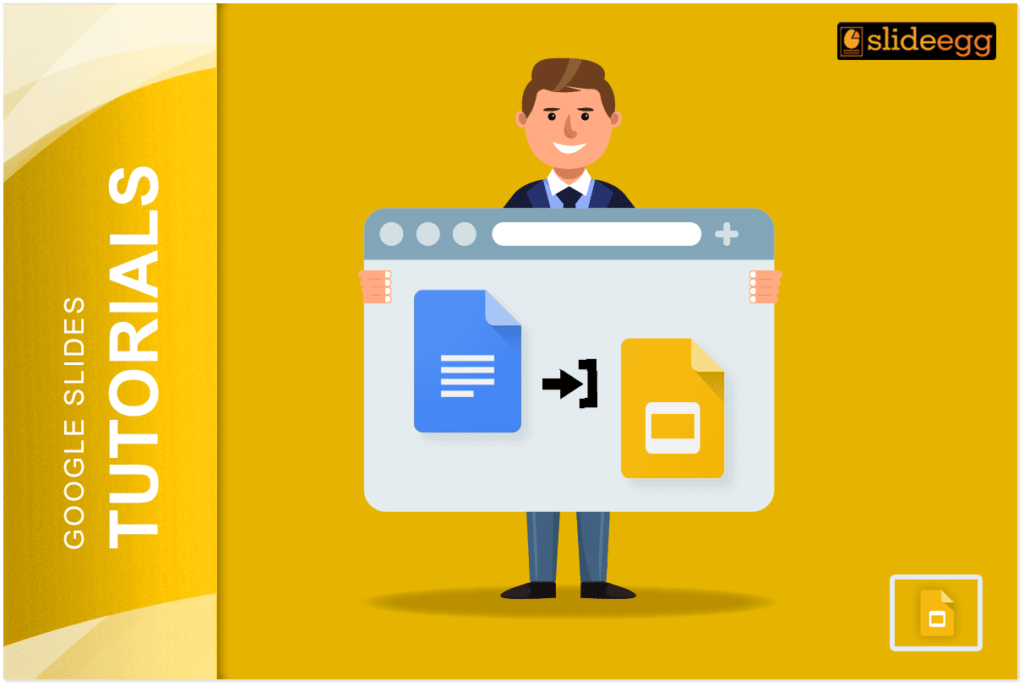
Quick Tips for Adding Google Docs to Slides 🧩 Copy-Paste Method: Fastest way to move text from Doc to Slide.🧩 Insert Link Method: Best for...
 Google Slides Tutorials
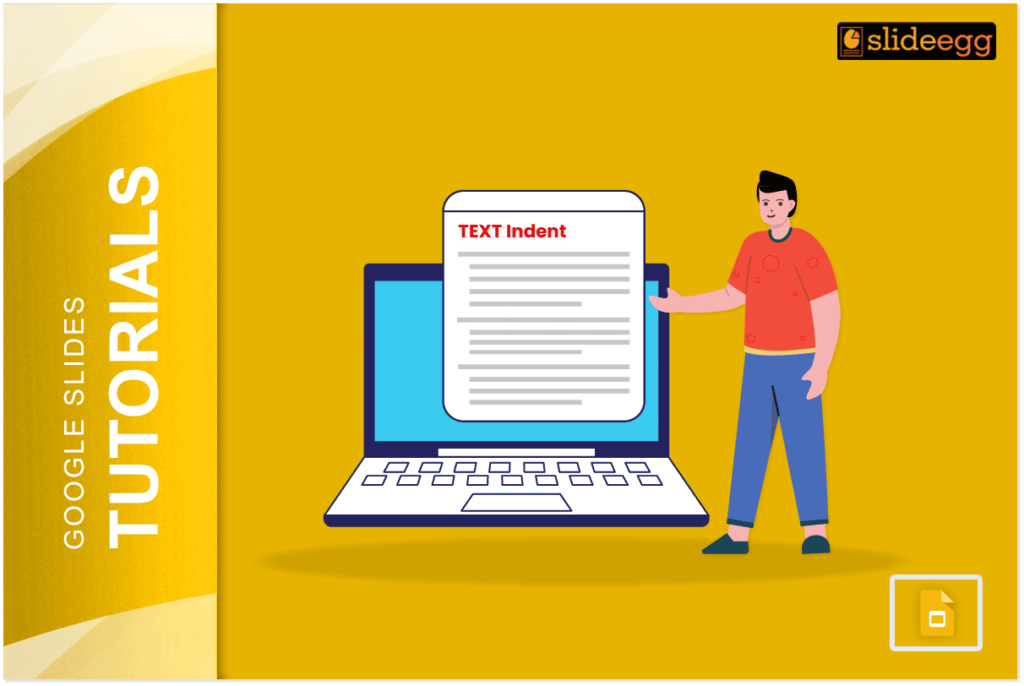
Quick Tips for Indenting Citations in Google Slides: 💠Use the space bar or tab key to create basic indents.💠For hanging indents, use a first-line indent...
 Google Slides Tutorials
Quick Tips to Highlight Multiple Slides in Google Slides✅Open your Google Slides presentation.✅Click on the first slide you want to highlight.✅Hold the Shift key (for...
 Google Slides Tutorials
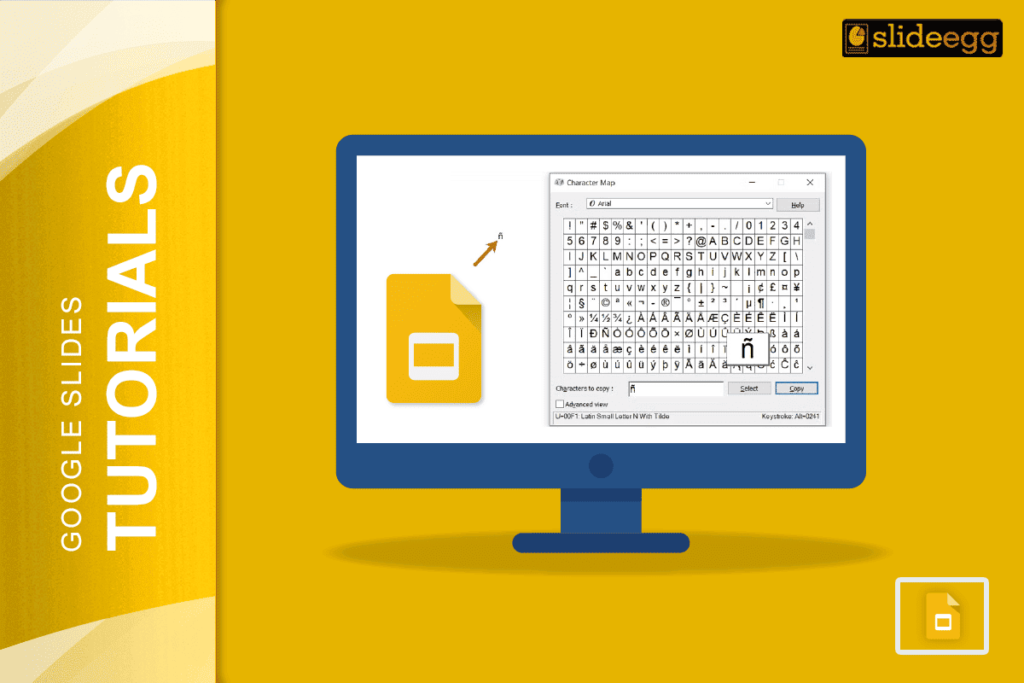
🔥 Quick Tips: How to Type Accents in Google Slides✅ Use Google Docs to type accented letters, then copy-paste into Slides.✅ Try keyboard shortcuts (Windows:...