Before and After PowerPoint Slide and Google Themes
Before and After PowerPoint Slide and Google Themes
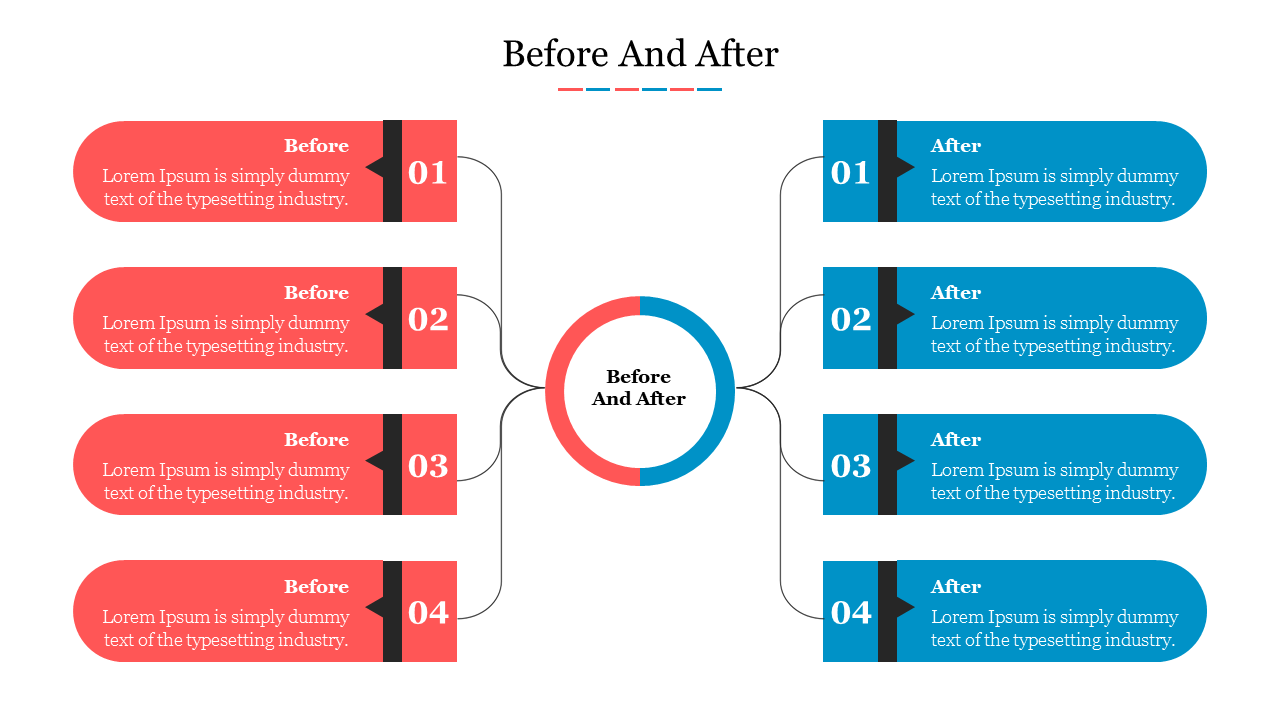
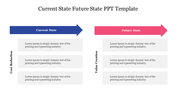
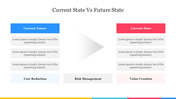
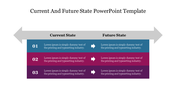
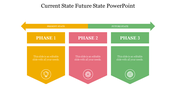
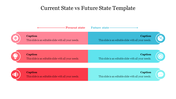
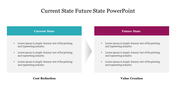
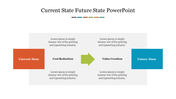
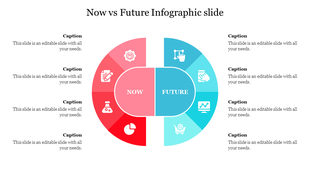
Visually demonstrate impactful transformations with this Before and After PowerPoint Slide. Designed for high-contrast comparisons, the analysis layout utilizes a central "connector" circle that branches out into two distinct sides: a red "Before" column and a blue "After" column. This split-screen architecture is ideal for presenters who need to showcase the direct correlation between a specific problem (Before) and its resolved state (After) across four key metrics.
Key Features of this Slide
- The "Visual Skin" for Case Studies: Use this template to structure ChatGPT or Gemini case study outputs. Ask your AI to "list 4 pain points of the old process and 4 benefits of the new solution," then map them directly to the numbered nodes for a cohesive "Problem/Solution" story.
- 8 Node Comparative Layout: Features eight distinct text containers (4 on the left, 4 on the right) linked by vector lines to a central core, ensuring a logical flow of information.
- High-Contrast Color Coding: The default Red (Warning/Past) to Blue (Calm/Future) color scheme visually reinforces the narrative of improvement and stability.
Strategic Use Cases
- Business Process Re-engineering: Contrast legacy workflows with modernized, automated processes.
- Rebranding Reveals: Showcase old logo/identity elements alongside the new brand refresh to highlight the evolution.
- Customer Success Stories: Present "Client Challenges" on the left and "Delivered Results" on the right for a persuasive sales slide.
FAQs
- Can I change the red and blue colors? Yes, the shapes are 100 percent editable vectors. You can easily swap the red/blue theme for "Grey/Green" (Current/Future) or any palette that matches your brand guidelines.
- Does it work in Google Slides? Yes, the file is rigorously tested for compatibility across PowerPoint, Google Slides, and Canva.
- Is the text layout fixed? No, the text boxes and connecting lines are independent objects, allowing you to add or remove nodes if you only need a 3-point comparison.

You May Also Like These PowerPoint Templates
Showing20 of69,218 templates