Current State Future State PPT Template & Google Slides
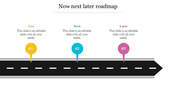
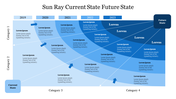
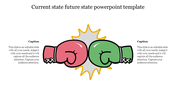
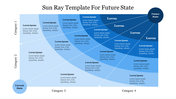
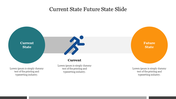
Get Current State Future State PowerPoint For Presentation
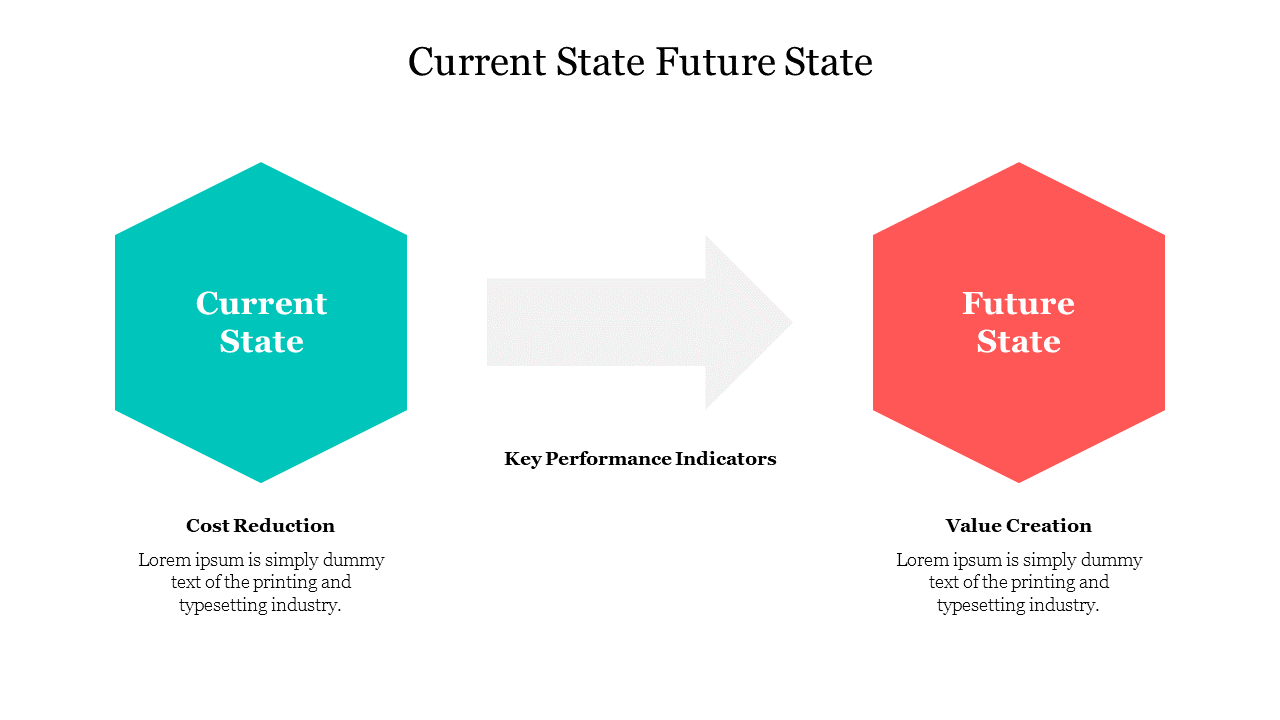
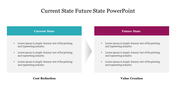
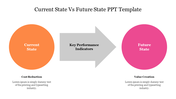
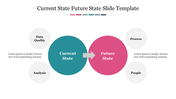
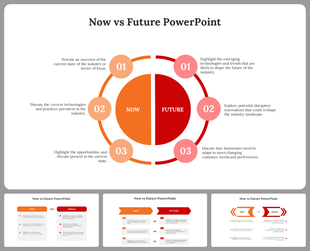
Download our Current State Future State Powerpoint Slide, an excellent presentation to visualize your Future State. Our template helps predict the Current State and Future State for crucial performance. Finally, Users can use this slide in business project meetings or company meetings.
About This Slide:
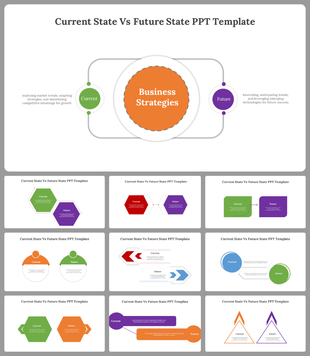
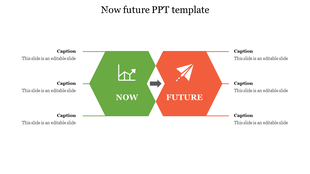
This Current State Future State Powerpoint Slide has two hexagonal-shaped text areas to compare. In addition, Each hexagon has a titleholder and different shades to compare. Also, check our wide range of engaging Future PPT slides. You can check them later. First, it is a pre-built slide with all the best elements you need to design the most pleasing presentation. Our future templates are 100% editable, so you don't have to worry about modifying color, text, font, and theme.
Features of this template
- 100% Customizable (shape color, size & text)
- This template has a hexagon theme.
- Drag and drop image placeholder
- Huge Collections of future slides to impress your audience
- It further supports an aspect ratio of 16:9 and 4:3 format
- Easy to change the slide colors quickly










You May Also Like These PowerPoint Templates
Showing20 of69,218 templates