Detailed Arrows PowerPoint And Google Slides For Analysis
Free
Nodes

Colors
Arrows Presentation Template
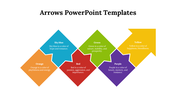
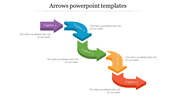
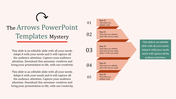
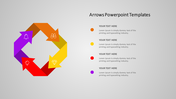
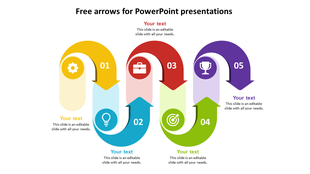
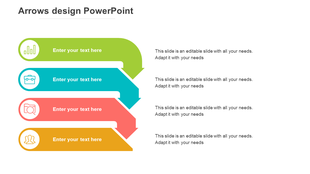
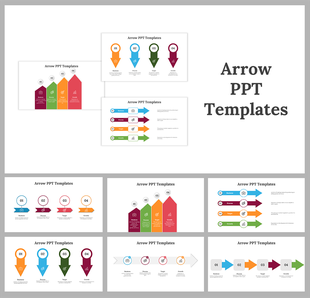
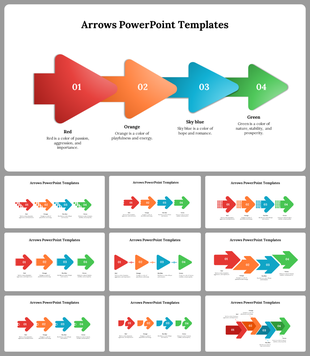
Looking to spice up your presentations and keep your audience engaged? Look no further than our Arrows PowerPoint Template and Google Slides Picture this: five sleek blue and white arrows pointing the way against a clean white background. Each arrow comes with its text box, ready for you to fill in with your main points or steps.
Whether you're a business whiz, a teacher, or a project master, this template's got you covered. Use it to map out timelines, break down processes, or lay out your big plans. And the best part? It helps users make the most of the template and create professional-looking presentations with ease. You can tweak the colors to match your style. So, ready to wow your crowd? Grab the template now and make your message crystal clear.
Features of the template:
- Slides are available in different nodes & colors.
- Easy to change the slide colors.
- Well-crafted template with instant download.
More Collections for Detailed Arrows PowerPoint And Google Slides
Recommended based on this template.
Similar Templates to Detailed Arrows PowerPoint And Google Slides


Showing20 of69,218 templates