Editable Arrow PowerPoint Slide PPT For Presentation
Nodes

Colors

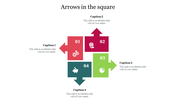

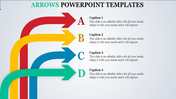
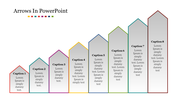
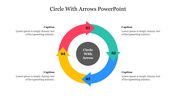

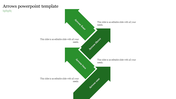
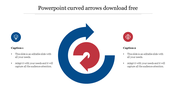
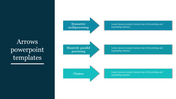
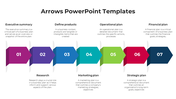
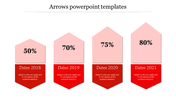

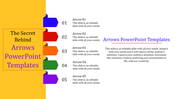
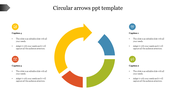

Colorful Arrow Template For Presentation
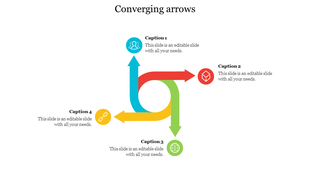
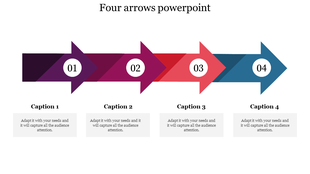
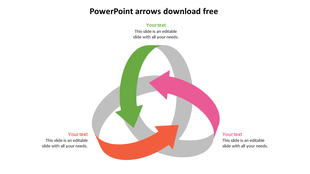
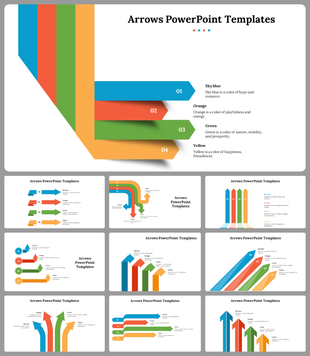
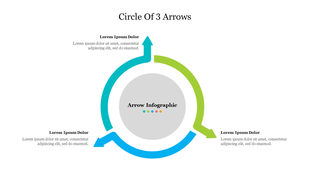
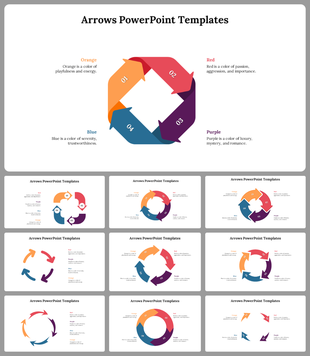
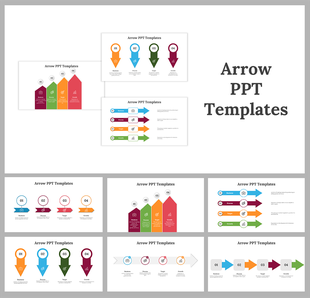
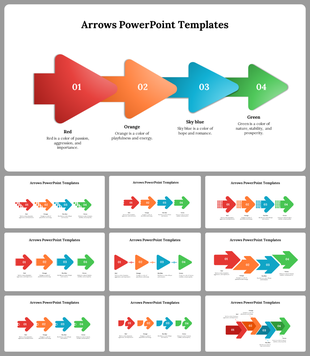
Get this unique arrow PowerPoint slide to create a well-planned business presentation in a minute. We have added a colorful arrow in an organized way to present your data. Each arrow holds a unique color tone to highlight the information. Also, to explain your content briefly, we have added special icons. You can rearrange the icons and arrows as per the need. It is 100 percent free to modify. Grab now!
Features of the template
- 100% customizable slides and easy to download.
- Slides are available in different nodes & colors.
- The slide contained 16:9 and 4:3 formats.
- Easy to change the slide colors quickly.
- It is a well-crafted template with an instant download facility.
- It is a 100% pre-designed slide.
- The slide is free to edit.
More Collections for Editable Arrow PowerPoint Slide PPT
Recommended based on this template.

Similar Templates to Editable Arrow PowerPoint Slide PPT








Showing20 of69,218 templates