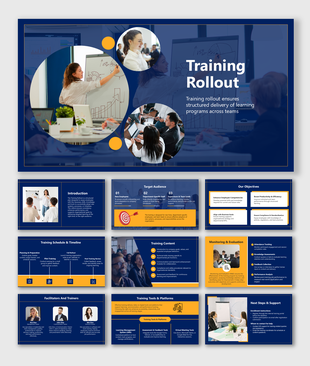
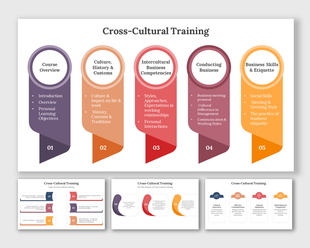
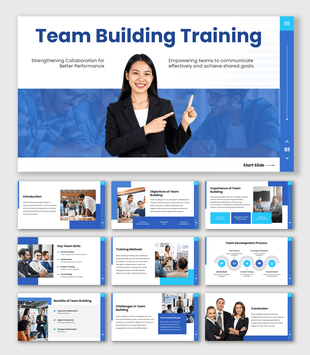
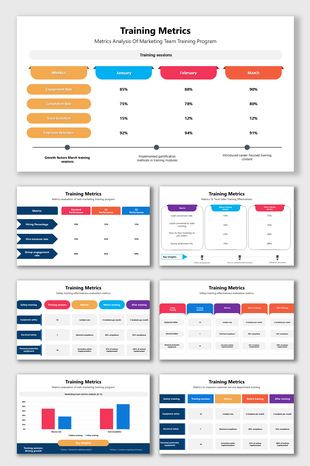
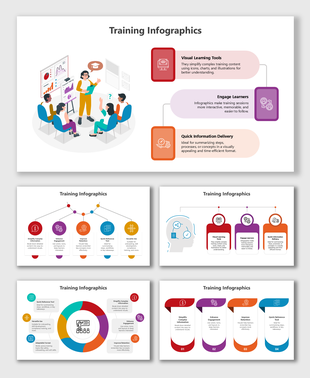
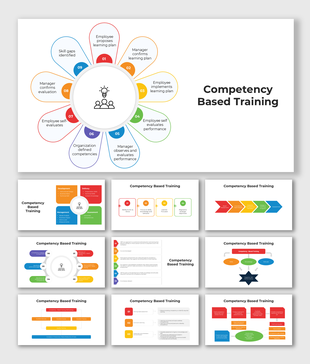
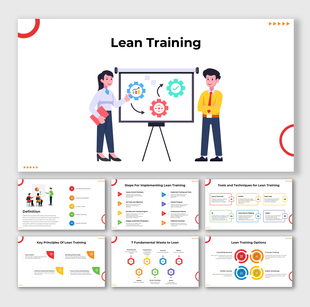
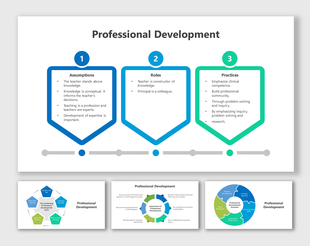
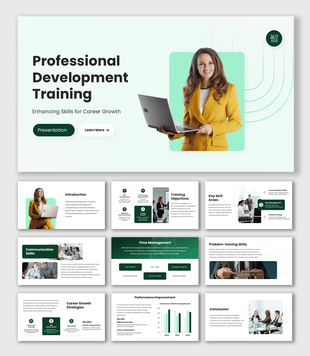
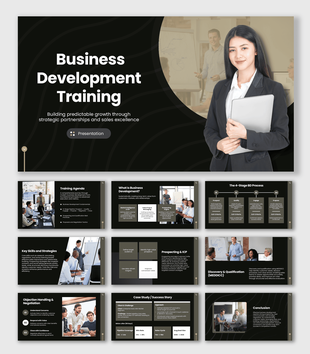
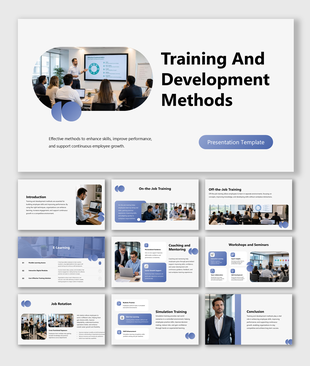
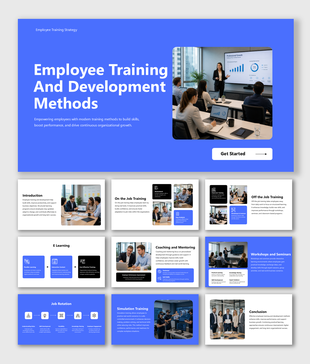
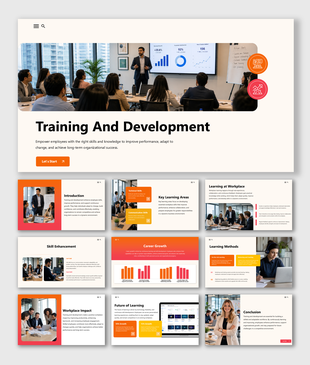
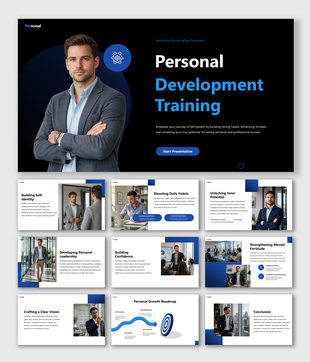
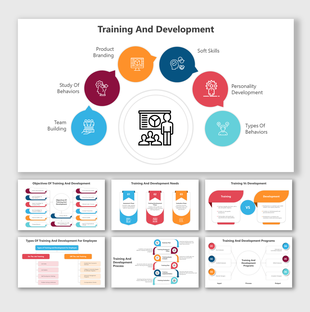
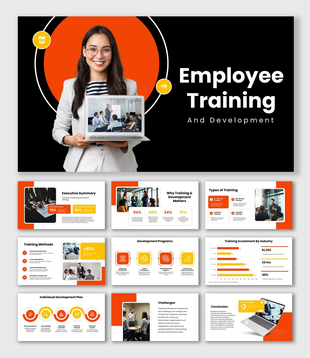
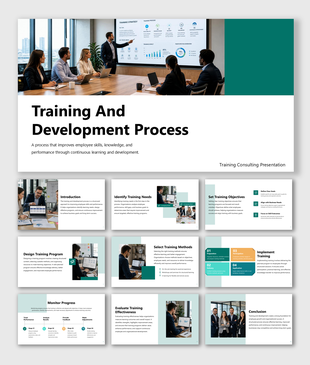
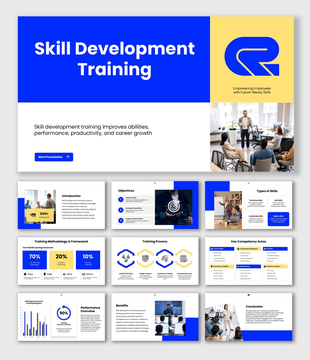
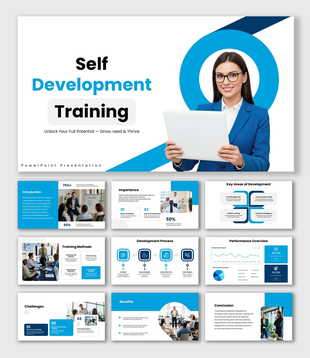
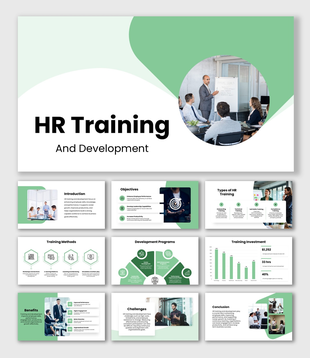
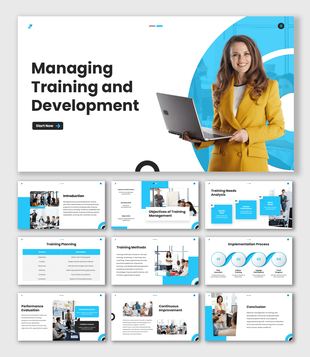
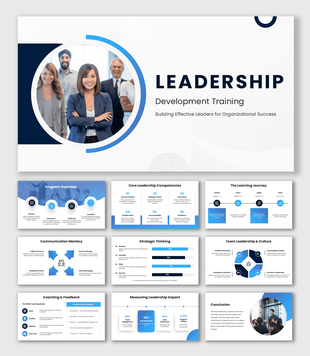
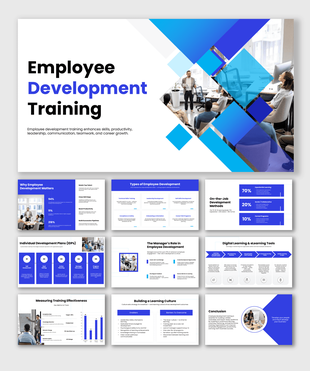
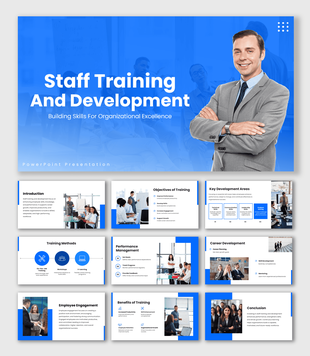
The first few weeks of an employee's journey shape everything — their confidence, their performance, and how long they stay. This Training Onboarding template gives HR professionals, learning and development teams, and corporate trainers a structured, visually clean, and completely ready-to-use deck that covers the full onboarding process from introduction to best practices. Built for HR managers, L&D professionals, corporate trainers, team leaders, and management students, this template makes employee onboarding easier to plan, present, and execute.
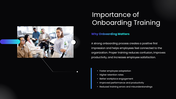
It opens with a clear introduction to onboarding that frames training as the bridge between a new hire's first day and their first real contribution — covering how structured onboarding helps employees understand company values, learn job responsibilities, and build the confidence they need to perform. The importance of onboarding training slide reinforces the business case with five outcomes that matter most to organizations — faster adaptation, higher retention, better engagement, improved productivity, and fewer training errors.
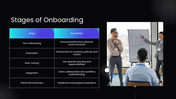
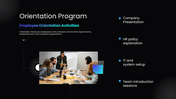
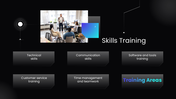
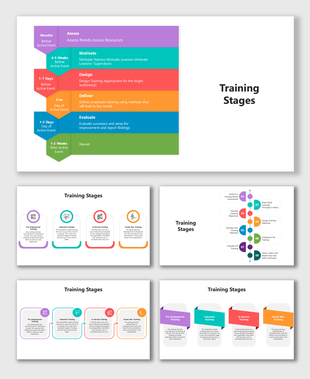
The stages of onboarding slide maps the complete five-phase journey — pre-onboarding, orientation, role training, integration, and performance review — in a clean table format that gives HR teams a shared framework for designing and tracking the onboarding experience. The orientation program slide covers the four key activities that make a first-week orientation effective: company presentation, HR policy explanation, IT and system setup, and team introduction sessions. The skills training slide then maps the core training areas every new employee needs — technical skills, communication, software and tools, customer service, time management, and teamwork — giving L&D teams a practical training curriculum to build from.
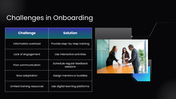
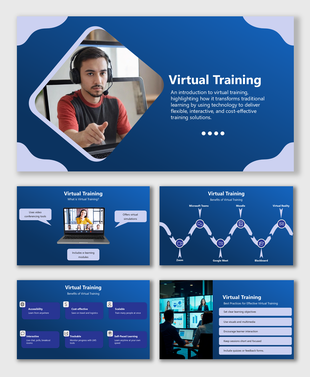
The digital learning and LMS slide addresses how modern organizations are scaling onboarding through technology — covering the five key advantages of learning management systems, including anytime access, progress tracking, interactive modules, faster knowledge sharing, and centralized training resources. The challenges in onboarding slide presents five common obstacles alongside specific, actionable solutions — from breaking information overload into step-by-step training to assigning mentors for slow adapters and using digital platforms for resource gaps. The best practices slide closes the content with six strategies that separate truly effective onboarding programs from generic orientation sessions.
Everything is fully customizable — stages, training areas, challenge solutions, LMS advantages, and color schemes — no design experience needed. Download the Training and Development PPT today and build an onboarding experience that sets every new employee up for long-term success.