Taxonomy PowerPoint Presentation Template And Google Slides
Nodes
Colors
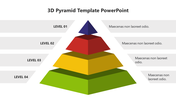
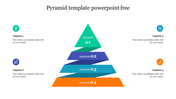
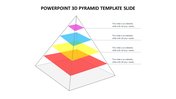
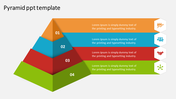
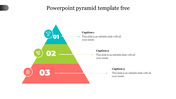
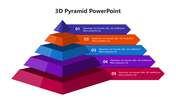
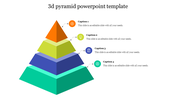
Taxonomy Presentation Slide
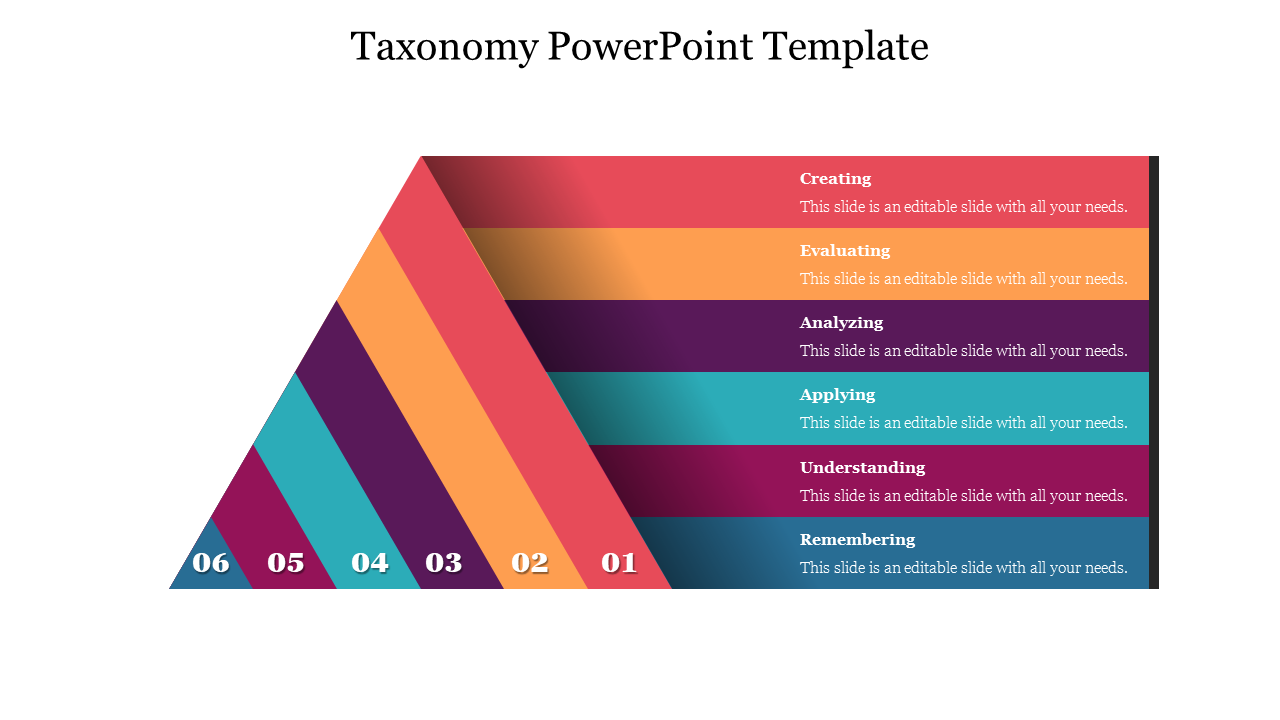
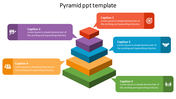
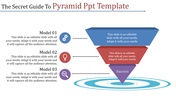
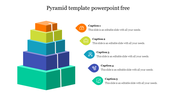
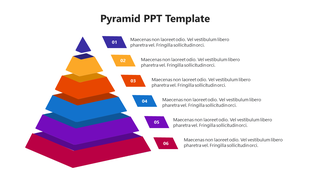
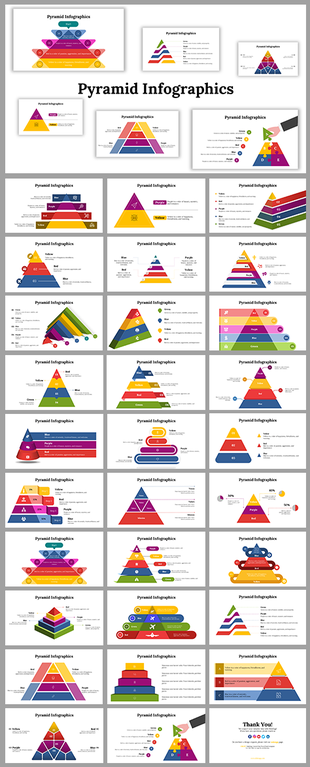
Bloom's Taxonomy is a framework for educational learning objectives that emphasizes critical thinking and problem-solving. It comprises six hierarchical levels, each representing a different cognitive skill. It is an essential tool for educators to design effective teaching strategies and evaluate student progress. Our presentation template features a colorful pyramid design with six layers to present your concepts clearly. It is an editable slide that will be ideal for teachers, professors, and education-related presentations.
Features of the template
- 100% customizable slides and easy to download.
- Slides are available in different nodes & colors.
- The slides contain 16:9 and 4:3 formats.
- Easy to change the colors quickly.
- It is a well-crafted template with an instant download facility.
- Compatible with Google Slides and PowerPoint.
- This slide is designed with a creative design with a text area.
- It is easy to use and customize.
More Collections for Taxonomy PowerPoint Presentation Template
Recommended based on this template.









Similar Templates to Taxonomy PowerPoint Presentation Template
Showing20 of69,218 templates