Multicolored Strategy PowerPoint Template for Diverse Plans
Nodes
Colors





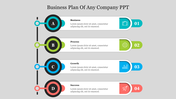




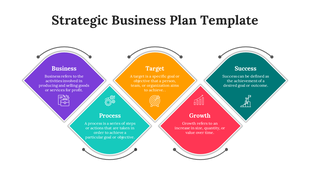
Engaging Strategy PPT Slide with Four Nodes
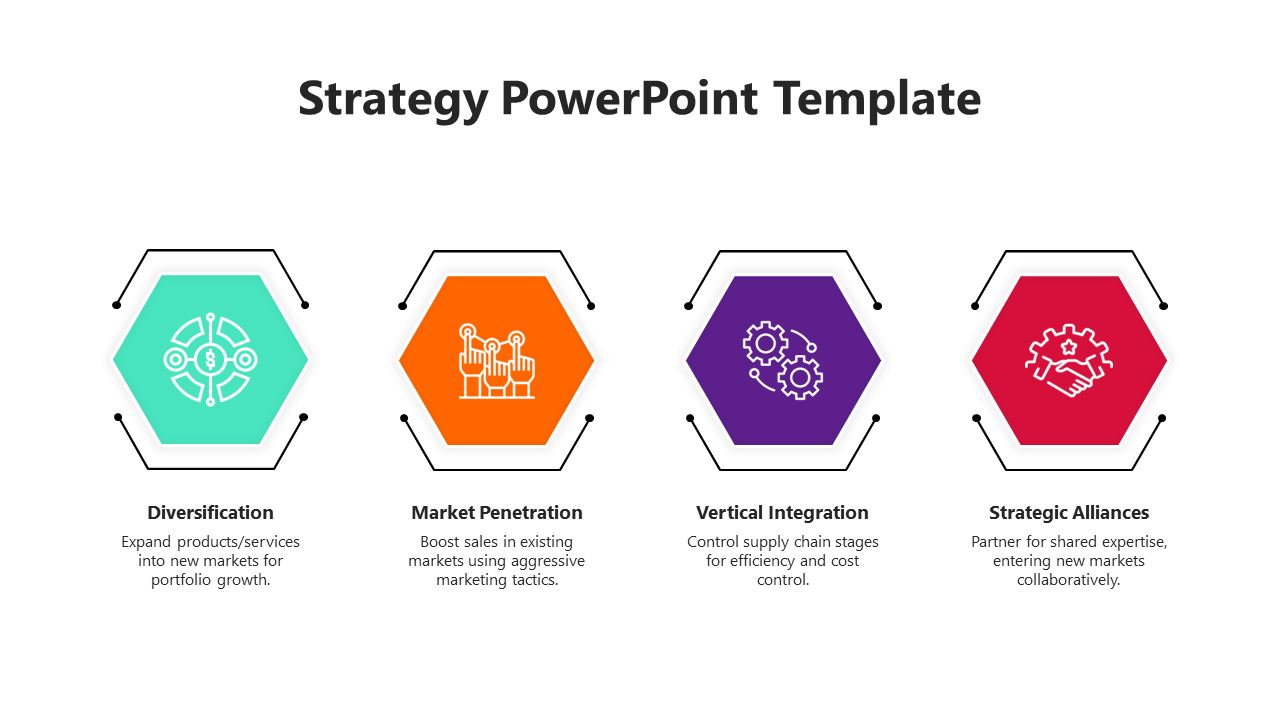
This Strategy PowerPoint template helps you create a professional-looking presentation to introduce a business strategy. The template includes four text areas with different layouts: circle, title holder, and summary area. The template also contains icons to help you visualize your strategy and amuse your audience. The orange strips with a circle shape in this PowerPoint help highlight your data. This slide is easy to customize and use with any topic you want to present. Download it and customize you’ll be one step ahead of others.
Features of the Template
- 100 % customizable slides and easy to download
- Slides are available in different nodes & colors.
- This PowerPoint has four nodes.
- The slide contained 16:9 and 4:3 formats.
- Easy to change the slide colors quickly.
- It is a well-crafted template with an instant download facility.
- It is designed with a stunning theme design.
- It comes with an orange theme.
Explore Related Collections
Recommended based on this template.









You May Also Like These PowerPoint Templates






Showing20 of69,218 templates