Simple Strategy PowerPoint And Google Slides Template
Nodes
Colors






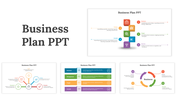
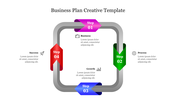
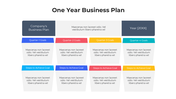
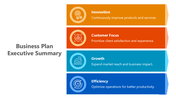

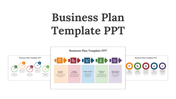

Extraordinary Strategy PowerPoint Presentation
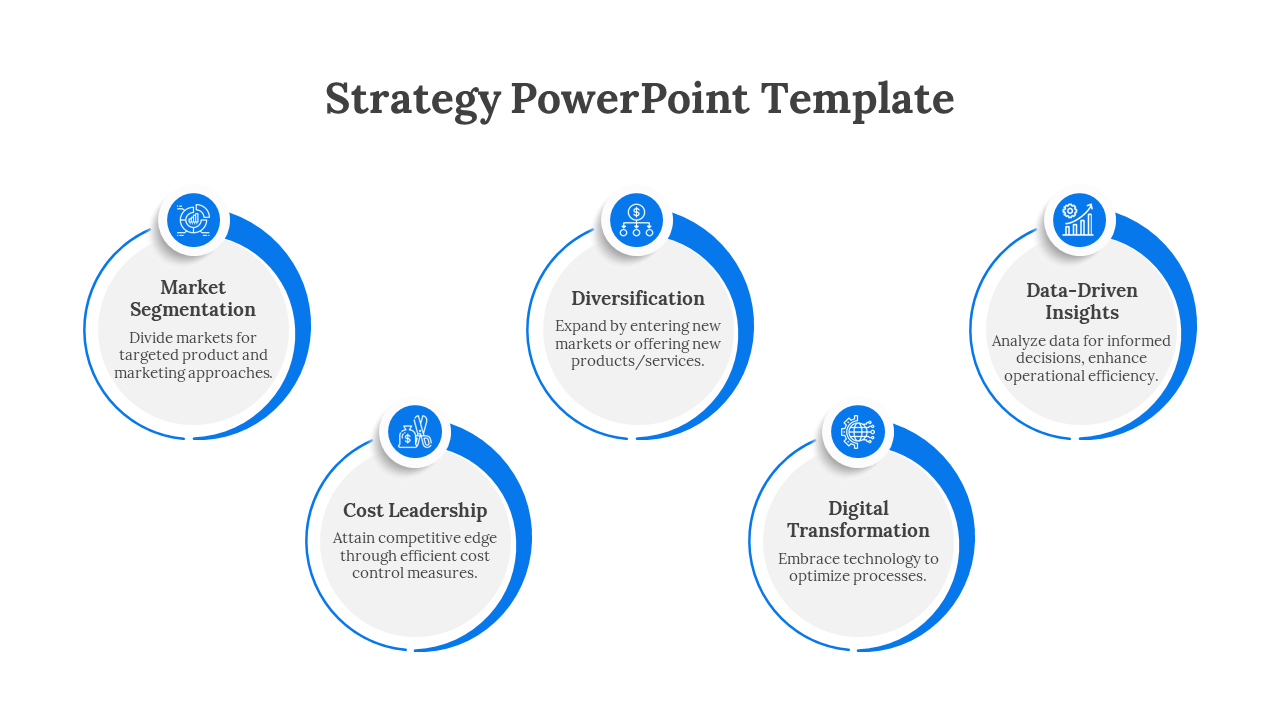
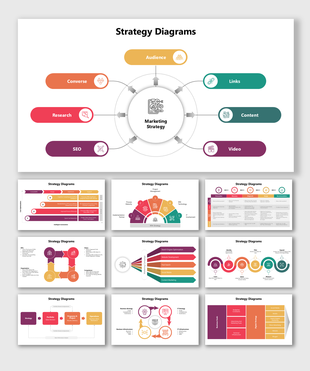
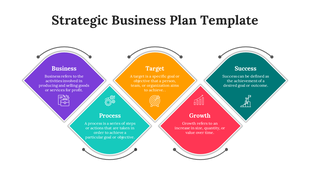
A business strategy is not a one-time event. It is an ongoing process that should be reviewed and updated on a regular basis. Use this template to communicate your fresh business ideas and connect them to the subject under discussion. Using the five nodes on a single slide, you can clearly describe the many characteristics of your company. The show's look and appearance will be on the slide you present. Don't speak off the cuff! Instead, thoroughly prepare your PPT and present it right away!
Features of the template
- 100 % customizable slides and easy to download.
- Slides are available in different colors
- The slide has 4:3 and 16:9 formats.
- Easy to change the slide colors quickly.
- Appealing presentation to impress an audience.
- Create feature-rich slide presentations.
- An eye-pleasing color slide helps to give a catchy presentation.
- Crisp and clear font styles.
- Five nodded styles with blue shades.
More Collections for Simple Strategy PowerPoint
Recommended based on this template.









Similar Templates to Simple Strategy PowerPoint







Showing20 of69,218 templates