Slide Number PowerPoint Template and Google Slides











Best Slide Number Template
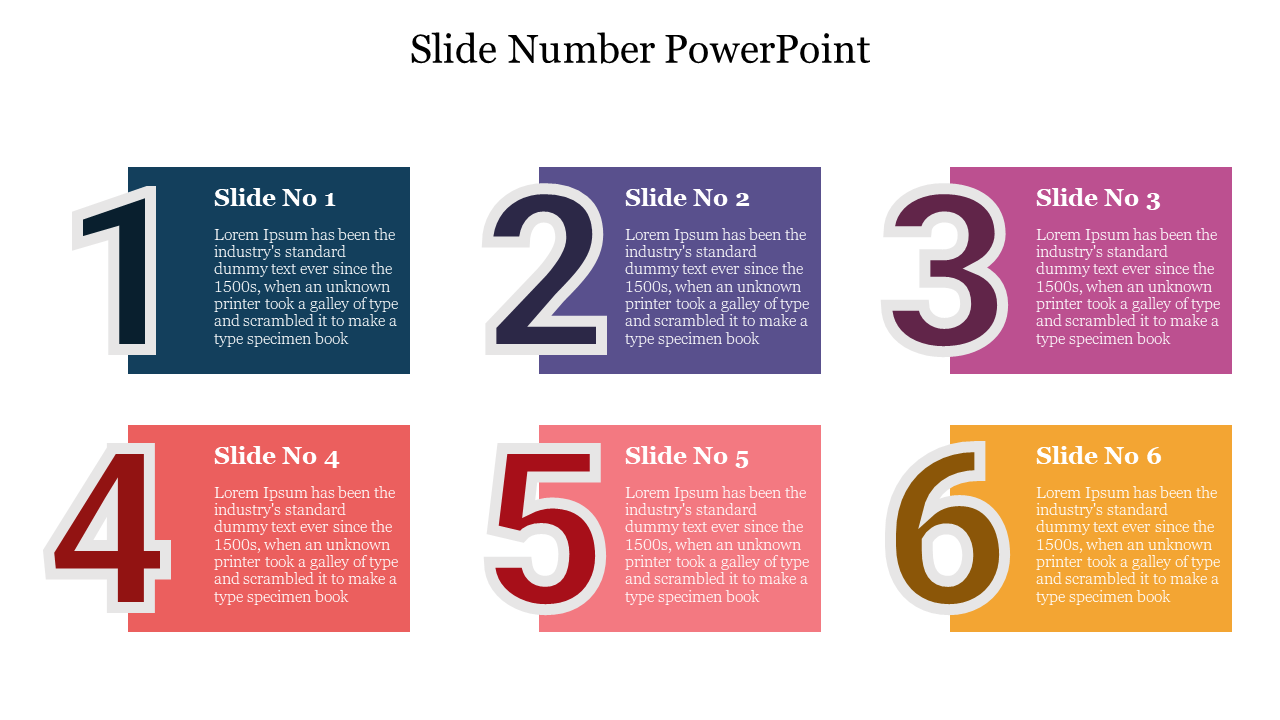
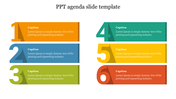
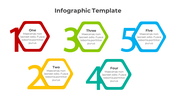
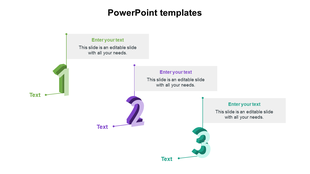
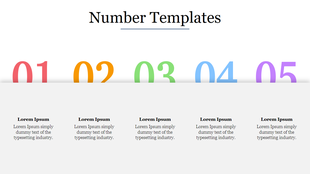
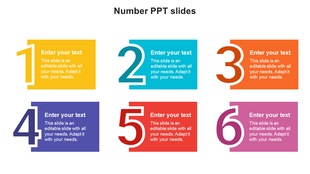
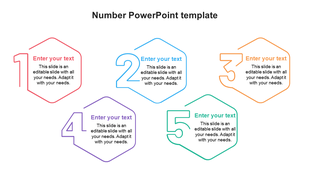
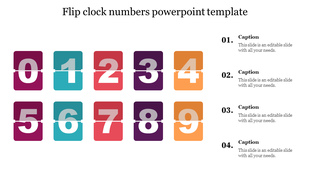
The Slide Number PowerPoint Template is a great way to add numbers to your presentations. It comes with placeholders for numbers, which are easy to edit. This number template can showcase the information you are presenting—a very flexible and comfortable slide to use.
About this template
The Slide Number PowerPoint Template is a pre-made design with a neat background theme. It is a colorful template that helps to deliver your information quite interestingly to your audiences. The numbers can be adjusted by clicking on the text shape. You can change the color of the number or the font family as per your desire.
Features of this template
- 100 % customizable slides and easy to download.
- Slides are available in different nodes & colors.
- The slide contained in 16:9 and 4:3 format.
- It is easy to change the slide colors quickly.
- It is a well-crafted template with an instant download facility.
- The best PowerPoint theme template.
- It is a well-designed slide number presentation template.



You May Also Like These PowerPoint Templates

Showing20 of69,218 templates