Scrum Master Vs Product Owner PowerPoint And Google Slides

 Canva
Canva
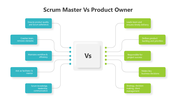
Scrum Master Vs Product Owner PowerPoint, Google Slides, and Canva Template
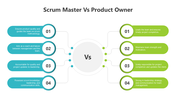
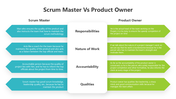
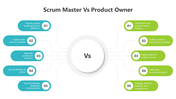
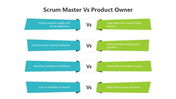
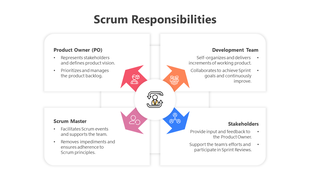
The Scrum Master ensures Agile processes run smoothly, removes obstacles, and facilitates team collaboration. The Product Owner defines product vision, prioritizes the backlog, and aligns business goals with development. While the Scrum Master focuses on process efficiency, the Product Owner drives product strategy, ensuring valuable outcomes for stakeholders.
Purpose Of The Slides
This 11-slide presentation deck, designed with a multicolor theme, provides a clear and structured comparison of the Scrum Master vs Product Owner roles. The slides cover key differences, responsibilities, and collaboration strategies, making it an ideal resource for Agile teams, project managers, and Scrum practitioners.
Who Can Use It?
Special Key Features
Download this Scrum Master vs Product Owner PowerPoint template to create an insightful presentation on Agile roles, responsibilities, and Scrum best practices.
Features of this template
- 100% customizable slides and easy to download.
- The slides contain 16:9 and 4:3 formats.
- Easy to change the colors quickly.
- Highly compatible with PowerPoint, Google Slides, and Canva templates.

You May Also Like These PowerPoint Templates
Showing36 of69,218 templates