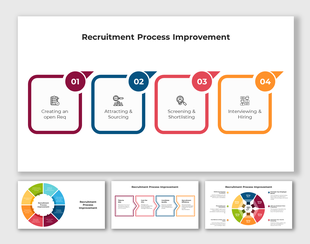
Customized Recruitment Process PPT Presentation Design
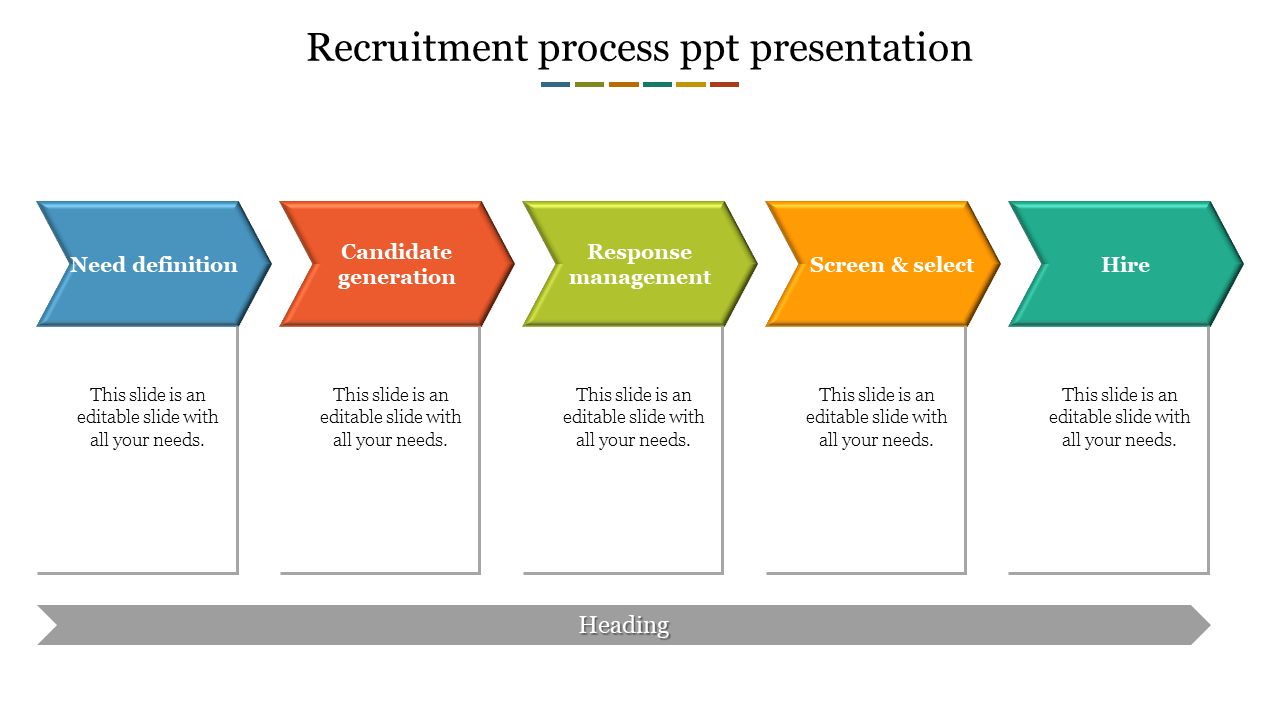
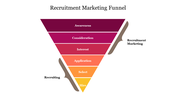
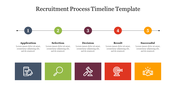
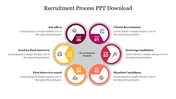
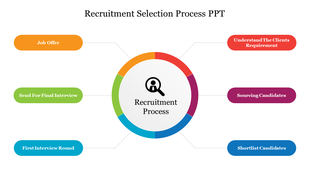
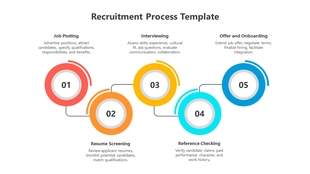
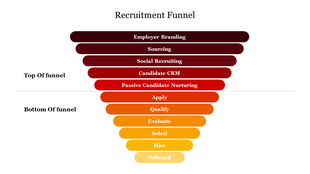
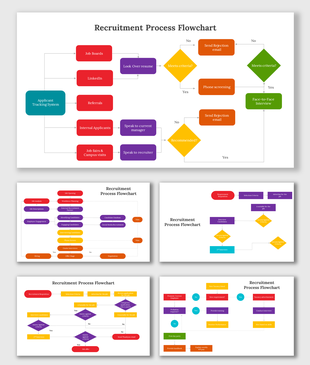
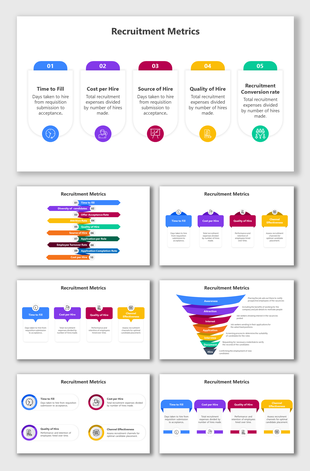
Recruitment process slide outlining key steps with sections for placeholder text.
P.ID : 39876
    629 views
    54 Downloads
    Designer
    Kavitha
    Get Custom Slides by Experts
    Enhance Your Presentations with Add-ins
    Google Slides Add-in
    Access templates directly in Google Slides
    Microsoft PowerPoint Add-in
    Access templates directly in PowerPoint
    GPT Add-on
    AI-powered presentation assistance

    Flawless Recruitment Process PowerPoint Template

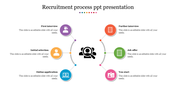
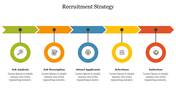
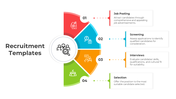
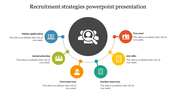
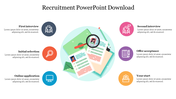
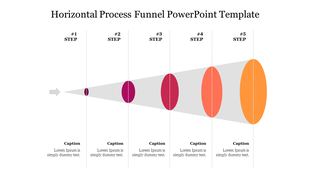
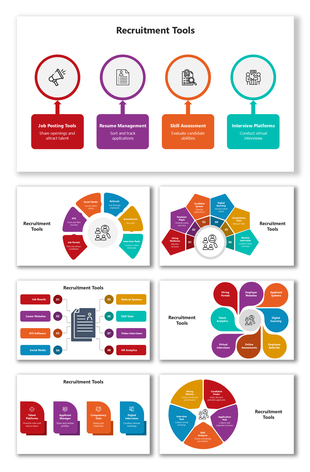
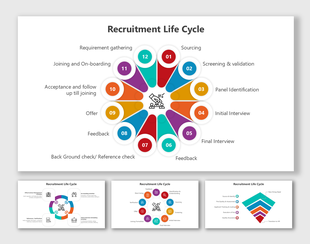
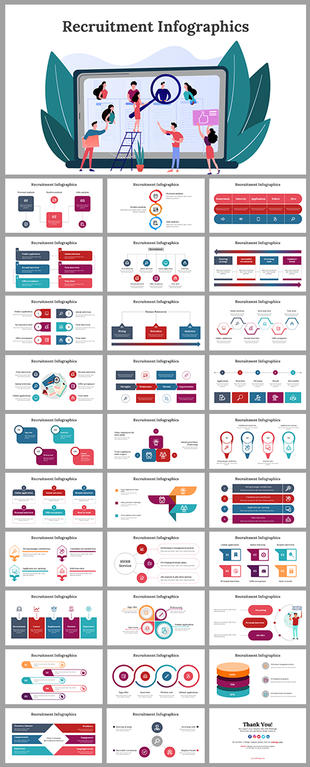
    The methods used by a company to entice job candidates are referred to as recruitment methods. One of the most crucial things today is to source and find talented and relevant employees for your organization. So consider finding productive ways to use those inputs to achieve more consistent results. Use this top recruitment process template to let colleagues and team members learn about your innovative hiring practices and opinions. This format is suitable for meetings in the business world or the institution. You can find the slide with the five nodes and the stunning infographic graphics. Grab it right away! The connected layout can be used to provide more in-depth explanations.

    Features of the template

    • 100 % customizable slides and easy to download.
    • Slides are available in different colors
    • The slide has 4:3 and 16:9 formats.
    • Easy to change the slide colors quickly.
    • Appealing presentation to impress an audience.
    • Create feature-rich slide presentations. 
    • An eye-pleasing color slide helps to give a catchy presentation.
    • The slide is compatible with Google slides.
    • Best hiring process layout.
    Advertisement

    You May Also Like These PowerPoint Templates
    Free
    Add to Wishlist
    Download
    Edit
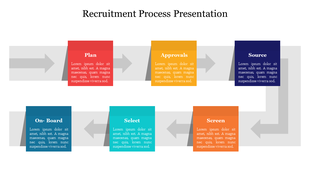
    Timeline slide showcasing five sections with purple colored icons and space for captions.
    Free
    Add to Wishlist
    Download
    Edit
    Modern slide with six numbered red boxes, each with caption placeholders, connected by a central horizontal line.
    Free
    Add to Wishlist
    Download
    Edit
    Horizontal office timeline from 2015 to 2020 with red hexagon icons and connecting arrows for each year.
    Add to Wishlist
    Download
    Edit
    Blue funnel graphic with four segmented layers labeled 01 to 04, ending in a black arrow with descriptive text.
    Add to Wishlist
    Download
    Edit
    Horizontal timeline with key years marked by colour coded circular icons and caption area beneath each milestone.
    Free
    Add to Wishlist
    Download
    Edit
    Color-coded timeline with five options marked at years 2000, 2005, 2010, 2015, and 2020, each with icons and text.