Multi color Process PowerPoint Slide - Arrow Model
Nodes
Colors

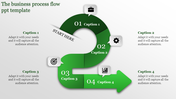
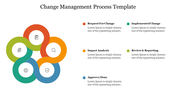
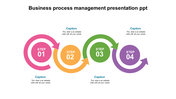
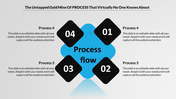




ARROWS PROCESS PPT TEMPLATE
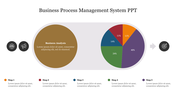
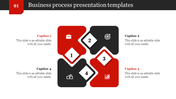
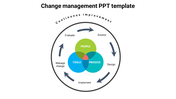
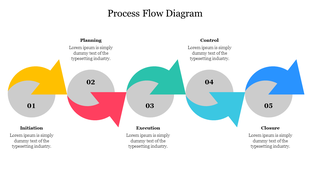
The PowerPoint slide is uniquely attractive and professionally helpful. The template is highly effective in showing the process flow of the business plan. The template is fully customized, and so it is easy to edit.
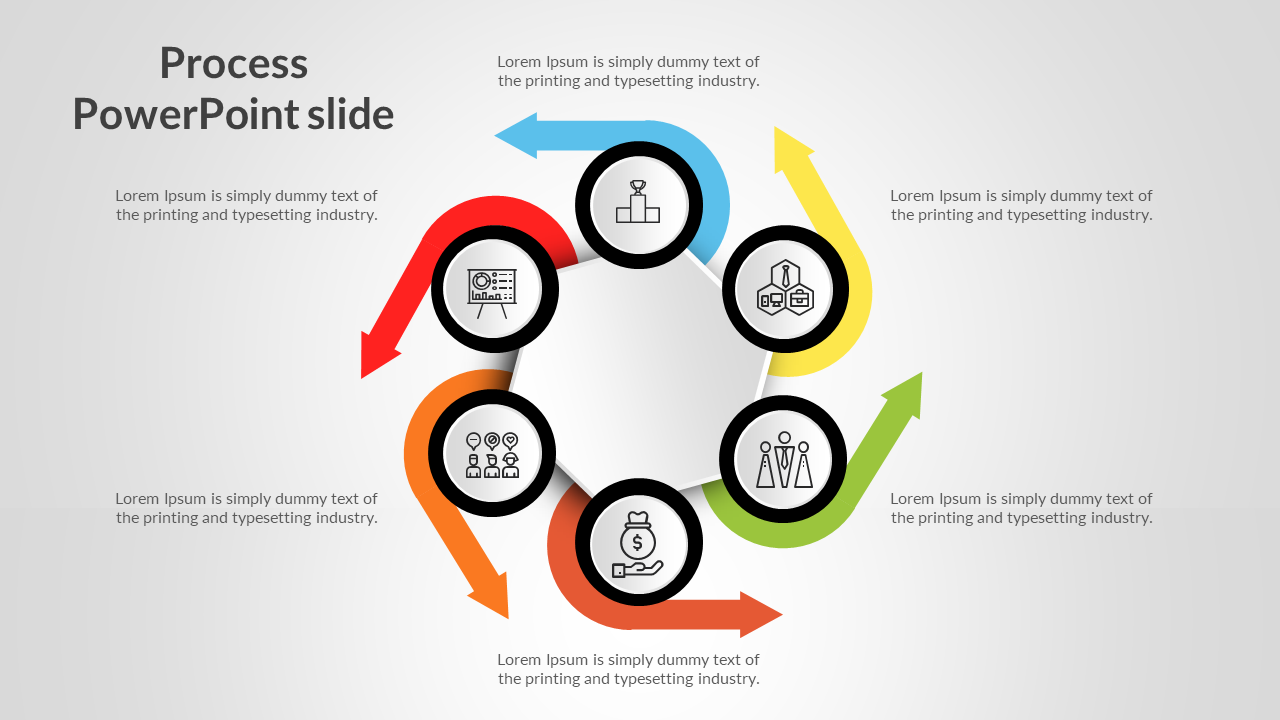
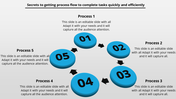
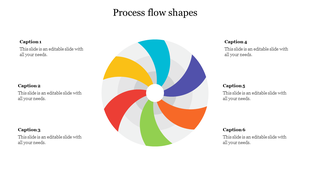
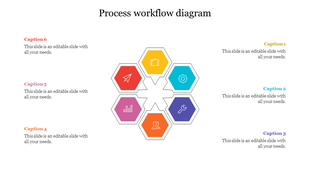
What makes the template unique is that?. This template is given in the wheel-shaped circular template. The arrows given are adequate to show the flow of the topics. The template is given six nodes, each given with a symbol inside them. The symbols are more than enough to show the information on each topic.
The templates are given multi colors like orange, yellow, blue, red, green, etc. you make the template attractive by adding extra nodes and vibrant colors. You can indeed download this template to make your audience wonder struck.
Features of this template:
- It is 100% customization and straightforward to download.
- The Slides are available in different nodes & colors.
- The Slide contained 16:9 and 4:3 format.
- It is easy to change the slide colors quickly.
- It is a well-crafted template with an instant download facility.
- It is given with circular arrows to make the presentation attractive.
Explore Related Collections
Recommended based on this template.









You May Also Like These PowerPoint Templates









Showing20 of69,218 templates