PPT Arrow Template And Google Slides With Five Node
Free
Nodes
Colors













Editable PPT Arrow Template Presentation
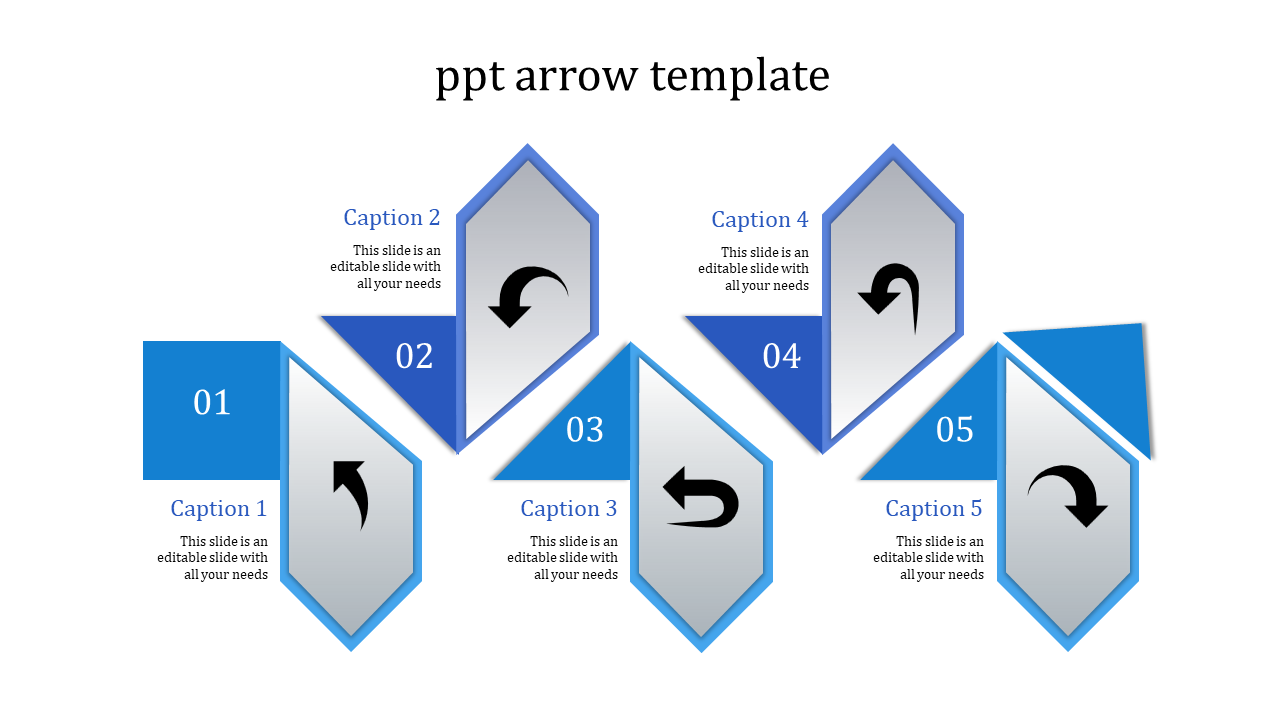
This PowerPoint arrow template and Google Slides theme are designed to enhance your presentations with a touch of clarity and creativity.
Slide Description:
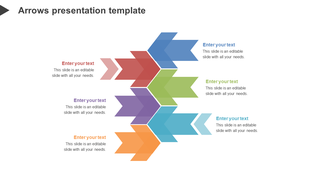
It has 5 different blue arrow illustrations: each of which has a place where your caption, title, and text depending on which you want to be prominent should go. Therefore, goodbye to the rush to fit in let the audience see what you’ve done, point out whatever you’ve shown, and the connections this template assists you in a more professional and yet, colorful manner.
Who's this perfect for?
Academic instructors who ‘attend’ their lectures to be arrows frozen into their students’ brains, business people who wish to stop using stationary overheads and to shock their audiences. These are tips you can use like a weapon to help you deliver some of the best presentations to your target audience.
So, let the Arrow template become your king’s stone to guide you and your audience to some truly mesmerizing and informative presentations!
Features of the template
- 100% customizable slides and easy to download.
- The slides contain 16:9 and 4:3 formats.
- Easy to change the colors quickly.
- It is a well-crafted template with an instant download facility.
- It is a 100% pre-designed slide.
- The slide holds vibrant colors.
More Collections for PPT Arrow Template And Google Slides
Recommended based on this template.








Similar Templates to PPT Arrow Template And Google Slides


















Showing20 of69,218 templates