SPOOKY SALE Grab Spooky Halloween Deals – Up to 80% OFF

Spiral Presentation Templates

Dear business people, project managers, and software engineers! Explore our editable, free spiral PowerPoint templates and Google Slides themes to make mind-blowing presentations with the best spiral designs to show the funnel, timeline, corporate sales, target market, etc.
Free
Download Infographic Template PPT Slides Templates
Free
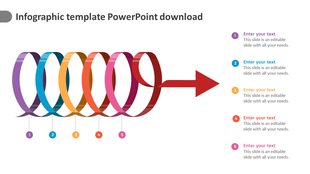
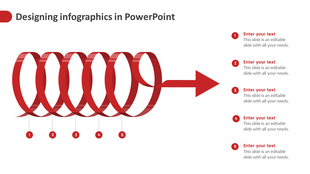
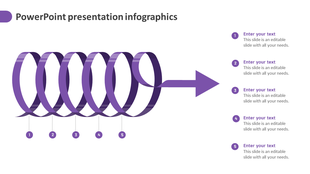
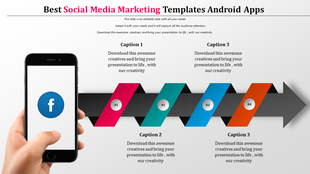
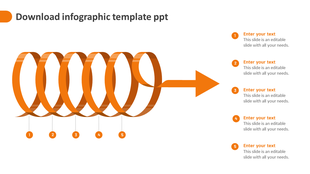
Colorful spiral timeline infographic with five numbered loops leading into a rightward red arrow, linked to text placeholder.
Free
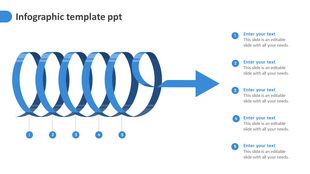
Blue coiled ribbon infographic slide ending in an arrow, with five numbered sections and text placeholders.
Free
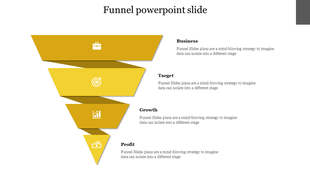
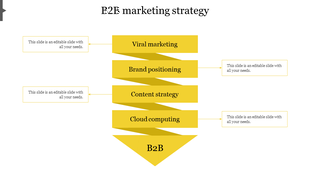
Layered yellow funnel infographic with four segments, each labeled with a title and featuring a white business related icon.
Free
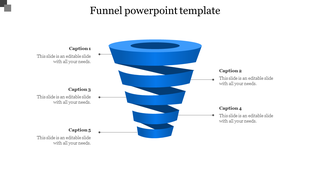
Funnel PPT template with numbered captions and a blue 3D funnel illustration with placeholder text on a white backdrop.
Free
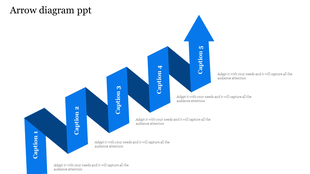
Stepped diagram with five blue arrows pointing upwards, each labeled with a caption and description.
Free
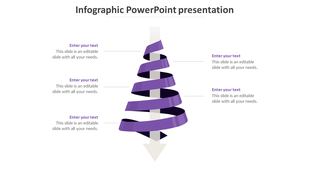
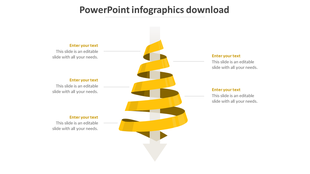
Vertical infographic with a 3D yellow ribbon spiraling down a central arrow, featuring five text fields on both sides.
Free
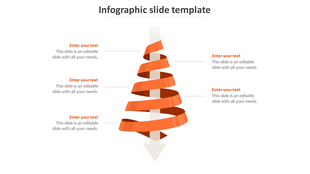
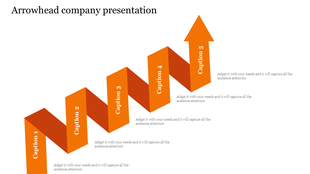
Downward moving arrow with a twisted ribbon structure in orange, paired with five text placeholders on both sides.
Free
Awesome Funnel PowerPoint Template With Five Nodes
Free
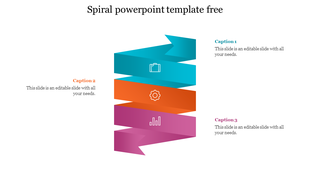
Spiral infographic with three segments in teal, orange, and purple featuring icons of a briefcase, gear, and bar chart.
Free
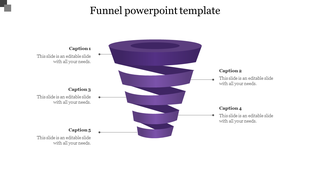
Funnel PPT template with numbered captions and a purple 3D funnel illustration with placeholder text on a white backdrop.
Free
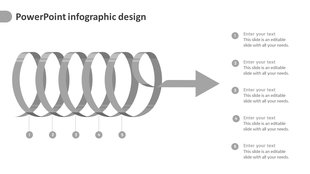
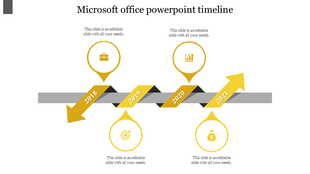
Slide with a gray spiral ribbon forming a right facing arrow, featuring five numbered circles, and text placeholders.
Free
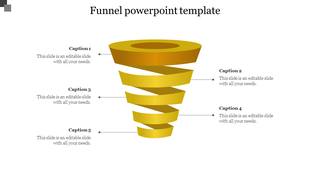
Gold spiral funnel diagram with five segmented layers, each linked to a caption placeholder with lines on both sides.
Free
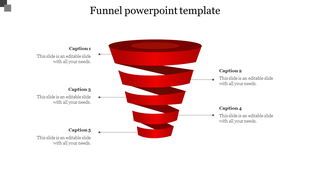
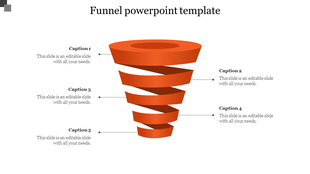
Orange funnel diagram with five swirling layers, each labeled with captions in a structured layout.
Free
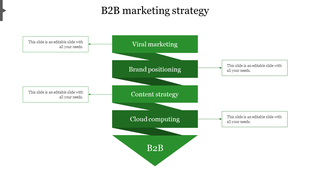
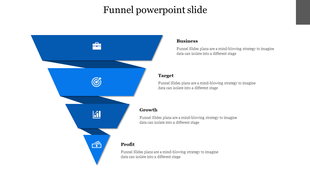
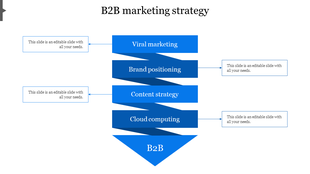
B2B marketing strategy slide with a blue themed funnel design with four sections, paired with text boxes.
Free
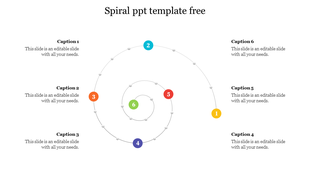
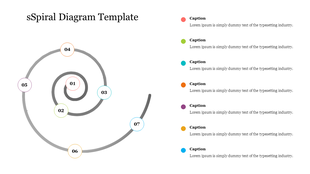
Spiral PowerPoint template featuring six colorful numbered sections with corresponding captions.
Free
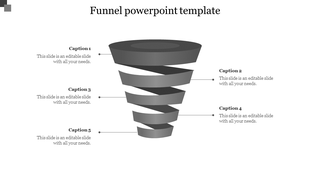
Black spiral funnel diagram with five segmented layers, each connected to a caption placeholder with lines on both sides.
Free
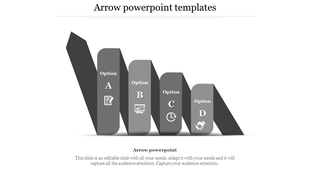
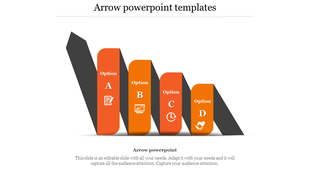
Four orange columns in zigzag arrangement, labeled with options A to D and icons, on a gray arrow backdrop.
Free
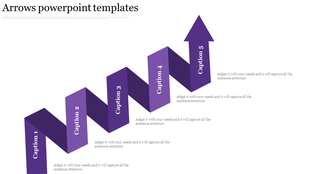
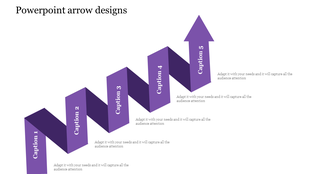
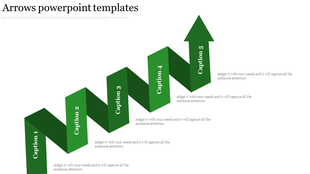
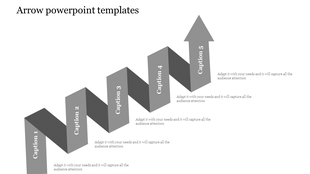
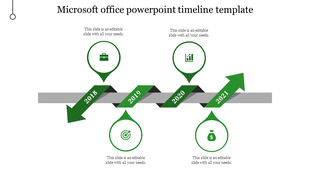
Zigzagging green blocks labeled 1 to 5, forming a staircase that leads up to a large arrow pointing upward.
Free
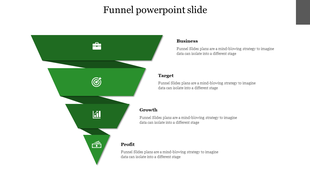
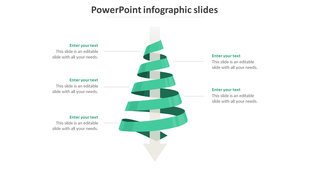
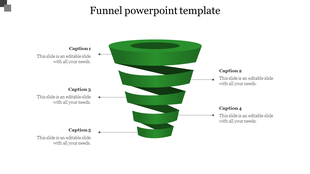
Green spiral funnel diagram with five labeled captions on a white background, showing a step by step process layout.
Free
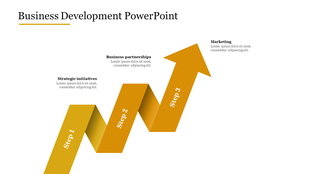
Business development slide featuring a three-step gold ribbon design labeled with steps progressing upward to marketing.
Free
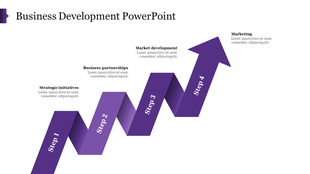
Business growth template with purple ascending arrow divided into four labeled steps for development stages.

Showing48 of93

Free Spiral PowerPoint Templates and Google Slides Themes: The Magic of the Spiral


The spiral is a shape found throughout nature and has been used for centuries to symbolize growth, progress, and connection. In presentations, spirals can be used to represent a journey, a continuous process, or even a cycle of ideas. By using a spiral layout, you can visually guide your audience through complex topics in a way that's easy to follow and remember.

Why Choose Our Templates?

Our library of spiral diagram templates offers a unique and impactful way to present your ideas. Here's how they can help you:

  • Stand Out From the Crowd: Ditch the boring bullet points and linear layouts. Spirals grab attention and leave a lasting impression on your audience.
  • Organize Your Information Clearly: The natural flow of the spiral helps you structure your thoughts logically, making it easier for your audience to understand your message.
  • Showcase Connections: Use spirals to visually demonstrate how different ideas relate to each other, creating a clear picture of the big picture.

Explore a World of Possibilities:

We offer a wide variety of multicolor 3D spiral slides perfect for a range of topics:

  • Business Presentations: Showcase sales funnels, timelines, B2B marketing strategies, social media plans, and business development roadmaps with stunning impact.
  • Education & Training: Create engaging presentations for explaining historical cycles, scientific processes, or learning journeys.
  • Project Management: Visualize project timelines, phases, and dependencies in a clear and organized way.
  • Creative Presentations: Use spirals to present artistic concepts, design ideas, or even product development cycles.

Benefits You'll Love:

Depict your creativity with our spiral templates, designed to make your presentations stand out. Each template comes loaded with features to enhance your slides: colorful infographics for clear data presentation, various node selections to suit your spiral needs, and full editability to match your branding. You'll love the benefits of royalty-free images for worry-free visuals, easy customization with user-friendly templates, multiple formats for flexibility, and the choice between free and premium options to suit your needs.

Who Can Use Spiral Templates?

They're great for anyone who wants to make really good presentations. For example, if you're in business, you can impress your colleagues and clients with awesome slides. If you're a teacher, you can make learning fun for your students with cool presentations. If you're a project manager, you can explain your plans and how things are going really clearly. And if you're part of a non-profit, you can share your story and get people to care about your cause with memorable presentations.

Browse our collection of spiral presentation templates today and discover a world of possibilities!  With our easy-to-use templates, you can create presentations that grab attention, keep your audience engaged, and leave a lasting impression. Give them a try!

Frequently Asked Questions

What are the Spiral PowerPoint Templates?

Spiral PowerPoint Templates are creative presentation templates with colorful, artistic spiral designs to help you present your concepts innovatively.

Where can we use these Spiral PPT Slides?

Spiral PPT Slides are perfect for business meetings, sales pitches, schools, colleges, seminars, and more.

How can I make Spiral Slides in a presentation?

Making Spiral Slides in a presentation is simple by clicking Insert > Shapes. The PowerPoint Scribble tool can help you easily draw a spiral freehand on the slide. Do visit our YouTube tutorials or tips & tricks to learn more about making Spiral Slides.

Who can use the Spiral PPT Templates?

Teachers, students, businesspeople, software engineers, sales executives, and project managers can use these Spiral PPT Templates to visualize various concepts.

Why do we need Spiral PowerPoint Slides?

Spiral PowerPoint Slides are a beautiful visualization tool that helps to present a funnel, timeline, process flow, corporate sales, business growth, ideas, etc.
Where can I find Free Spiral PPT templates?

Do visit Slide Egg, one of the creative platforms, to explore 54+ beautiful Spiral PPT Templates.