Free Company Organizational Chart Presentation Templates | Page 2
Show your business structure clearly with our Company Organizational Chart templates. Unlike simple team slides, these layouts map your entire company. They connect the Board of Directors to every department. Fully editable in PowerPoint, Google Slides, and Canva, they are perfect for Investor Decks, Town Hall meetings, and more. Download now!
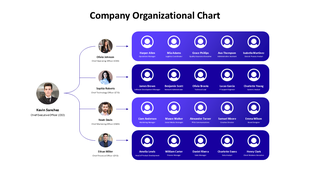
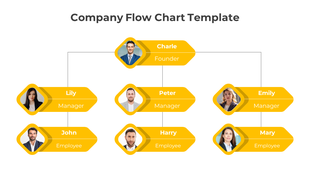
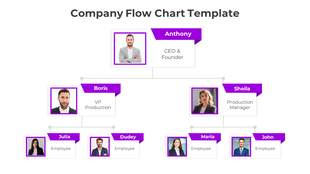
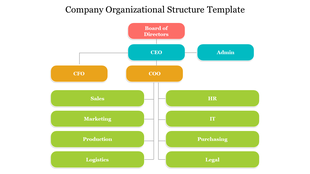
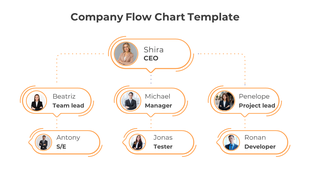
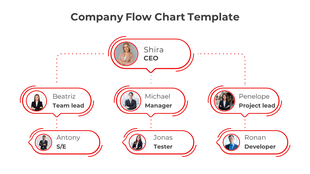
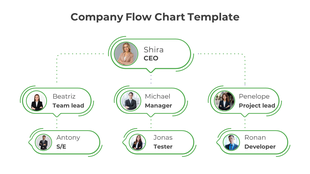
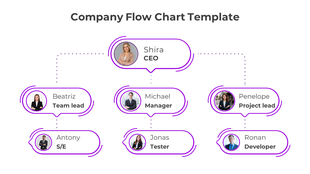
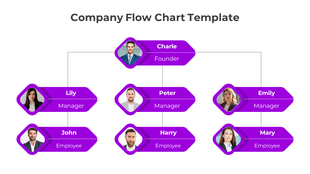
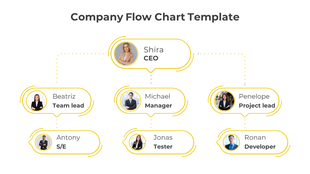
See the Big Picture of Your Business with our Company Organizational Chart Templates
Why You Need a Company-Level Chart
- Transparency: Clearly display the Board, CEO, and Executive Team. This builds trust with investors.
- Scalability: As you hire more people, your chart gets bigger. Our layouts handle many levels of management without looking messy.
- Branding: A generic chart looks cheap. Ours allows you to add your corporate logo, mission statement, and official headshots.
Key Features of Our Company Charts
- Best for: Investor Pitch Decks and Company Profiles.
- Key Feature: Large photo spots and space for short bios.
- Best for: Multi-national corporations.
- Key Feature: Color-coded sections for each branch.
- Best for: Internal Audits and HR Databases.
- Key Feature: Clean lines that stay connected when you move boxes.
Best Practices for Visual Hierarchy
- Color Coding: Use colors to group teams. Make the Sales department Blue. Make the Tech department Green. This helps viewers understand the structure in seconds.
- Consistent Spacing: Manually moving boxes creates messy gaps. Our templates have equal spacing built in. This makes your slide look polished and organized.
- Font Hierarchy: We use bold fonts for titles and lighter fonts for names. This ensures the most important info stands out.
How to Build Your Company Chart
- Start at the Top: Always begin with the Board of Directors or Owner.
- Define the Divisions: Map out your main departments (Ops, Sales, Tech) before adding names.
- Use Real Photos: For a company chart, real headshots build trust. Our slides have spots ready for this.
- Be Consistent: Use the same job title format. Do not mix "VP of Sales" with "Sales Vice President."
- Print it Out: These slides are high resolution. Save them as a PDF and print a poster for your office lobby.
Technical Specifications of Our Company Organizational Chart Templates
- PowerPoint: Perfect for secure, offline editing on your desktop.
- Google Slides: Share the chart with your Board via a simple link.
- Canva: Import to add high-quality graphics and branding elements.
- Royalty-Free: Use in annual reports, website "About Us" pages, and public filings without attribution.
- Aspect Ratios: Available in 16:10 (Widescreen) for presentations and 4:3 (Standard) for printed documents.
Start Building Your Professional Structure Today
Frequently Asked Questions
What is the difference between a Company Org Chart and a Team Chart?
A Company Org Chart shows the whole business entity (CEO to Departments). A team chart typically shows a small group within a company.
Are these suitable for large corporations?
Yes. We have "Multi-Slide" templates. You can spread a large structure across several slides easily.
Can I use these for my Annual Report?
Yes. The designs are clean and corporate. They look great in official stakeholder reports.
Do these support "dotted line" reporting?
Yes. You can change any line to a "dotted line." This is perfect for showing advisory roles.
Can I import my brand colors?
Yes. All shapes and text are 100% editable. You can match your brand palette in clicks.
Is it easy to update when we hire people?
Yes. These are vector slides. You can duplicate a box and drag it to a new spot in seconds.
Do I need design software?
No. You only need Microsoft PowerPoint, Google Slides, or Canva. No advanced skills required.