SPOOKY SALE Grab Spooky Halloween Deals – Up to 80% OFF

Free Cause And Effect Presentation Templates

Looking for high-quality, free Cause And Effect PowerPoint templates and Google Slides themes? Our collection is perfect for creating attractive presentations that will captivate your audience. With a wide range of designs to choose from, our slides will help you explain the cause-and-effect relationships in a way that is easy to explain and understand.
Free
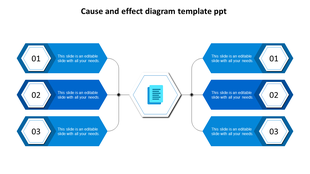
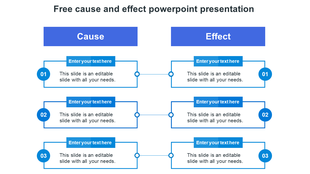
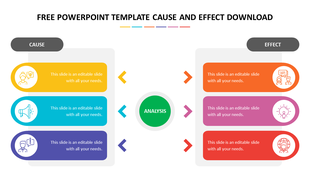
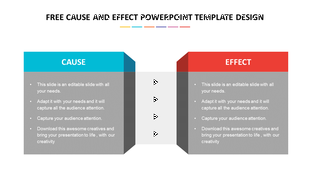
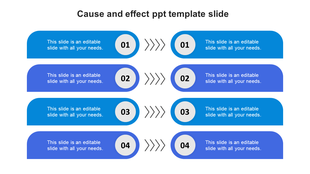
Blue cause and effect PowerPoint slide with numbered sections and directional arrows with placeholder text.
Free
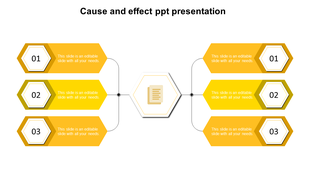
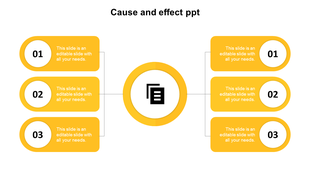
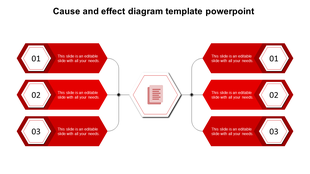
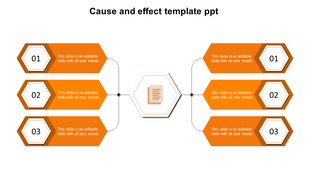
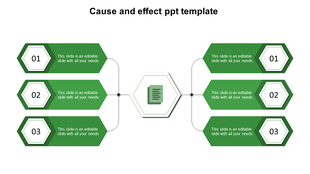
Cause and effect diagram with six numbered yellow hexagons connected to a central document icon.
Free
Circular cause and effect infographic with six stages, each depicted by red icons around a central gear icon.
Free
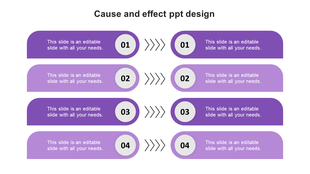
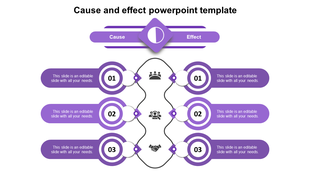
Cause and effect layout in gradient purple with four mirrored step pairs joined by chevron arrows and circular numbers.
Free
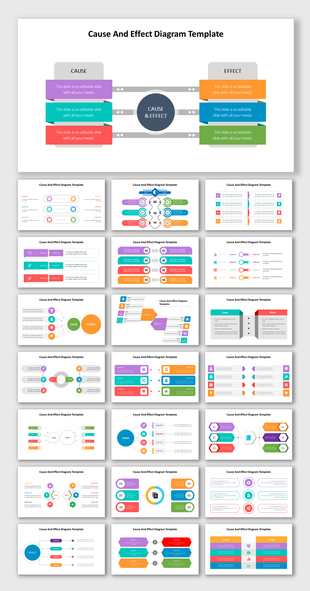
Collage of 25 colorful slides featuring various cause and effect diagram layouts using arrows, boxes, and circular elements.
Free
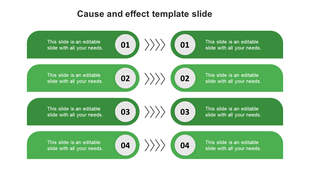
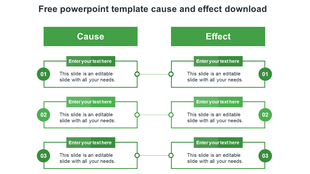
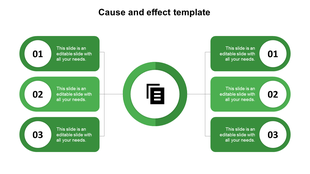
Cause and effect layout in green tones, showing mirrored blocks with circular numbers and chevron connectors.
Free
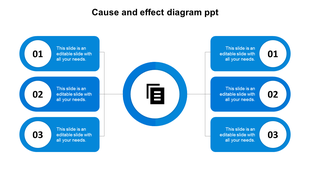
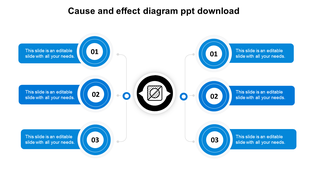
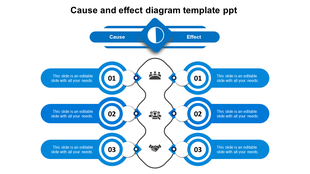
Three blue circular elements with numbers and text areas connected to a central document icon in a cause and effect layout.
Free
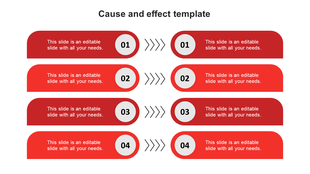
Cause and effect template with four red rectangular sections in two columns and arrows pointing to numbered labels.
Free
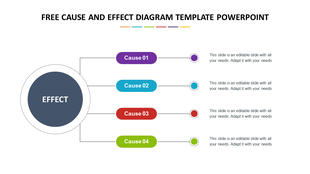
Central dark blue circle linked to four colored rectangles in purple, blue, red, and green with dashed outlines.
Free
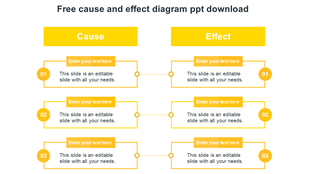
Yellow cause and effect diagram PowerPoint template with numbered sections and text boxes on a white backdrop.
Free
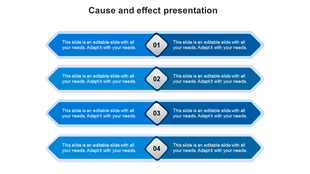
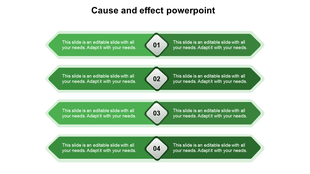
Cause and effect diagram with four rows of blue arrows and central diamond steps numbered 01 to 04.
Free
Blue themed cause and effect diagram PowerPoint template with circular steps connected to a central node.
Free
Circular cause and effect PowerPoint template with green numbered sections with placeholder text.
Free
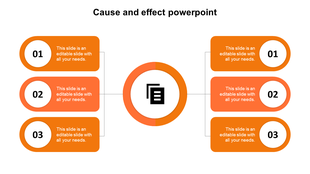
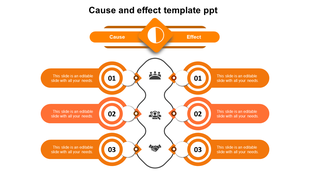
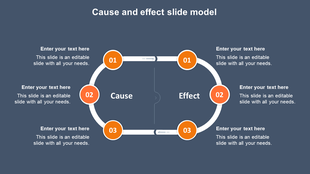
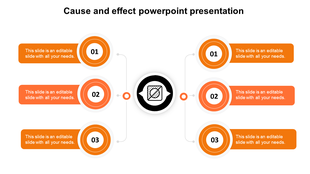
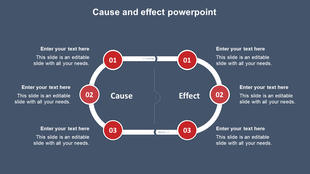
Cause and effect diagram with three orange circles, connected by a white loop, and labeled sections for text.
Free
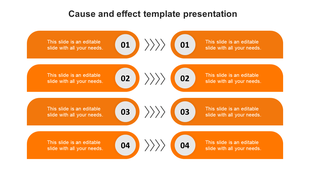
Slide featuring a cause and effect layout with four orange banners, each containing two sections and numbered diamonds.
Free
A PowerPoint template for a cause and effect diagram, featuring text fields and icons for causes and effects.
Free
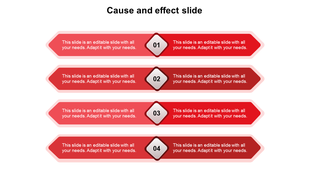
A visually striking cause and effect slide design featuring bold red arrows and diamond shapes with placeholder text.
Free
Orange themed cause and effect diagram PowerPoint template with circular steps connected to a central node.
Free
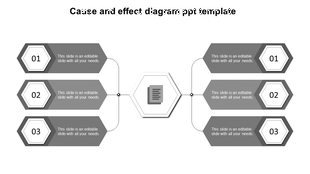
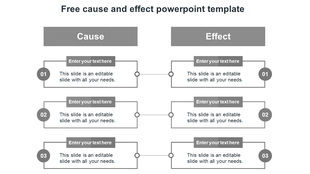
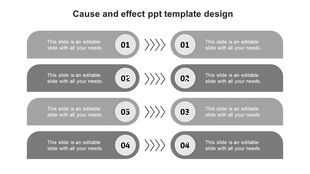
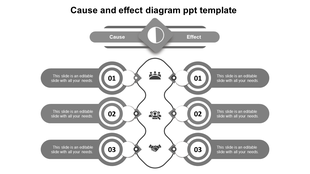
Four gray horizontal sections in two columns with numbered circles and arrows, each labeled with text.
Free
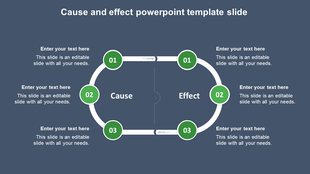
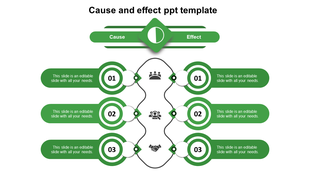
Green cause and effect slide with three rounded steps on each side, connected by icons and a central wavy vertical divider.
Free
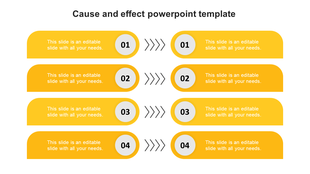
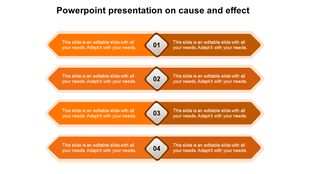
Slide featuring an orange cause and effect template with four rows, each showing numbered steps and connecting arrows.
Free
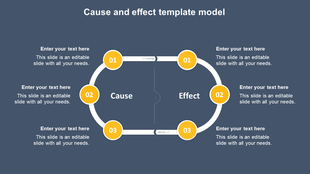
Circular cause and effect PPT template model with yellow numbered sections and placeholder text.
Free
Green themed cause and effect PPT slide diagram with a circular center and six connected placeholder text boxes.
Free
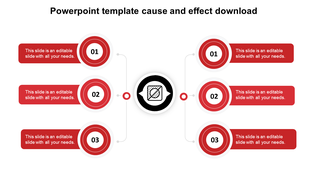
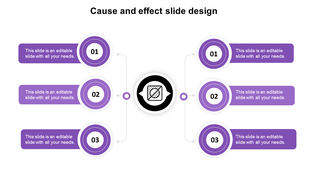
Cause and effect diagram with six purple numbered circles, three per side, pointing to a central black and white icon.
Free
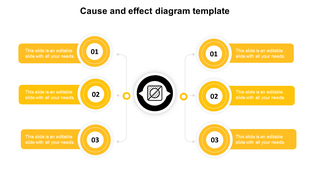
Cause and effect diagram with six yellow numbered circles, three on each side, linked to a central black icon.
Free
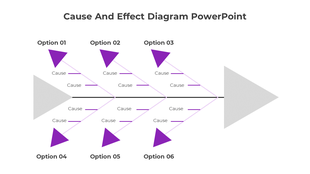
Cause and effect slide with six purple arrows leading to a grey fish bone diagram, showing multiple option.

Showing48 of114

Understanding Why Things Happen: Free Cause and Effect PowerPoint Templates and Google Slides Themes!


Have you ever wondered why something happens? That's where cause and effect play a role! It's like a story with two parts: something happens first (the cause), and then something else happens because of the first thing (the effect). This category has everything you need to create amazing presentations that explain cause and effect in a clear and engaging way.

What is a Cause and Effect Diagram?

Imagine a fishbone! A cause and effect diagram, also called a fishbone diagram, looks a bit like that. The main problem (the effect) goes in the head of the fish. Then, lines branch out like fishbones, with each line showing a possible cause of the problem. This is a great way to show how many different things can contribute to one issue. Our cause and effect presentation templates make it easy to create these diagrams.

Why Use Cause and Effect Presentations?

There are many reasons to use cause and effect presentations:

  • Solve problems: By understanding the causes of a problem, you can find ways to fix it!
  • Make decisions: Knowing the effects of different choices can help you pick the best one.
  • Explain ideas: Cause and effect presentations are a great way to show how things are connected.
Slides that Make a Splash!

Our cause and effect slides are designed to be:

  • Colorful and eye-catching: Who wants to look at a boring presentation? Our slides are bright and engaging, so your audience will stay interested.
  • Easy to use: You don't need to be a design expert to use our slides. They're simple to customize with your own information.
  • Flexible: We have slides for all sorts of cause and effect relationships, including fishbone diagrams, concept maps, and more.

Here's What Makes Our Impact Slides Special:

  • Ready-made slides: No need to start from scratch! We have a variety of pre-made slides that you can use right away.
  • Change it up: All of our slides are 100% editable. You can change the colors, fonts, and graphics to match your style.
  • Multiple formats: Our slides come in both PowerPoint and Google Slides formats, so you can use whichever program you prefer.
  • Portrait or landscape: Choose the slide layout that works best for your presentation.
  • Free options: We even have a selection of free slides to get you started.

Who Can Use These Slides?

Anyone who wants to explain cause and effect in a clear and engaging way can use our slides! This includes:

  • Teachers: Help your students understand how the world works!
  • Business professionals: Solve problems and make decisions more effectively.
  • Students: Create amazing presentations for school projects.

Ready to get started? Stop wondering why things happen and start explaining it with our cause-effect PPT templates!  Browse our selection today and find the perfect slides for your next presentation.

Frequently Asked Questions

What are Cause And Effect?

Cause and effect state that events occur as a result of something causing them to occur. A cause is a reason why something occurs. What happened was an effect.

What are Cause And Effect PowerPoint Templates?

Cause And Effect PowerPoint templates are the best slides designed with excellent themes to create an effective presentation in no time. These slides are the perfect choice to showcase the different causes and effects in the business, sales, and products or services.

How can I make a Cause And Effect PowerPoint Template for a presentation?

A professional PowerPoint designer will find it much easier to create a template. If you wish to make your own PowerPoint template, check out our PowerPoint tips & techniques section. If you're new to designing templates, you should start with pre-designed layouts.

Who can use Cause And Effect PowerPoint Templates?

Everyone can use the Cause And Effect PowerPoint Template to describe the reason for different causes and effects in business processes, development, and product making. Also, it will be suitable for educators to find the student's cause and effect.

Where can I find free PPT Templates?

There are numerous free PowerPoint providers available online where you can obtain templates for free. However, you may require help with the template designs, colors, themes, backdrops, and images. Always get templates from a reputable website, such as Slide Egg.