Best powerpoint templates for comparison

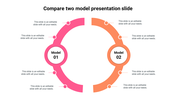
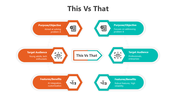
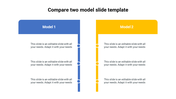
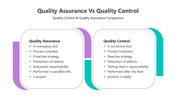

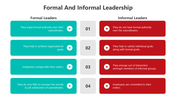
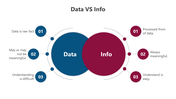
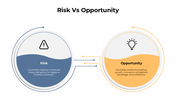
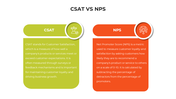
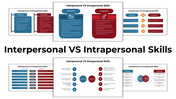
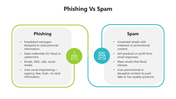
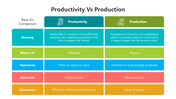
Technology Comparison Template
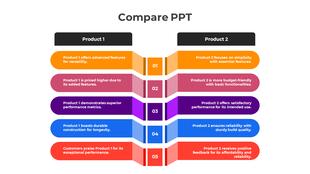
Ever wish explaining tech choices was a breeze? Jump into our Comparison PowerPoint Slide—your ticket to clarity in a world of gadgets and widgets.
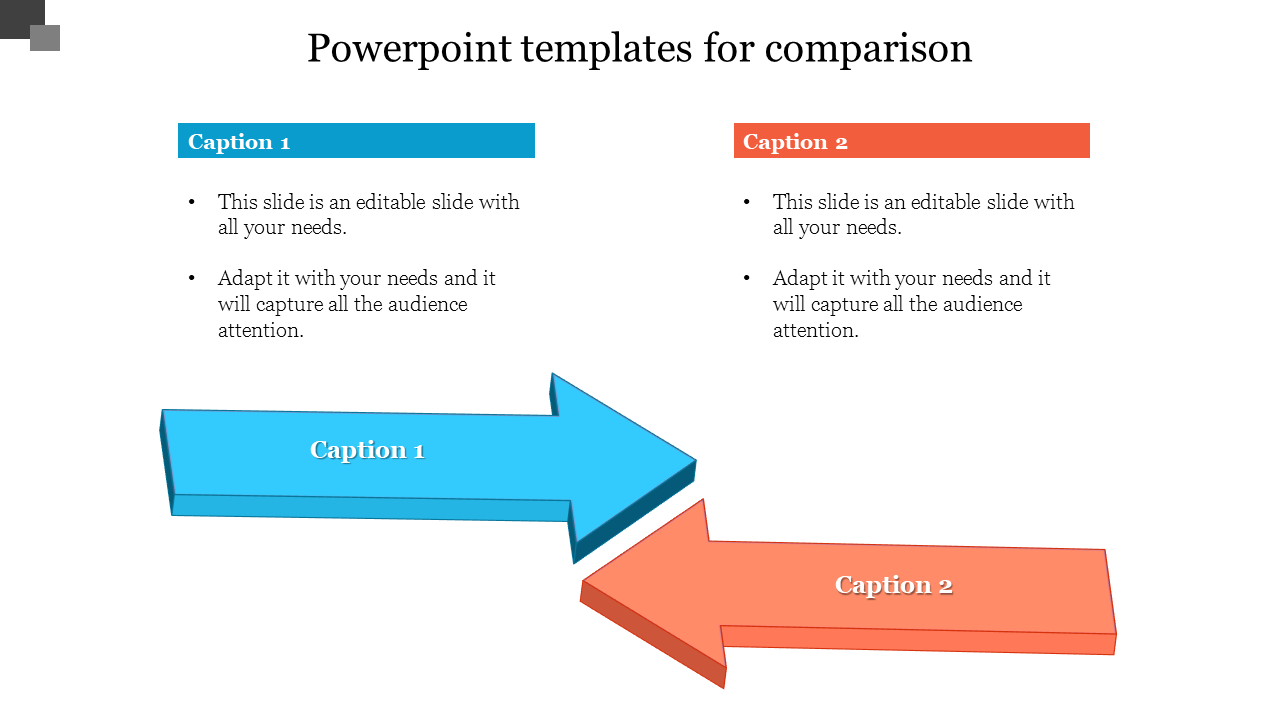
Meet our icons, each rocking its vibrant hue. Think of them as your tech balance. Need to compare software, hardware, or anything in between? These icons do the talking, loud and clear. Under each icon, there's a text holder—a blank slate for your insights. Tell your tech tale, break down differences, and make your point pop. Perfect for chats with colleagues, clients, or anyone hungry for a tech scoop.
This slide is for you, IT enthusiasts, project managers, and those who make decisions. Navigate through technological complexity, make wise choices, and dazzle your audience with clever analogies. It's quite easy to use. Include it in your pitches, reports, and presentations. You don't need to be proficient in technology to focus on what matters.
Ready to level up your tech talk? Grab our Comparison PowerPoint Slide. Make your message crystal clear because, in tech, every choice counts.
Features of the Templates
- 100 % customizable slides.
- The slide show is in 4:3, 16:9, and zip format.
- There is powerful connectivity with Google Slides and PowerPoint.
- It is simple and quick to alter the slide's color.
- An efficient template that can be easily accessed immediately.
- Well-crafted template with an instant download facility.








You May Also Like These PowerPoint Templates
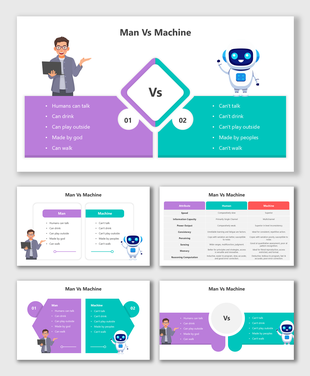
Showing20 of69,218 templates