Get Now! Project Plan PowerPoint And Google Slides

Pack of 17 slides
P.ID : 12024
Advertisement
462 views
122 Downloads
Designer
Kavitha
Get Custom Slides by Experts
Enhance Your Presentations with Add-ins
Google Slides Add-in
Access templates directly in Google Slides
Microsoft PowerPoint Add-in
Access templates directly in PowerPoint
GPT Add-on
AI-powered presentation assistance

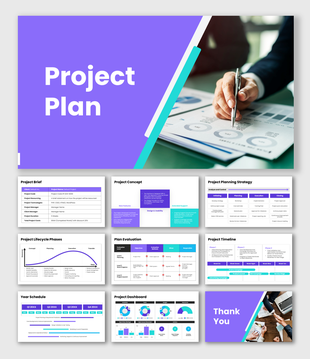
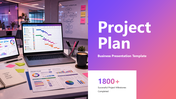
Project Plan PowerPoint, Google Slides, and Canva Template


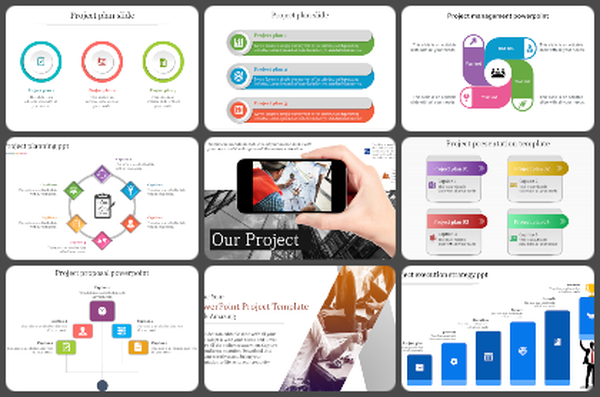
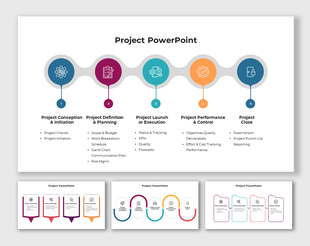
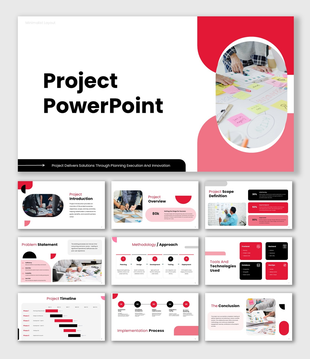
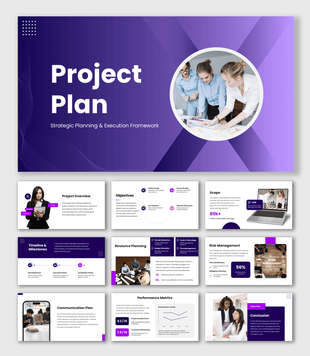
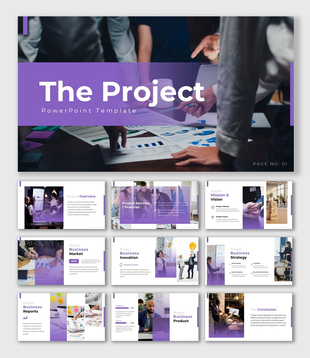
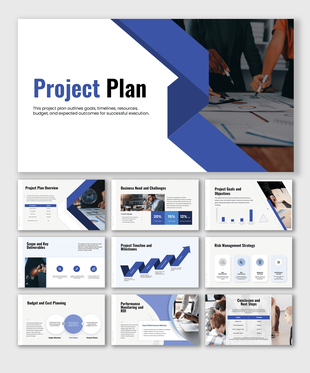
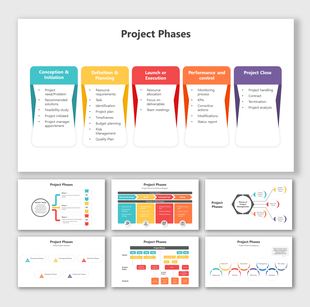
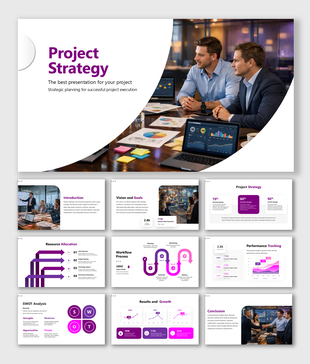
The Project Plan presentation template is a professional and modern slide deck designed to present project strategies, milestones, and execution plans in a clear and structured manner. With its vibrant gradient theme and business-focused layouts, this template is ideal for project managers, business teams, and corporate presentations.

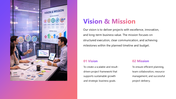
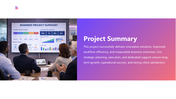
This template includes key sections such as project introduction, vision and mission, project facilities, project strategy, team overview, services, portfolio, project summary, and thank you slide. Each slide is thoughtfully organized to help explain project objectives, workflows, timelines, responsibilities, and outcomes effectively.

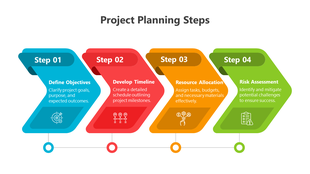
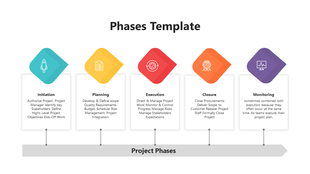
It is perfect for business project proposals, client presentations, team meetings, progress reviews, and strategic planning sessions. The template helps showcase project milestones, resource planning, and performance insights in a visually appealing format.

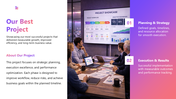
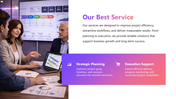
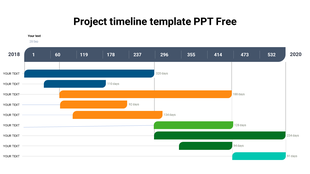
The slides also support presenting team roles and responsibilities, service offerings, and portfolio highlights, making it easier to communicate project scope and achievements. With modern visuals, charts, and workspace imagery, the presentation creates a professional impact for business audiences.

Fully editable elements allow users to customize text, colors, images, and data points based on specific project requirements. Overall, this template is an excellent choice for delivering clear, engaging, and business-ready project presentations.


Features of this template

  • 100% customizable slides and easy to download.
  • The slides contain 16:9 and 4:3 formats.
  • Easy to change the colors quickly.
  • Highly compatible with PowerPoint, Google Slides, and Canva templates.
You May Also Like These PowerPoint Templates