The Innovative Project PowerPoint And Google Slides
Pack of 18 slides
P.ID : 7193
Advertisement
1.4K+ views
136 Downloads
Designer
Kavitha
Get Custom Slides by Experts
Enhance Your Presentations with Add-ins
Google Slides Add-in
Access templates directly in Google Slides
Microsoft PowerPoint Add-in
Access templates directly in PowerPoint
GPT Add-on
AI-powered presentation assistance

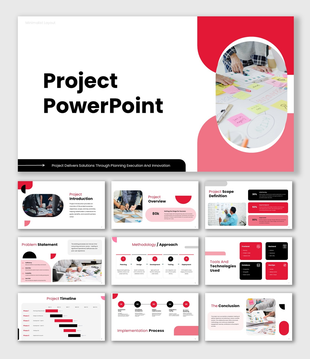
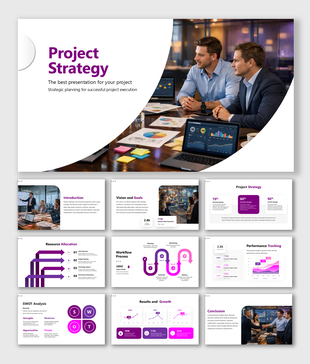
Project PowerPoint, Google Slides, and Canva Template


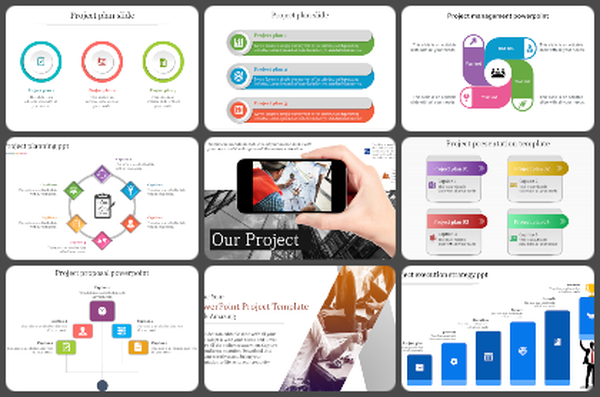
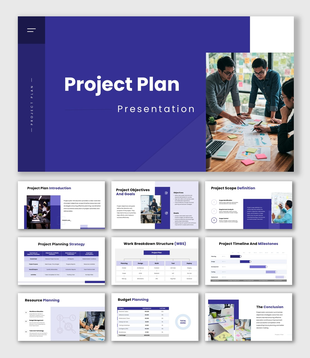
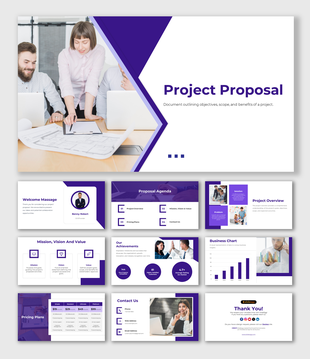
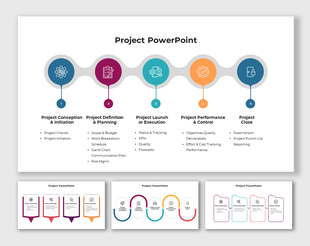
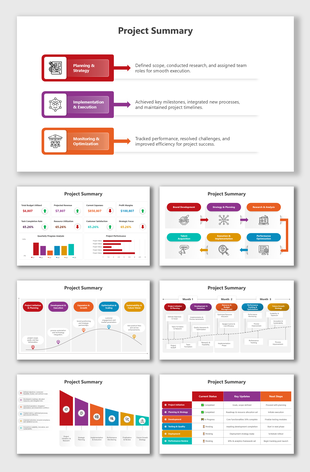
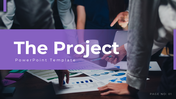
Turn your ideas into a clear and powerful story with this modern Project PowerPoint Template. Designed with a clean purple color theme, this template gives your presentation a professional and confident look. It helps you explain your project step by step in a simple and engaging way.
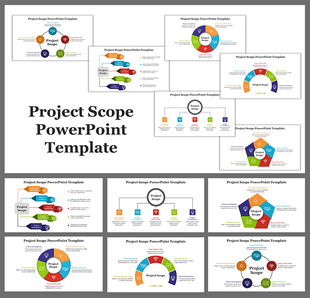
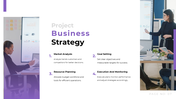
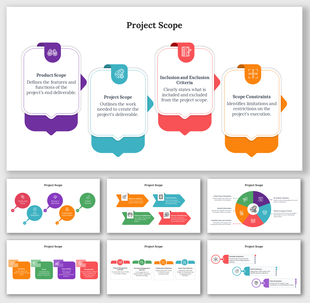
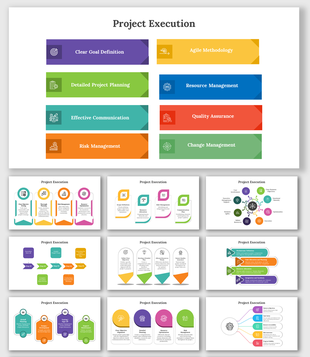
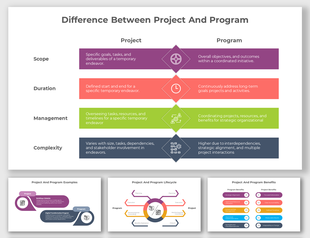
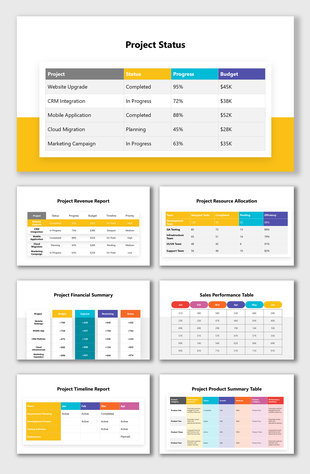
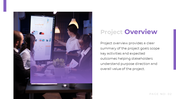
This presentation covers everything you need, including project overview, mission and vision, business strategy, innovation, reports, and final conclusion. Each slide is carefully designed to guide your audience smoothly, making even complex project details easy to understand.

Whether you are presenting in a business meeting, classroom, startup pitch, or corporate review, this template helps you communicate your ideas with clarity and impact. The balanced layout, modern visuals, and structured content flow make your presentation look neat and professional.

With fully editable shapes, icons, and text placeholders, you can quickly customize every slide to match your project needs. No design skills required—just add your content and present with confidence.

Download now and create a professional project presentation that stands out!


Features of this template

  • 100% customizable slides and easy to download.
  • The slides contain 16:9 and 4:3 formats.
  • Easy to change the colors quickly.
  • Highly compatible with PowerPoint, Google Slides, and Canva templates.

You May Also Like These PowerPoint Templates
Free
Add to Wishlist Download Edit
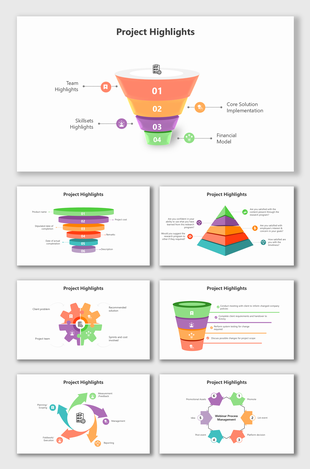
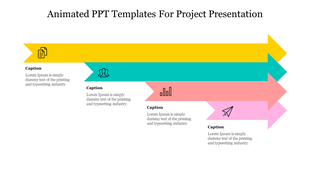
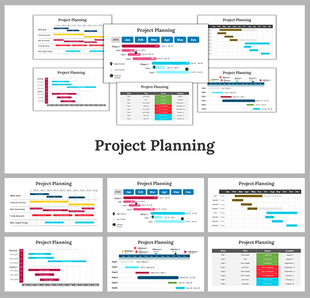
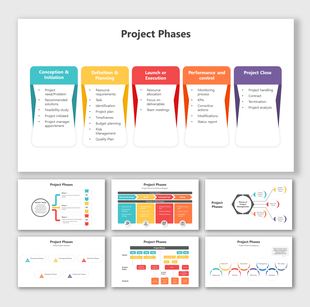
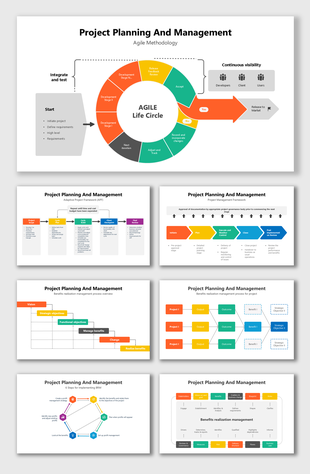
Detailed Project Planning And Management process with linear workflow, color-coded phases, and continuous feedback loops.
Free
Add to Wishlist Download Edit
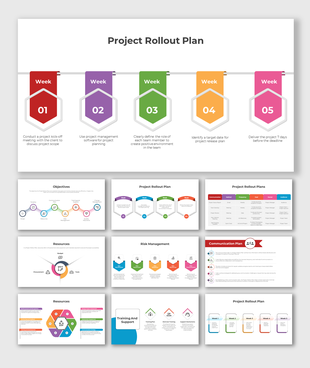
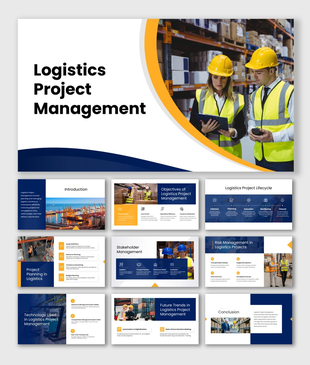
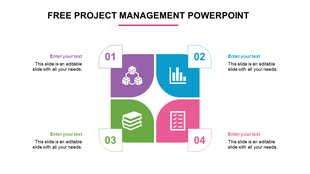
Project management layout with purple, blue, green, and pink blocks featuring icons, numbers, and surrounding text boxes.